
Vehicle Wrap Artwork Preflight Checklist
Use this self-check to organize the files, vehicle references and approvals a commercial graphics project needs. Check the items your business has gathered, note what is missing and download the result. The tool does not inspect artwork files or approve them for printing.
Organize Your Artwork Review
This worksheet does not send or save its entries. Download a copy before leaving. Use the quote form separately to send your project details.
This self-check organizes your source package. It does not inspect files, verify permissions or approve artwork for production.
Downloading does not submit an enquiry or reserve an installation date. Keep your copy and provide relevant details through the quote form when ready.
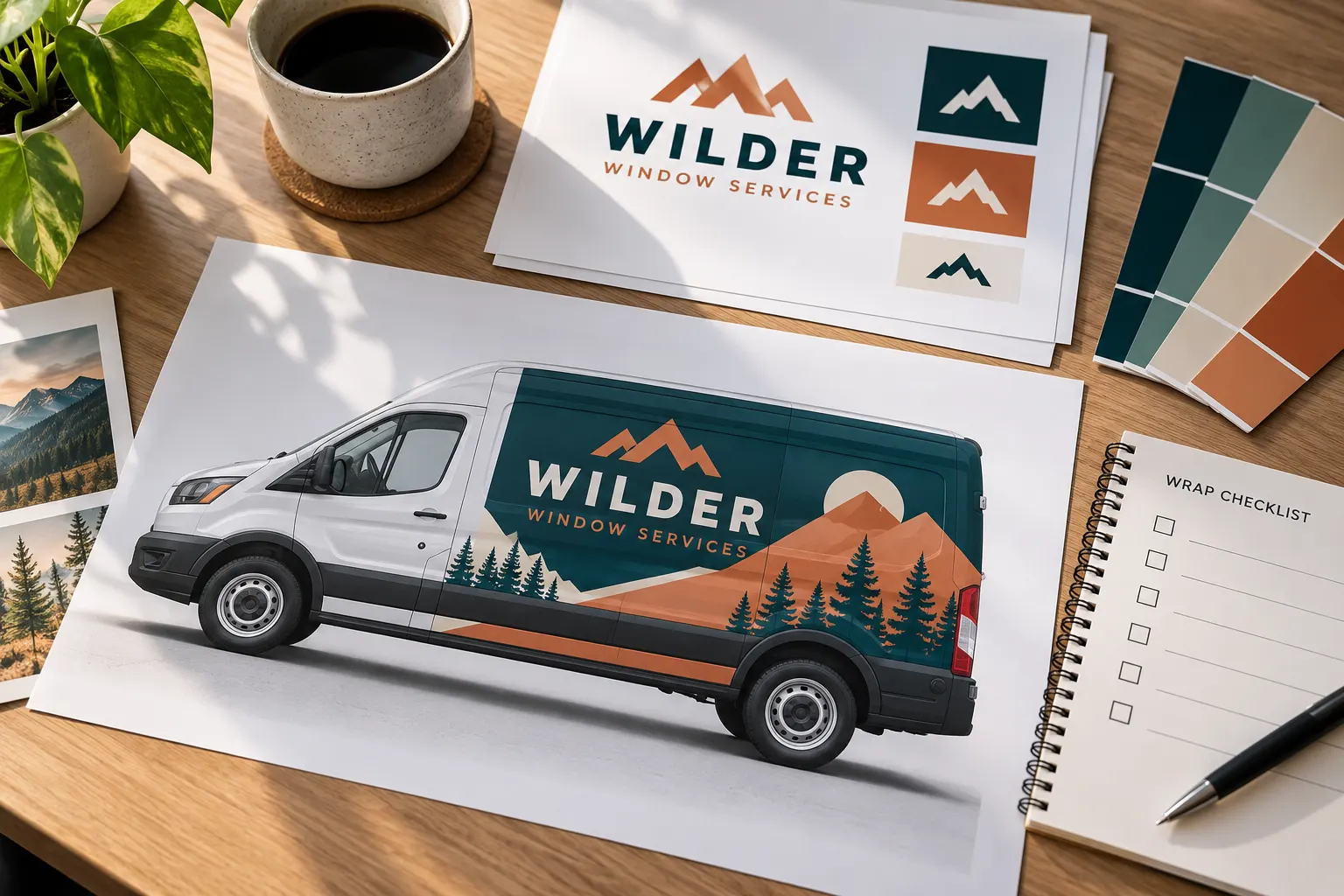
AI-generated illustrative planning scene with fictional business branding; not documentary customer or shop photography.
Use a self-check to prepare the source package
The artwork guidelines explain design and approval decisions. This checklist turns those decisions into an organizational task you can complete with your team. Start with a project reference and coordination owner, then check the items you have gathered. Add missing files, unresolved questions and reviewer names in the notes.
A checked box means your team has organized an item; it does not mean software has examined it. The tool does not open uploads, measure image quality, inspect fonts or confirm permissions. Production artwork still needs review for the actual vehicle and scope. Keep that distinction clear when sharing the downloaded checklist with colleagues.
Connect the artwork to the exact vehicle configuration
Record the body details and collect current photographs before treating a layout as a final reference. Vans can differ by wheelbase and roof height. Pickups may have racks or different beds, and commercial trucks may carry aftermarket bodies. A familiar model name is not enough to prove that an existing layout fits another vehicle.
Include side and rear photographs, with close views of handles, gaps, hinges and equipment where useful. Identify old graphics and planned accessory changes. Use the fleet inventory worksheet when several configurations are involved. The preflight checklist records that those references are organized; the vehicle-specific review remains a separate task.
Gather the best available brand sources and permissions
Locate original logo artwork, brand guidelines, color references and the files used for earlier approved designs. Include a visual reference so the intended identity is clear. Explain when a screenshot or small web image is the only available source. Renaming a file does not improve the underlying artwork, so be candid about what you actually have.
Identify the rights or permissions your business needs for supplied photographs, illustrations and typefaces. Keep those records with the source package and name the person who can answer questions. The tool cannot verify ownership or licenses. Do not check an item simply because an image was easy to find online or appeared on another business’s vehicle.
Agree the message before reviewing decorative detail
Write the essential business name, service description and primary contact route in plain text. Have the decision maker confirm that wording before layout changes become complicated. If the business needs particular identification displayed, provide verified details from its own records and confirm the requirements relevant to the operation.
Check phone numbers and domains character by character. Decide which secondary information deserves space and which can remain on the website. Use the notes field to record open questions rather than burying them in a long email chain. A clear message brief gives the design review a practical basis beyond personal preferences about decoration.
Review coverage and hardware against the proof
Identify which panels are included and how original paint remains visible. A partial-wrap label does not define a universal boundary, and full coverage still needs its included surfaces explained. Review the side and rear views separately around door splits, handles and access equipment. The layout should relate to the actual body photographs.
Use the partial coverage and full coverage pages if that choice remains open. Record exclusions and details needing confirmation. A self-check cannot establish that a production file has adequate allowances or a suitable material setup; those questions belong in the actual artwork and project review.
Assign an approval owner and one clear version
Choose a person authorized to consolidate feedback and verify commercial details. Identify other reviewers where your organization requires them, but keep the response coordinated. Use a dated proof version and return changes against that reference. Multiple contradictory responses can make it unclear which wording or layout has actually been approved.
The final checklist item keeps production review explicit. A completed organizational list should not be used as an automatic approval to print. Before authorization, confirm the vehicle version, coverage, wording and quantity against the written scope. The project process connects this review with production and installation arrangements.
Download the checklist and use it in the project brief
The CSV records the current project fields, checked and unchecked items and your notes. Download before leaving because the worksheet itself does not save or send entries. Keep the file with the actual artwork sources and vehicle photographs. It is a useful handover record, not a substitute for those files or for a final proof.
Send a separate project quote request with the available sources and explain what needs design work. Unknown items are acceptable when identified clearly. The desk image on this page is an AI-generated illustrative scene with fictional branding, not a real customer approval record or documentary shop photograph.
Frequently Asked Questions
Turn Your Vehicle Details Into a Clear Project Brief
Send current photographs, vehicle quantities, logo files, coverage preferences and timing. Identify old graphics and paint concerns so the project review can address the actual equipment.
Explore planning resources or request your commercial wrap quote.
