
Vehicle Sensor and Camera Graphics Exclusion Map
A vehicle sensor and camera graphics exclusion map is a vehicle-specific planning record. It connects an actual area to its manufacturer information, photographs and review status before graphics placement is released. It should not guess sensor locations from a concept image or assign one clearance to an entire fleet. Build the record from the actual unit and applicable equipment sources, with unresolved areas kept out of dependent decisions until reviewed.
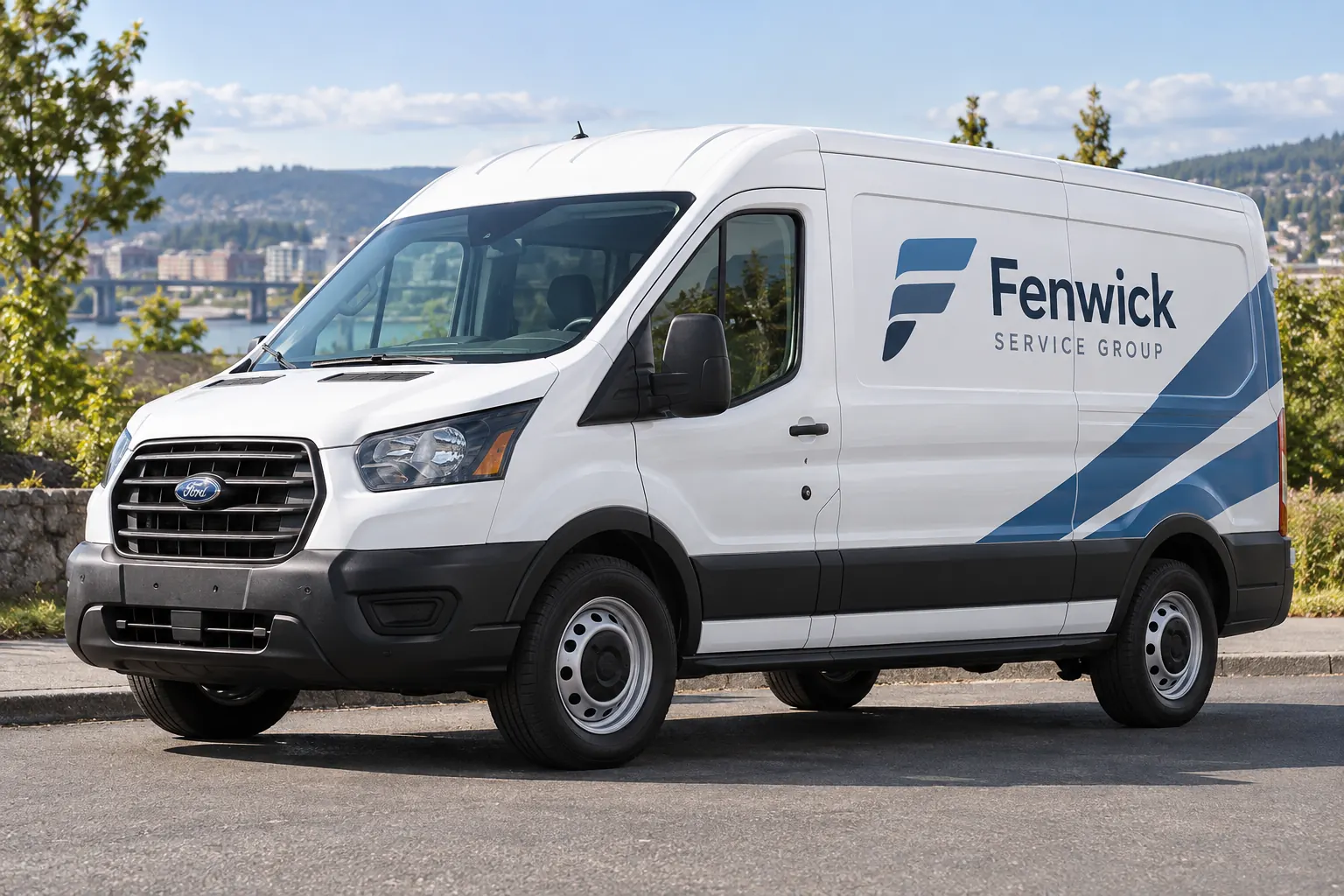
Original fictional commercial planning concept; not a completed customer installation.
Identify the actual vehicle and installed equipment
Record the unit, model year and relevant equipment configuration through the fleet’s normal information process. Ask the responsible vehicle contact to identify which manufacturer documents and equipment references apply. Keep similar-looking vehicles separate where their equipment or body configuration differs. A photograph can support identification without proving every hidden component or system boundary.
Provide current overall and detail views of the proposed graphics areas. Do not dismantle trim, operate unfamiliar systems or make a technical assumption merely to complete a form. Mark unidentified features as pending and assign the relevant question to the responsible reviewer. The planning map should expose uncertainty rather than make an incomplete vehicle survey appear authoritative.
Use primary manufacturer information as the source
Start with the applicable owner information, body/equipment guidance or other manufacturer source for the actual vehicle and equipment. Record the document title, model applicability and relevant section. A broad internet image or another company’s wrap should not become the basis for an exclusion decision. Keep the actual source available to the project reviewers.
As a specific example, Ford’s linked cross-traffic sensor manual section tells readers not to cover its sensors with stickers or other objects. That instruction supports consulting the actual vehicle source; it does not establish every Ford model’s sensor location or a universal fleet clearance. Mercedes-Benz Vans also maintains model-series body/equipment publications and related camera or assistance-system addenda. Select the applicable sources rather than borrowing dimensions from a different configuration.
Primary references: Ford cross-traffic sensor owner information and Mercedes-Benz Vans body and equipment publication index. Select the sources applicable to the actual unit.
Give each area a reference tied to actual evidence
Create a simple area identifier and connect it to the unit, photograph and source section. The identifier is a tracking label, not an inferred technical boundary. For example, an entry can remain “area pending manufacturer review” until the responsible contact has supplied the applicable information. Do not fill a blank with a convenient circle around a visible body feature.
Record the actual supplied requirement and the person responsible for confirming it. Where the relevant boundary or instruction is not yet established, keep the associated graphics placement pending. The record can still help organize the rest of the brief. Its value comes from linking real evidence and decisions, not from making every row look complete before the necessary information exists.
Separate the source record from a decorative proof
Give the graphics provider the current exclusion record alongside the approved identity and proposed coverage. Ask the actual areas to be reviewed against the supplied vehicle information. A concept rendering should not be used as evidence that a feature can be covered, moved or treated. Keep any change to equipment outside the ordinary branding decision and with the appropriate responsible process.
The fictional Fenwick Service Group image is an editorial commercial concept only. It intentionally supplies no sensor map, clearance dimensions or technical labels. Your actual record should identify the vehicle and sources that govern the project. A clear business identity can be discussed while a particular placement remains pending; the designer should not have to invent missing equipment rules to finish a mockup.
Review status before releasing dependent placement
Use factual states such as information requested, source identified, reviewer confirmation pending or reviewed reference recorded. Identify which proposed area depends on each open item. Avoid a general note that the van has cameras without showing how that information reaches the artwork decision. The buyer needs a visible link between the question and the placement it affects.
Record the exact proof version after relevant changes are reviewed. Keep business wording approval separate from equipment-source review and the actual production release. A correct company name does not confirm that sensor-related questions have been settled. When instructions conflict or applicability is unclear, send the issue to the responsible vehicle or manufacturer contact rather than allowing the layout to choose the answer.
Retain change triggers and body-specific limits
Keep the reviewed record with the unit and applicable body or equipment group. Identify what changes require another review: a different model year, equipment configuration, relevant repair or revised proposed coverage. Do not extend the map to another van solely because the exterior looks similar. Check the actual information needed for that asset.
For a later concern involving vehicle systems, use the fleet’s appropriate vehicle-service process and provide the relevant project references to the responsible parties. Do not use this graphics record as a diagnostic tool or infer a cause from a proof image. It preserves the source and placement decisions; technical diagnosis and equipment work require their own appropriate assessment.
Prepare an evidence-based exclusion review package
Use the working record below to collect the unit, area identifiers, photographs, applicable documents, supplied requirements, reviewers and open decisions. Save the text and retain the actual sources separately. It is an administrative graphics-planning map, not a manufacturer diagram, calculated clearance or authorization to modify a camera, sensor or related equipment.
For Pelican Wraps, send the actual vehicle information, current photographs, approved brand files and requested areas together with the applicable source record. Identify unresolved equipment questions and the contact responsible for them. Use the broader survey and fleet resources for the overall project. The useful result is a traceable handoff in which graphics placement follows actual vehicle evidence rather than an invented universal rule.
Draft and Download Your Working Record
Draft your entry, then download a copy before leaving. Send any project decision through the communication process agreed with your supplier.
Frequently Asked Questions
Take the Next Step with a Clear Project Brief
Continue with the resource that matches your next decision:
- Commercial Vehicle Photo & Measurement Guide
- Fleet Wrap Design Standards
- Adding New Vehicle Models to a Branded Fleet
- Request a Quote
- Vehicle Wraps
Send the actual vehicle or surface photographs, quantities, approved brand files, requested coverage and timing constraints. Identify open questions so the project review can address your equipment and business needs.
