
Vehicle Graphics QR Code Proof Test
A vehicle graphics QR code proof test should identify the exact code, what it decodes to and what happens when the destination opens. It should then connect those results to the actual artwork version being reviewed. Test in an appropriate stationary setting using the relevant final-size proof or sample arranged for the project. This record helps document the test; it does not decode a code automatically or guarantee scanning from every distance, device or condition.
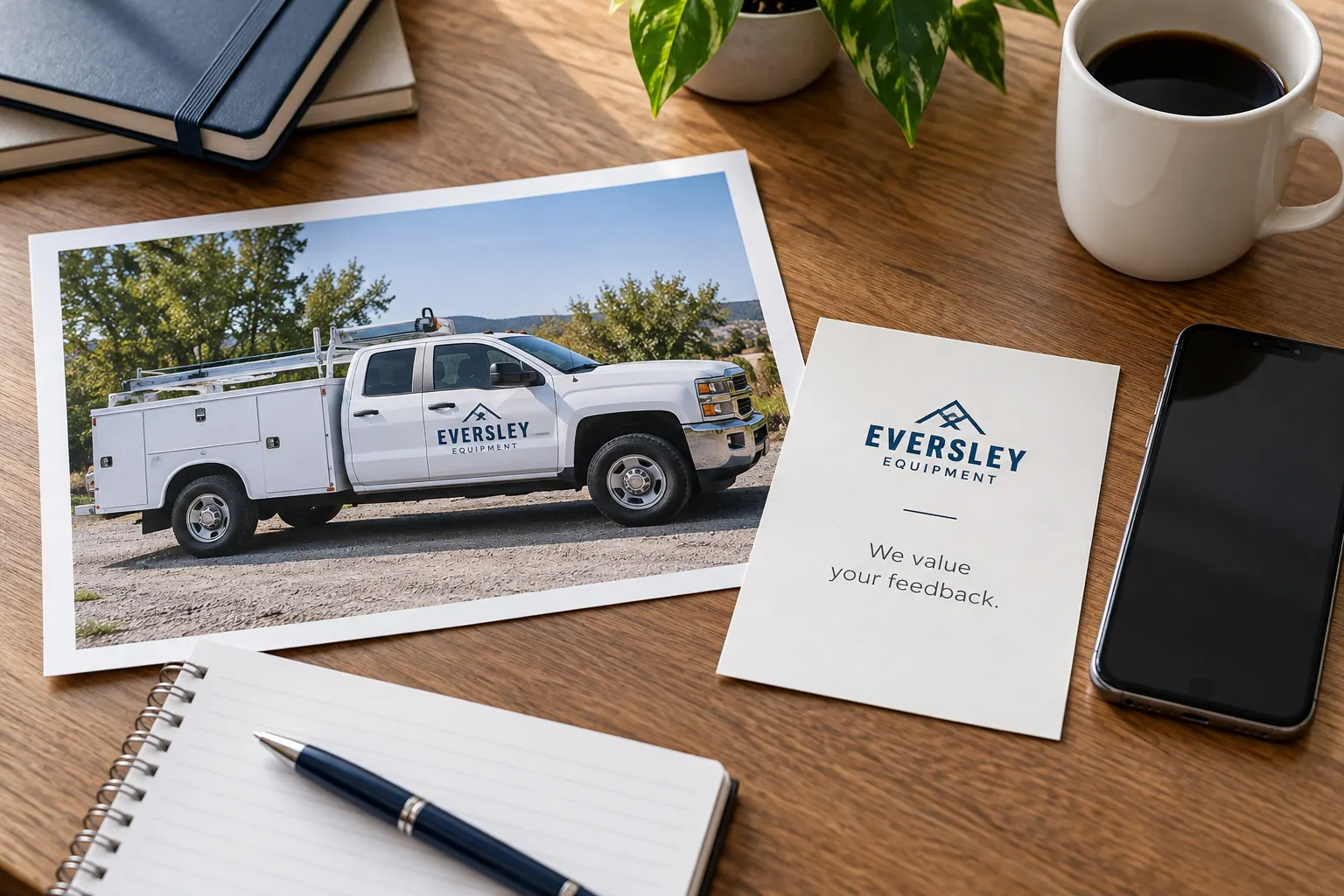
Original fictional commercial planning concept; not a completed customer installation.
Record the intended action before testing the symbol
State what the reader should reach and do: open a defined inquiry page, view a current service resource or another business-approved action. Identify the destination owner and the exact expected address through the company’s controlled source. A code opening a page is not enough if it sends the reader to the wrong business, retired campaign or unready form.
For fictional Eversley Equipment, a test could compare the decoded address with the company’s approved project destination and check the actual next action. The concept image intentionally contains no working QR symbol or scan result. Your record needs the real code source and expected destination, not an assumption that an illustration or original generator preview represents the final artwork.
Identify the exact code and any redirect dependency
Record the source file, artwork version and payload information supplied for review. If the code relies on an intermediary or redirect service, identify the account owner and the person responsible for maintaining the destination. Keep credentials outside the project package. Ask what happens when the campaign or staff owner changes rather than allowing an unowned dependency to become permanent vehicle artwork.
Compare the actual decoded text with the expected source. Keep a copied address, redirected destination and final page distinguishable in the record. Do not silently change one while leaving the proof and test reference unchanged. A clear record lets the next buyer locate which exact symbol and destination were tested when an older vehicle remains in service.
Preserve the symbol requirements and review the actual artwork
DENSO WAVE’s QR guidance specifies a quiet margin four modules wide around a standard QR symbol. A module is the symbol’s grid unit; that requirement is not a universal physical vehicle-code size or a promise about scan distance. Keep the actual artwork and proposed output context available for the provider’s review instead of converting the guidance into an invented one-size-fits-all measurement.
Check the code as it appears in the current proof, including its surroundings and any proposed decorative treatment. Do not assume that a source code tested before layout remains equivalent after unreviewed edits. If artwork changes affect the symbol or its area, identify the version and repeat the relevant test through the project process.
Primary reference: DENSO WAVE guidance on determining QR code area.
Test the current proof in a suitable stationary setting
Use the actual final-size proof or project sample agreed for review and record what was tested. Try the relevant devices and ordinary conditions the business has selected for the intended audience. Do not test while driving or ask someone to enter a working vehicle path for a scan. Keep any vehicle or site access within the normal authorized safe process.
Record device, date, proof reference, context and result. If the code does not decode or opens the wrong destination, mark the result as needing review rather than inferring a cause. Ask the provider or relevant destination owner to assess the specific issue. A test in one context is useful evidence with stated limits, not a guarantee for every future reader.
Check the destination after decoding
Open the resolved destination and confirm the actual business page and intended next action in the selected device context. Check that the page is current and the route a customer needs is available. If the action is a form, use the business’s authorized test arrangement and clearly labeled test data when a functional test is appropriate. Do not send real inquiries merely to make the QR record look complete.
Keep a landing-page issue separate from a code-decoding issue. A symbol can decode correctly while the destination requires attention. Record the actual observation and responsible owner. This distinction helps the team fix the right part of the path instead of regenerating a code that already points accurately to a page whose content or function needs review.
Record pass, review needed and pending decisions accurately
Tie each result to the exact proof and destination reference. State what succeeded, what remains untested and what needs another action. Avoid a broad approved label when the code was tested only on a source preview or the final destination has not been checked. Identify who can authorize the relevant artwork and business routing decisions.
When the artwork, payload or destination arrangement changes, update the record and repeat affected checks. Keep historic results clearly labeled. A later buyer should be able to tell whether an old scan refers to the current vehicle file or a retired code. Do not let a successful test screenshot become the only source while the maintained file and contact ownership remain unclear.
Use a traceable QR proof-test handoff
The working record below collects the expected action, exact code and proof references, destination dependency, test context, result and next owner. Save the text and retain actual artwork and evidence through your normal process. The form is a documentation aid; it does not generate or scan QR symbols, verify a destination automatically or establish a universal physical print size.
For Pelican Wraps, provide the current code artwork, approved destination information, requested placement and test record. Include actual vehicle photographs and any open output or layout question. Use the artwork and fleet standards resources for the broader project. A useful handoff connects a real symbol to a real customer action without treating an attractive code preview as proof that the complete lead path works.
Draft and Download Your Working Record
Draft your entry, then download a copy before leaving. Send any project decision through the communication process agreed with your supplier.
Frequently Asked Questions
Take the Next Step with a Clear Project Brief
Continue with the resource that matches your next decision:
- Artwork Guidelines
- Fleet Wrap Design Standards
- Vehicle Wrap Artwork Preflight Checklist
- Request a Quote
Send the actual vehicle or surface photographs, quantities, approved brand files, requested coverage and timing constraints. Identify open questions so the project review can address your equipment and business needs.
