
Property Parking Zone Graphics
Property parking-zone graphics should reproduce the current allocation and wording supplied by the responsible property team. This brief connects those decisions with actual locations, proposed sign surfaces and project responsibilities. Use it for a defined printed identification request such as a visitor or tenant zone. Keep the property’s allocation, traffic and applicable signage decisions with their actual owners, while the provider assesses the graphics and physical work requested.
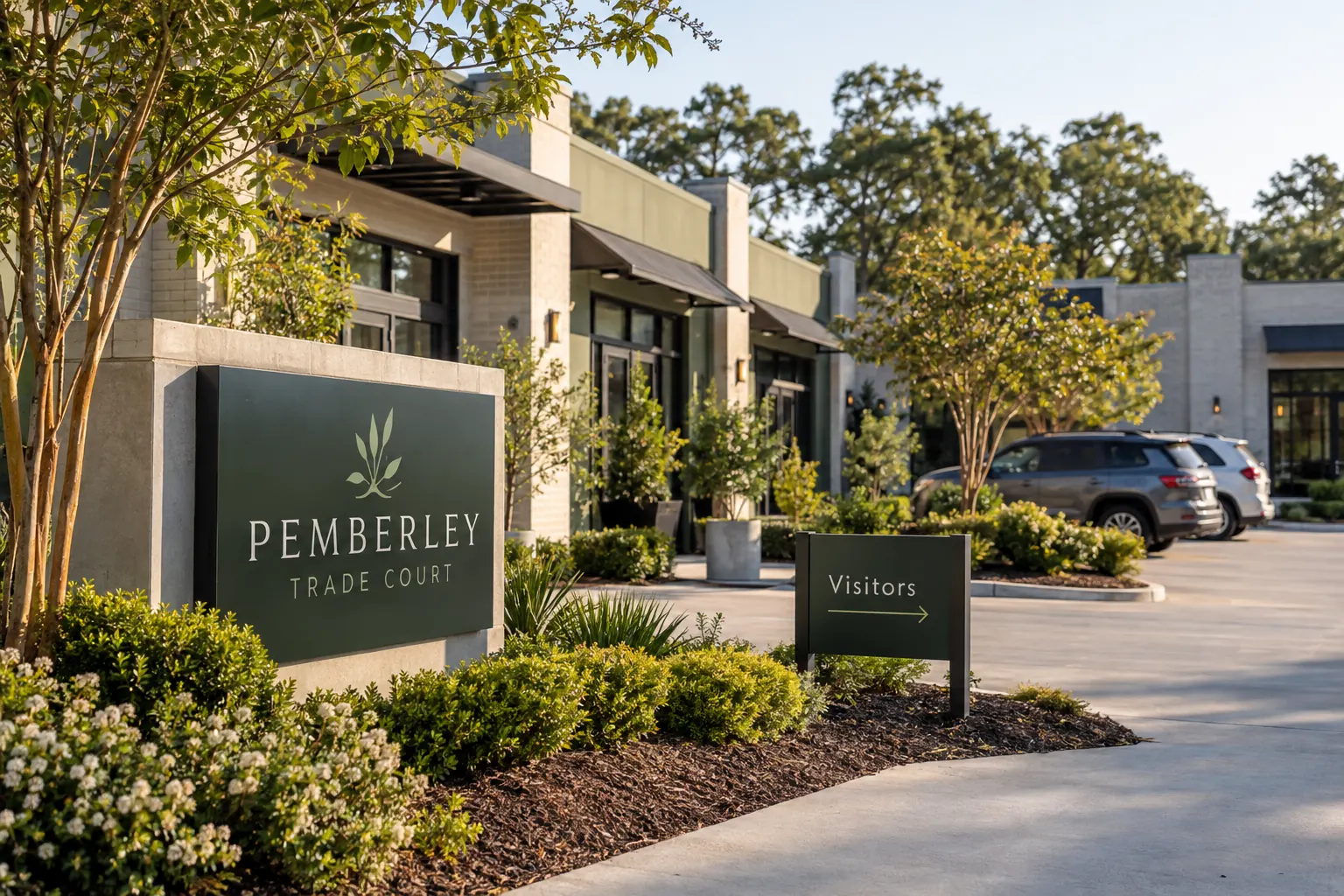
Original fictional commercial planning concept; not a completed customer installation.
Start with the property allocation source
Ask which current record governs the zones in the proposed request. Identify the owner, version and exact public wording supplied. Keep historical names separate from the active source. A space described casually as visitor parking by one employee may have a different current assignment in the property record.
List unresolved allocation questions before asking for final artwork. If a tenant request conflicts with the property source, name the responsible parties and next action. The designer should receive one coherent instruction rather than choose which business’s assumption is most convenient. This keeps the printed identity connected to the actual property decision instead of allowing a neat-looking sign to create an unconfirmed zone.
Map requested messages to actual locations
Give each proposed zone or sign location a plain reference and supply current context photographs. Show the relationship to relevant entrances and neighboring areas. Record actual assignments from the source rather than drawing boundaries from an aerial image or assuming the nearest tenant controls the location.
An illustrative row can state zone West Visitor Area, message Visitors, source current property allocation list, surface existing identified panel and action confirm the final proposed location with the property coordinator. These are example fields, not an allocation decision. The real team supplies the actual values. This helps the provider understand what is being requested without turning a concept image into a property plan.
Define the public message and its purpose
State what the graphic should help the intended audience identify, such as a named visitor area or approved tenant destination. Use exact wording and relevant identity files supplied by their owners. Keep decorative branding subordinate to the information task where that is the business direction.
If the request includes directions or additional conditions, identify their actual source and reviewer. Do not add an instruction merely because it seems helpful in the mockup. The property team should be able to explain the intended message and how it fits the current arrangement. Keep pending text visible so the graphics provider does not mistake a suggested phrase for settled public information.
Collect the actual sign-surface and site information
Provide photographs of the proposed panels or other identified surfaces, existing graphics and relevant surrounding features. Record available material information and who can clarify it. Keep dimensions and drawings labeled by source and status. Ask the provider what further survey or assessment is needed for the proposed product and work.
The Pemberley Trade Court illustration shows a fictional visitor-identification concept. It supplies no actual zone boundaries, measured location or complete sign specification. Your brief should identify the real surfaces and responsibilities. If the project needs new physical components, describe that request explicitly instead of assuming a printed-graphics inquiry includes every element of a complete parking-sign installation.
Keep supplied requirements and commercial work traceable
Retain the actual property, accessibility, traffic or other signage information supplied for the project, with its responsible reviewer. Connect it to the relevant locations. The graphics record can organize those sources without deciding their applicability or inventing a compliant layout from an illustration.
Ask the proposal to define requested graphics, fabrication, base surfaces, mounting or installation arrangements where relevant. Identify any separate work or decision owner. Compare options on the same current wording and location list. A meaningful total follows a described scope; it should not conceal the difference between refreshing graphics on an existing panel and supplying a broader physical system.
Review the proof and location mapping together
Compare exact text with the current property source and match each proof to its intended location. Check any approved identity and direction with the responsible owner. Record the version and decision rather than using a general message that all signs look good. A correct label on the wrong proposed location remains a specific problem to resolve.
When an allocation, tenant or requested surface changes, update the affected rows and ask for the relevant review. Keep old instructions as labeled history. Do not let a prior proof decision become apparent authority for a different current zone. The record should make later replacements easier by keeping one current message and location reference findable.
Send a defined parking identification inquiry
Provide Pelican Wraps the current allocation source, selected wording, actual location and surface photographs, requested instances and relevant supplied requirements. Name the property coordinator, decision reviewers and pending actions. Explain availability and desired timing, then ask for assessment of the actual graphics and physical scope.
Use the local worksheet below to retain allocation, location, copy, surface and responsibility references. Use commercial signs for the buying discussion and the multi-tenant responsibility map where several parties supply information. A useful brief lets the provider assess a real identification request while the property team can see which decisions and components it owns. It supports consistent current communication without asking the designer to create a parking policy through artwork.
Draft and Download Your Working Record
Draft your entry, then download a copy before leaving. Send any project decision through the communication process agreed with your supplier.
Frequently Asked Questions
Take the Next Step with a Clear Project Brief
Continue with the resource that matches your next decision:
Send the actual vehicle or surface photographs, quantities, approved brand files, requested coverage and timing constraints. Identify open questions so the project review can address your equipment and business needs.
