
Fleet Vehicle Contents Removal Checklist
A fleet vehicle contents removal checklist coordinates the actual contents-related preparation requested for a defined graphics project. It identifies what the provider has asked the business to address, who owns those items and how readiness will be confirmed. Use it before handing over the real unit so personal belongings, business equipment and other contents are handled through the owner's normal process. The output is a preparation status record, not a mechanical disassembly instruction or a claim that every vehicle needs an empty interior.
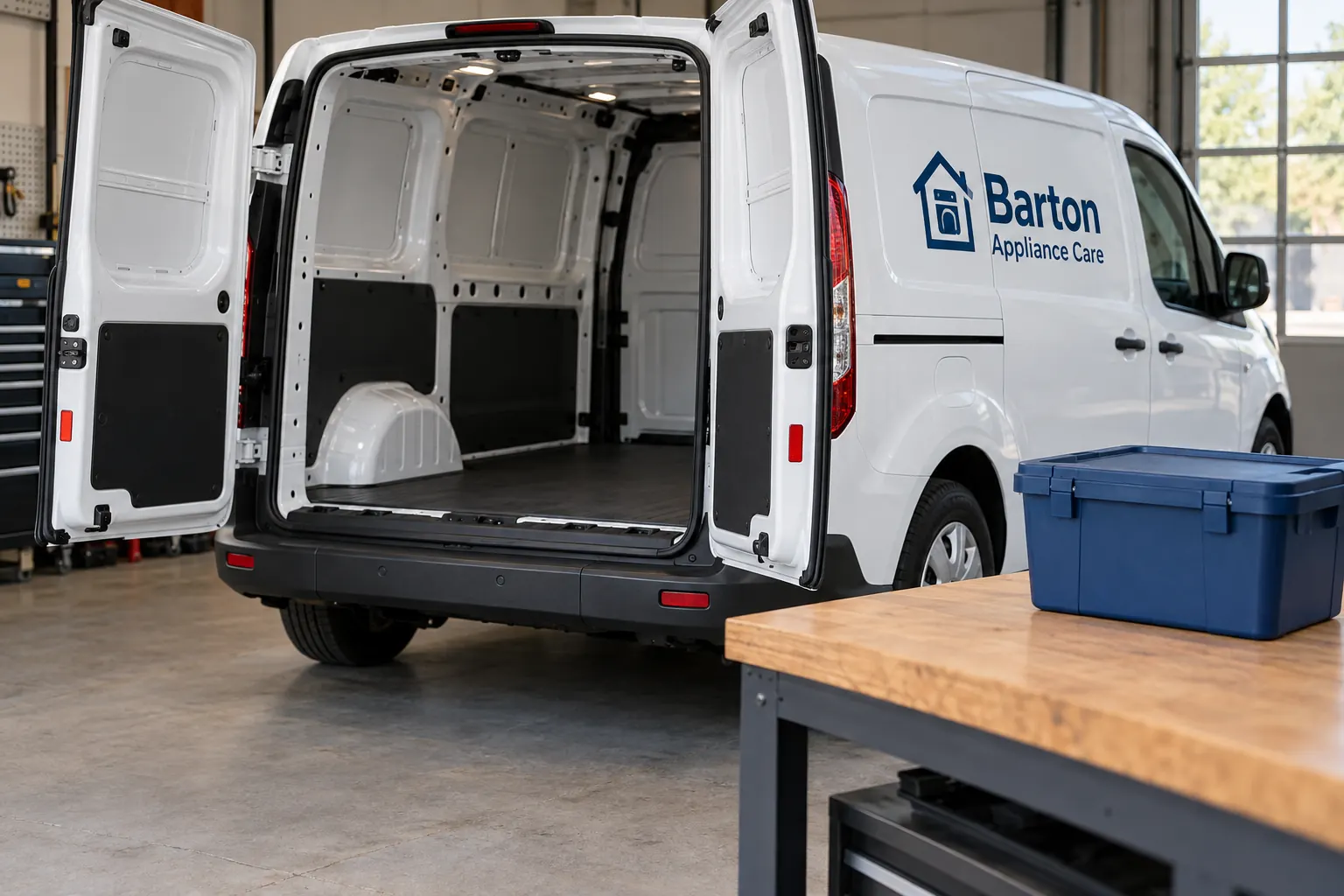
Original fictional commercial planning concept; not a completed customer installation.
Start with the actual provider preparation instruction
Identify the unit, graphics project reference and proposed work. Ask the provider which contents-related preparation is needed for that actual scope and retain the current instruction. A door graphic, a broader treatment and other defined work may prompt different project questions. The business should work from the actual request rather than an assumption that every appointment needs the same contents checklist.
Record the source, date or version and person who can clarify the instruction. If the business has not received a defined preparation request, make obtaining it the next action. This creates a useful starting point for a cold inquiry as well as a later appointment. The buyer can explain its real vehicle and scope while the provider identifies the relevant next inputs.
Inventory the affected contents through the unit owner
Have the business unit custodian identify the contents relevant to the supplied instruction. Use practical categories and business references appropriate to the actual vehicle. Distinguish loose belongings, business equipment and other items where their owners or handling processes differ. Keep unnecessary personal or sensitive information out of a broadly shared project summary.
An illustrative row might identify a driver-owned bag, action owner driver coordinator and status awaiting the business’s preparation check. Another could identify a business equipment case and its custodian. These are example fields rather than a claim about your vehicle. Your actual list should let the responsible owner understand which items need attention without converting a general contents record into an instruction to alter fixed vehicle equipment.
Assign an action and custodian for each relevant item
Use the business’s normal authorized process to decide what happens to the affected contents. Identify who carries out each action and who retains custody where applicable. Keep the provider’s requested preparation connected to that decision. A coordinator who does not own an item should know which responsible contact can resolve the question.
Record pending actions explicitly. For example, the record can show equipment case, owner assigned, preparation confirmation pending. It should not say removed until the actual responsible source confirms that status. Keep any handling or technical question with the appropriate owner rather than asking a graphics provider to invent the business’s internal storage process. The useful record is a clear coordination tool that follows actual responsibilities.
Distinguish contents from fixed components and equipment
If an instruction appears to concern a fitted component, accessory or vehicle system, identify the actual item and ask the relevant provider or owner to clarify the requested scope. Keep the supplied response with the project reference. The contents worksheet should organize the business’s preparation tasks without becoming a generic direction to dismantle or modify the vehicle.
Retain actual equipment-source information where the project needs it. The person collecting the checklist can document the question and source owner without deciding a technical procedure. This distinction keeps the preparation handoff useful: the business can confirm the actual contents actions while the relevant specialists and responsible parties address any separate component or work question through the project process.
Record readiness from actual completion evidence
Have the responsible business contact confirm the status of the requested contents actions through the normal process. Record the unit, current preparation instruction, completed actions and remaining gaps. Use actual evidence or confirmation references the parties retain. A clean concept image or an empty-looking close photograph should not stand in for the custodian’s current report about the real vehicle.
If something remains unresolved, identify its owner and tell the project coordinator which preparation question is open. Ask the provider how it affects the actual next stage. Keep availability and appointment decisions with the scheduling process. A truthful pending status is more useful than a completed box that leaves the receiving team discovering an unresolved item at the handoff.
Plan the later return of business contents
Name the business contact responsible for the contents after the unit returns through the agreed project process. Retain the relevant item and custody references so the business can reconcile its own equipment and belongings. Keep that business action separate from the provider’s work completion and the vehicle key transfer.
Record any issue with its actual owner and current status. If the contents list changes, update it rather than copying an older unit’s record into the next appointment. Useful history can help the coordinator find the source, but the active checklist should remain tied to the current unit, instruction and actual contents. This makes future preparation easier without pretending the business has a universal interior configuration across the fleet.
Use the contents record in a coherent project handoff
The local worksheet below captures the provider instruction, affected item references, responsible custodians, actual action status, unresolved component questions and later business reconciliation. Keep actual sensitive records through the business’s appropriate process. The worksheet supplies a working summary and should remain distinguishable from the inquiry or quote submission.
For Pelican Wraps, send the actual unit description, requested graphics, current views, approved files and coordinating contact. Ask which preparation information is needed for the defined project and explain any relevant unresolved contents question. Use the scheduling and key handoff guides for their respective arrangements. A useful lead gives the provider the real scope and a person who can organize preparation, turning a general appointment request into a practical next-stage discussion.
Draft and Download Your Working Record
Draft your entry, then download a copy before leaving. Send any project decision through the communication process agreed with your supplier.
Frequently Asked Questions
Take the Next Step with a Clear Project Brief
Continue with the resource that matches your next decision:
- Fleet Wrap Installation Scheduling Guide
- Fleet Vehicle Key Handoff Checklist
- Fleet Installation Driver Assignment Sheet
- Request a Quote
Send the actual vehicle or surface photographs, quantities, approved brand files, requested coverage and timing constraints. Identify open questions so the project review can address your equipment and business needs.
