
Fleet Graphic Design Standards That Survive the Next Vehicle Order
Create one identity system with configuration-specific layouts, controlled unit data and retained production records. A useful fleet standard explains what stays consistent and how to approve the differences between real working vehicles.
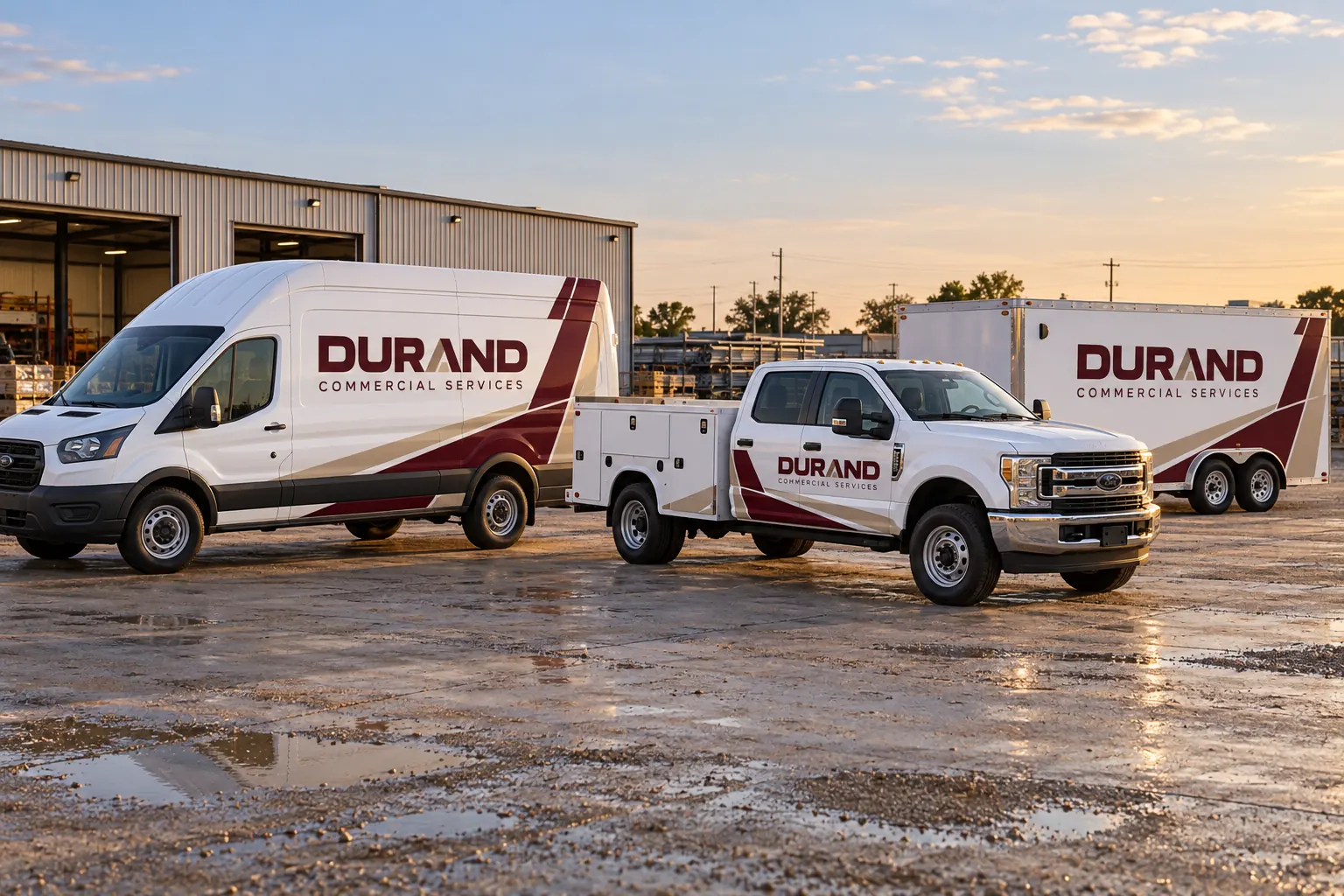
Fictional commercial wrap design concept; not a completed customer installation.
Build four connected parts rather than one attractive proof
A workable standard contains the master identity rules, fitted configuration layouts, variable unit data and the installed-job record. The master explains the brand; the configuration sheet fits it to a body; the data record identifies the asset; the installation record shows what was actually delivered. Keeping these connected makes future work traceable.
A single van illustration can begin the design conversation, but it is not automatically a complete fleet standard. List the equipment classes and known exceptions before deciding how many layouts are required. The business should be able to identify the accepted source for each part instead of relying on a designer to reconstruct the fleet from whichever old file is easiest to find.
Set a clear hierarchy for identity, message and contact
Define the primary company name, the service context and the main contact route. Establish how supporting information should relate to those elements. Use the actual business wording and have the responsible contact verify it. A design standard should not introduce unsupported qualifications, service claims or affiliations simply to fill available space.
Review the hierarchy at the intended vehicle scale and ordinary viewing positions. Allow simpler arrangements where a body offers less useful area. A service-body door should not be forced to carry every detail from a broad box-truck side. The goal is consistent recognition and a clear next action, with secondary detail remaining subordinate to the information the viewer needs first.
Create configuration sheets for meaningful equipment differences
Record year, model, wheelbase, roof height, body length, doors and relevant accessories. Photograph the actual equipment and identify which units genuinely share the same layout. A common cab model can still carry several different working bodies. Configuration sheets should show the accepted coverage and clear areas for the real vehicle.
Use the inventory worksheet as the starting list and the survey guide for fit information. Mark exceptions with the affected units instead of leaving a verbal instruction outside the retained standard. A later addition should have an obvious path for review when its hardware or body does not match an existing layout.
The four records in a usable standard
| Record | What it controls |
|---|---|
| Master identity | Logo, wording, palette and hierarchy |
| Configuration layout | Fit, coverage and protected areas |
| Variable data | Unit IDs and approved local information |
| Installed record | Actual version, materials and photographs |
Control colors and production references together
Keep the accepted master artwork and color references with the relevant output approval. Record the actual selected film, protective construction and finish as appropriate to the job. A color nickname or a photograph of an older truck is not a complete specification for reproducing the identity later.
Use the color consistency guide to organize that review. When a product, finish or output condition changes, review the effect instead of silently treating it as an exact repeat. The design standard should identify which references control the decision and who can approve an exception. Do not promise identical appearance across every material and lighting condition from a screen preview alone.
Separate variable identifiers and required markings
Define the unit-number format, department references and any approved location-specific wording. Assign a data owner and verify the list separately from the visual proof. This prevents a consistent design from carrying incorrect asset information or an outdated branch contact. Keep required operational markings distinct from optional decorative coverage.
The responsible fleet contact should supply the relevant requirements and protected areas. Use unit-marking planning for that scope. A standard should show how identifiers relate to the brand while preserving clear access, original equipment information and specified markings. An artwork approval does not independently certify every vehicle operating requirement.
Use one accepted version and a deliberate change process
Name a final approver and consolidate comments against one identified file version. Record which configurations and units the approval covers. If the business changes its contact route, wording or identity, update the master standard before another repeat order is produced from the older source.
Use a readable version reference such as FleetIdentity-v3-highroof-van and keep the approval date and applicable unit list with it. The filename alone is not an approval record, but a consistent convention helps people find the correct file. New-model planning provides a route for adaptation rather than stretching an unrelated layout and calling it a standard.
Retain evidence of what was installed and maintain the standard
Keep installed photographs, material references, layout versions and unit IDs linked together. Record repairs, repainted panels, changed accessories and later replacement graphics. The actual fleet may diverge from an old master proof over time, so the standard needs an owner who keeps the record current.
For the initial project, send a fleet design brief with the inventory, source identity, photographs and current rules. For continuing work, use fleet graphics management to organize additions and repair enquiries. A useful standard gives the next person a defined starting point and an exception process; it should not depend on remembering how the first truck was arranged.
Frequently Asked Questions
Turn Your Vehicle Details Into a Clear Project Brief
Send current photographs, vehicle quantities, logo files, coverage preferences and timing. Identify old graphics and paint concerns so the project review can address the actual equipment.
Explore planning resources or request your commercial wrap quote.
