
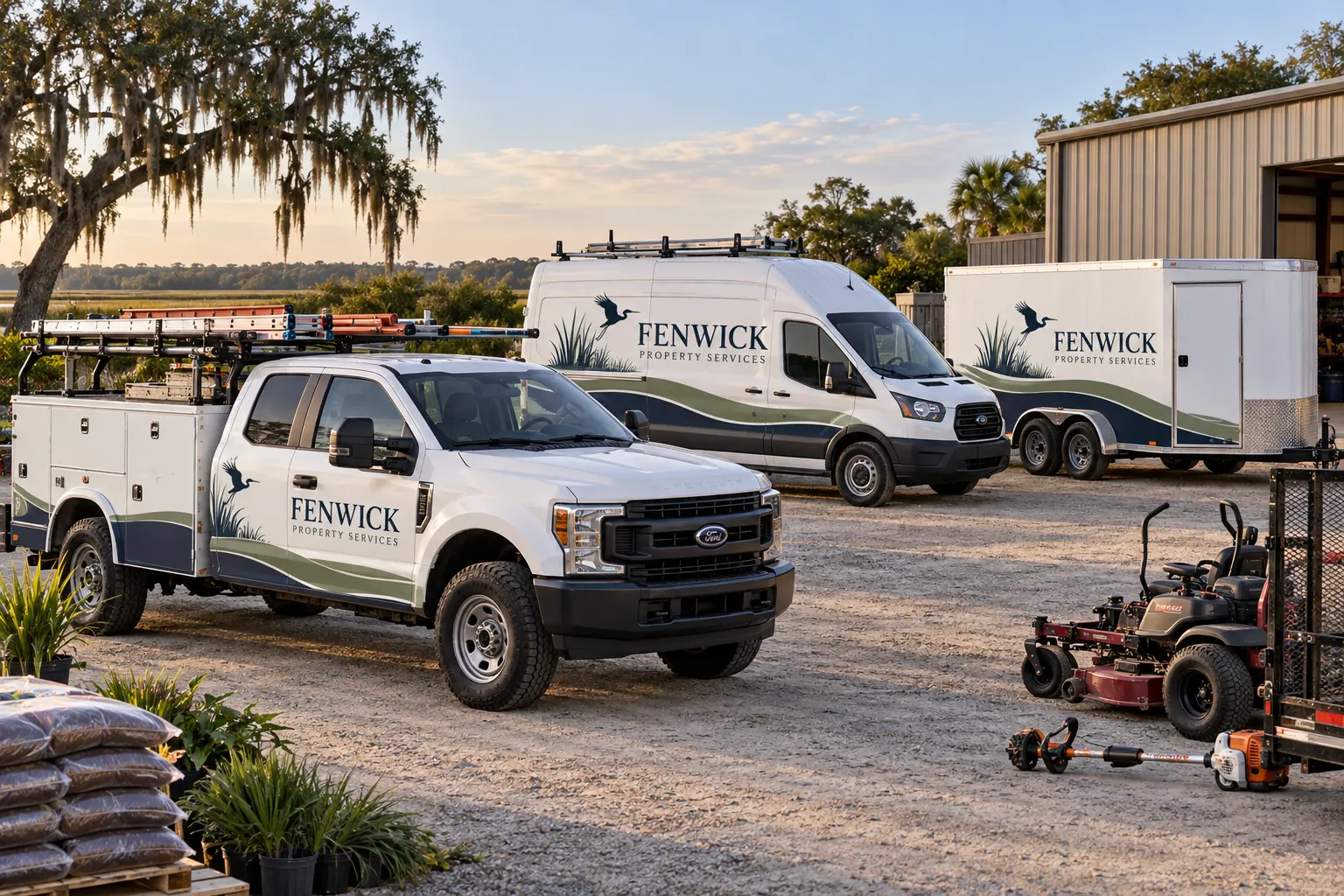
Fictional commercial wrap design concept; not a completed customer installation.
Gate 1: establish the real asset list and scope
Begin with the current fleet register and identify the vehicles, trailers and equipment included in this changeover. Record configurations, body colors, unit IDs, operating locations and relevant photographs. Decide whether the project covers the whole fleet, a first phase or selected replacements. A broad intention to update everything is not a verified production quantity.
Use the inventory worksheet to organize the initial list and identify the data owner. Mark unknown configurations or condition questions for review. Keep excluded assets visible so a later team does not mistake their older identity for a missed installation. This gate is ready when the project has an accepted list and a clear way to manage changes to it.
Gate 2: accept the identity and factual business wording
Collect the current master logo, color references, typography and relevant usage rules. Confirm the company name, service wording, domain and contact route with someone authorized to verify them. A rebrand is the right time to remove outdated information, but new claims should still be accurate rather than invented to fill an available panel.
Define the hierarchy across unlike assets and any approved department or branch variations. Keep required operational markings separate from optional identity elements. The design standards guide supports the visual system. This gate is ready when the business has one accepted source package and wording record, not several competing logo files labeled final by different people.
Gate 3: review condition and removal responsibilities
Photograph old graphics, repairs, coating concerns and changed equipment on each relevant class or exception. Identify what must be removed and what condition remains unknown beneath existing film. Keep vehicle repair and surface-readiness responsibilities distinct from the design and printed graphics scope.
Use removal scope planning when older identities need to be cleared. Record who resolves an unexpected condition and what decision must happen before installation proceeds. This gate is ready when the actual starting assumptions and responsible parties are clear. A new artwork proof does not confirm that every older asset is ready to receive the selected material system.
Gate 4: approve fitted configurations and unit data
Develop layouts for the meaningful body and equipment differences in the inventory. Review message hierarchy, coverage, hardware clearances and protected areas on the actual configurations. Keep one accepted proof version for each class and record exceptions explicitly. A shared identity should not force a logo across a compartment or copy an incorrect size from another model.
Check unit numbers and other variable information against the accepted register as a separate data approval. Name the final artwork approver and the responsible operational contact. This gate is ready when both the visual layout and the changing asset information have been accepted. A polished design with the wrong unit number is still an incorrect fleet record.
Gate 5: agree the project sequence and release constraints
Define the business milestone and the stage dependencies before assigning dates. Use the backward timeline builder for user-entered calendar-day allowances, then use the rollout planner for proposed unit or batch windows. Neither tool books supplier capacity or verifies readiness.
Review which vehicles can be unavailable together, delivery and collection responsibilities and any constraints on access. Mark targets separately from confirmed appointments. This gate is ready when the team understands the actual sequence, dependencies and decision owners. Shortening a worksheet allowance does not remove a missing approval, a paint concern or a business operating requirement.
Gate 6: define acceptance and the closeout record
Agree how the completed graphics will be reviewed against the accepted scope and artwork. Identify who checks the unit references, business wording, included coverage and condition questions raised during the job. Record relevant photographs and any follow-up items through the actual project process rather than treating a launch announcement as a closeout inspection.
Retain the material references, configuration sheets, accepted files and care information supplied for the installed system. Assign the person responsible for keeping that record current. This gate is ready when future additions and damage enquiries can start from a usable standard. It should be possible to identify what was installed on each asset without relying on an old promotional image or a remembered conversation.
Use the checklist as a decision record, then request the scope
For each gate, record ready, not ready or unknown, the evidence reference and the owner of the next decision. An unknown is useful when it is visible and assigned. Avoid replacing it with an optimistic answer solely to make the checklist look complete. Review changes whenever the fleet list, identity or target milestone changes.
To begin the actual project discussion, send a rebrand brief with the accepted inventory, photographs, source files and stage priorities. The proposal should define the work and exclusions against that information. Fleet graphics management provides the continuing route for maintaining the accepted identity after the first rollout, including new models, repairs and later phases.
Frequently Asked Questions
Turn Your Vehicle Details Into a Clear Project Brief
Send current photographs, vehicle quantities, logo files, coverage preferences and timing. Identify old graphics and paint concerns so the project review can address the actual equipment.
Explore planning resources or request your commercial wrap quote.
