
Commercial Trailer Graphics: A Planning Example from Side Identity to Rear Fit
This fictional trailer scenario follows a supplier identity across broad side panels and a more interrupted rear. It shows how coverage, working equipment, unit records and yard release should become a defined scope rather than one oversized logo file.
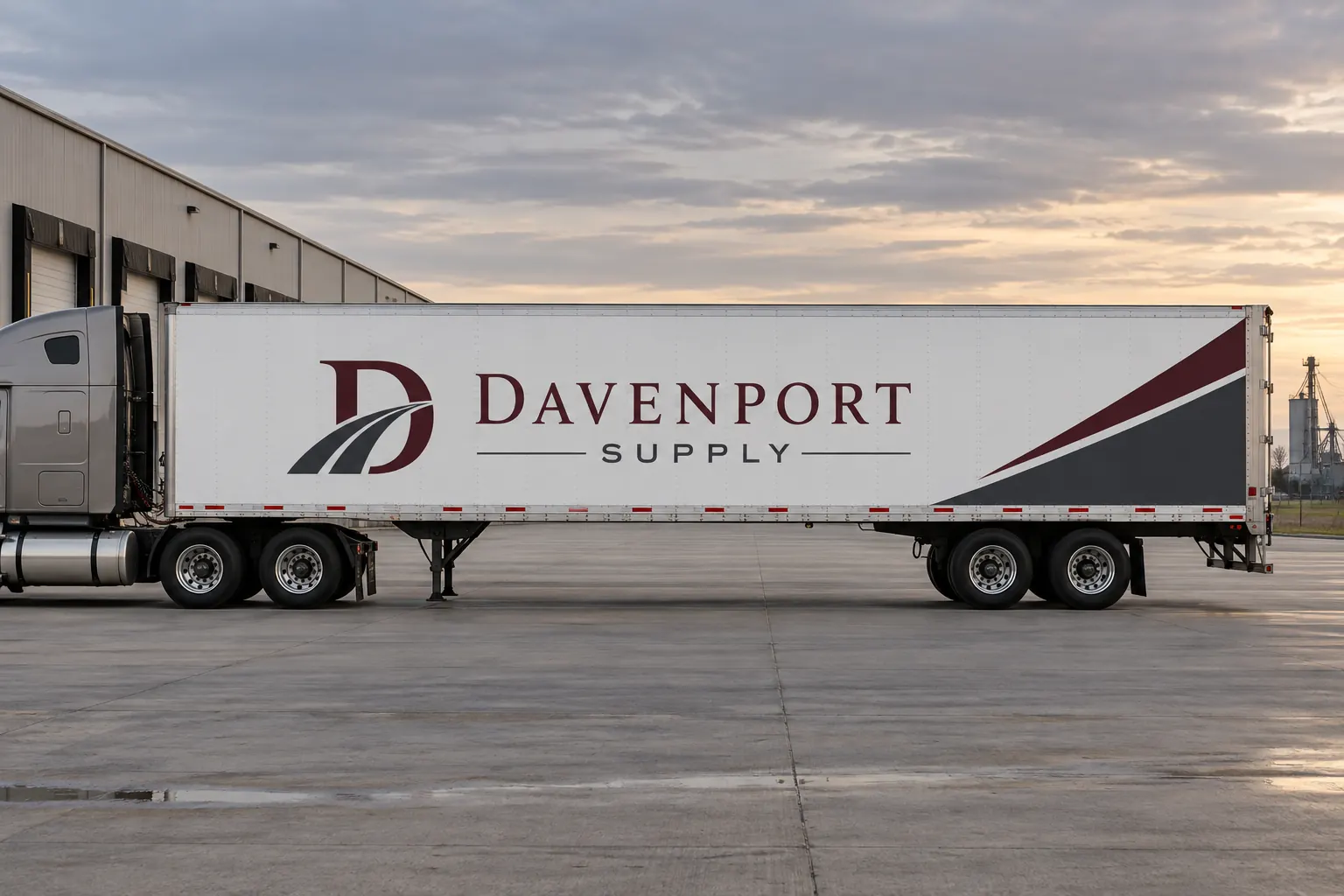
Fictional project-planning illustration; not a completed customer installation or measured project result.
Scenario: a clear supplier identity on a working trailer
Consider a business that wants a coordinated identity on commercial freight trailers while keeping operational information and equipment clear. The fictional Davenport Supply image illustrates a restrained side design. It does not establish a customer fleet, surveyed dimensions, approved conspicuity system or an installed product specification.
Begin by defining which trailers the buyer controls and which faces are included. Keep the tractor and trailer identity scopes distinct when both appear in the same photograph. A tractor can change while a trailer remains in the inventory, so the project record should identify the actual asset receiving the graphics rather than only the truck combination photographed during the initial enquiry.
| Decision | Record to retain | Purpose |
|---|---|---|
| Asset scope | Trailer unit and permission; tractor included or excluded | Identify the actual asset rather than a photographed combination. |
| Side identity | Coverage boundary, main name and supporting message | Use the broad panel deliberately without adding unnecessary copy. |
| Rear fit | Door arrangement, hardware and protected marking areas | Review the interrupted face independently from the side. |
| Yard release | Unit, location, movement owner and accepted window | Connect access with actual availability and readiness. |
| Replacement reference | Side and rear files, current photographs and product record | Review a later panel against the correct trailer and face. |
Build a trailer schedule with the details that change fit
Record unit reference, body type, relevant length and height, side construction and rear-door arrangement. Include refrigeration equipment or other features where they affect the proposed coverage. Photograph rails, rivets, existing film and damaged or repaired areas as well as the overall side. Mark measurements that still need verification.
Use the fleet inventory to separate genuine repeats from exceptions. Do not group every white trailer together solely by appearance. The schedule should explain which layout and readiness assumptions apply to each asset, including any uncertain ownership or permission question that must be resolved before the buyer authorizes changes.
Treat the broad side as a hierarchy, not a space to fill
Choose the supplier name and the main service context or contact action before adding supporting graphics. Preserve a generous clear area for the lead identity and review the composition against the actual side construction. The amount of available surface should not dictate how much copy is added to the message.
Compare commercial trailer coverage with the actual purpose. Lettering, a partial graphic area and broader printed coverage can all require different scopes. Ask each option to state its boundaries and intended message. This makes the design decision understandable without claiming that maximum covered area automatically improves recognition, enquiries or return.
Design the rear around doors, hardware and protected areas
Survey the actual rear face separately. Identify door seams, bars, latches, hinges, lights, reflectors and other equipment or required information. Keep critical words within useful clear areas rather than assume the broad side arrangement can simply be reduced and placed over the rear. The responsible operator should identify applicable marking requirements.
Use rear-door layout planning for the interrupted-face questions. Optional identity and regulated markings serve different purposes. The accepted rear sheet should show the actual coverage and clear areas, with operational approval retained. A fictional illustration or an ordinary reflective logo should not be treated as evidence that a particular conspicuity arrangement is compliant.
Connect the proposed product with the actual body surface
Ask the response to name the proposed material system and relevant construction and to identify application assumptions. Provide body details, existing graphics and known finish concerns so the technical review concerns the actual trailer. A flat-looking distant side can still include rivets, repairs or other features that affect the scope.
Use body-detail planning to organize the photographs. Keep removal, surface preparation and graphics installation as stated tasks with clear responsibilities. Do not approve production solely because the proposed design looks convincing on a stock outline. The buyer needs both an accepted message and a suitable application scope for the actual asset.
Plan yard release and access as part of the handoff
Identify where each trailer will be available, who can release it and what movement or access arrangements the operator controls. Record proposed windows and dependencies and ask the supplier to confirm actual availability. A trailer listed in a fleet database may be on a route when the project team expects it at the yard.
Keep the unit reference visible in the release instruction and the accepted file name. If an asset changes, review whether the replacement is a genuine repeat before using the same production sheet. The planning process should connect the right trailer, suitable starting condition, approved layout and agreed work arrangement rather than treat a yard address as proof that every listed unit is ready and accessible.
Retain a face-by-face record for later replacements
Connect installed photographs and relevant product references to each unit and face. Retain the accepted side and rear files separately and record variable information. If damage affects a panel or a trailer changes equipment, provide current photographs for review instead of reorder an old image solely from the company name.
For a similar enquiry, send the trailer graphics brief with the unit schedule, photographs, intended faces, old-graphic condition and proposed availability. Compare other project-planning scenarios if the main challenge is rollout or mixed equipment. This example explains a useful handoff; it does not promise an installation duration, warranty qualification, regulatory approval or measured marketing result.
Frequently Asked Questions
Plan a Similar Project with Your Actual Equipment
Send current photographs, vehicle quantities, logo files, coverage preferences and timing. Identify old graphics and paint concerns so the project review can address the actual equipment.
Explore planning resources or request your commercial wrap quote.
