
Commercial Wrap Care Checklist and Handover Worksheet
Use this checklist to organize a vehicle's care instructions, responsibilities and condition-reporting route. It helps a fleet manager hand the right information to drivers and cleaners, while keeping the installed product's written guidance as the technical reference.
Build Your Wrap Care Handover
This worksheet does not send or save its entries. Download a copy before leaving. Use the quote form separately to send your project details.
Use the instructions for the actual installed film and finish. This checklist organizes responsibilities and records; it does not prescribe a universal cleaning method.
Downloading does not submit an enquiry or reserve an installation date. Keep your copy and provide relevant details through the quote form when ready.
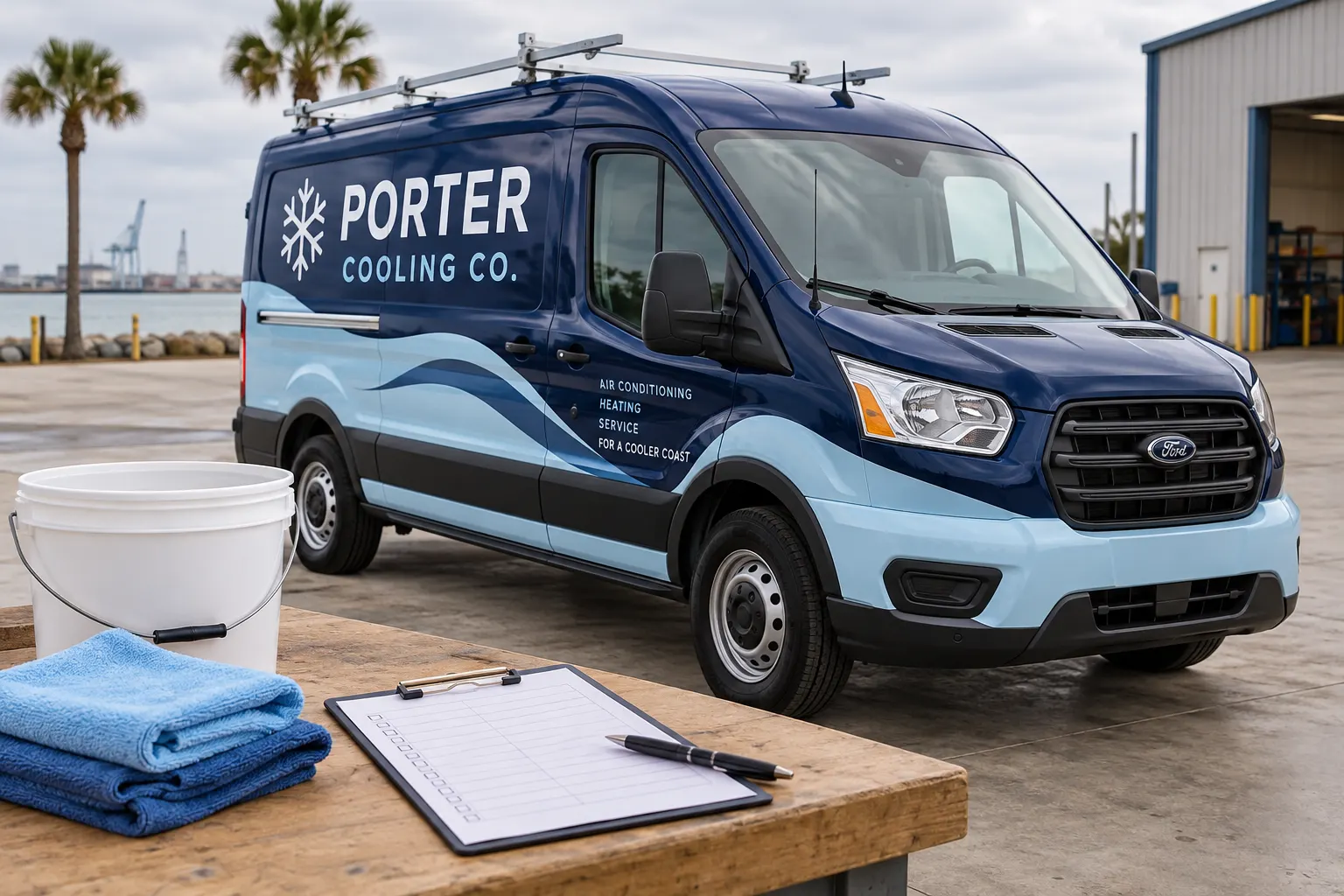
AI-generated illustrative planning scene with fictional business branding; not documentary customer or shop photography.
Use the checklist to assign responsibility and keep records
The wrap care guide explains the operational routine and the need for product-specific instructions. This worksheet has a narrower purpose: record what your team has organized for a particular vehicle. Start with the project reference and unit identifier, then check the items that have been completed internally.
A checked list is not an inspection certificate, cleaning prescription or warranty decision. The tool cannot identify the installed film or judge the condition of the graphics. Use the notes to record care-document references, responsible contacts and open questions. Keep the actual manufacturer or project instructions with the vehicle record rather than replacing them with this summary.
Connect the care record to the installed material
Locate the project reference, installation record and material or finish information available for the vehicle. If those details are missing, record the gap and ask for clarification. A cleaning routine used on another fleet unit should not be assumed to apply to every graphic product or finish in the business.
Make the written instructions accessible to the people who actually clean or manage the vehicle. A document saved only in an old staff member’s inbox may not help a new driver. Record where the guidance is kept and who maintains it. The checklist tracks that organizational step without claiming to validate the document or determine product compatibility.
Assign cleaning and handover responsibilities clearly
Name the person or team responsible for routine cleaning arrangements and for keeping approved supplies available. If an outside service is used, provide the relevant instructions before work begins and identify who answers questions. Avoid relying on an informal assumption that every cleaner already knows the installed materials.
Include the care record in driver onboarding and vehicle reassignment. A new driver should know where to find the instructions and where to report a concern. The worksheet’s notes field can hold those internal references. It does not notify the named people, send reminders or confirm that a handover has occurred; those actions remain with your team.
Create a practical condition-reporting route
Identify who receives reports of lifted edges, cuts, discoloration, impact damage or another unusual change. Ask for the vehicle reference, date, panel location and clear photographs. A wider image provides context while a close view shows the area in question. Record what is known rather than diagnosing a cause from appearance alone.
The checklist can prompt a regular look at edges and frequently handled areas, but it does not establish a universal inspection interval or treatment. Use the applicable product guidance and your own fleet process. If a concern appears, arrange a review rather than picking at a lifted area or using an improvised repair method.
Record body repairs and equipment changes
A replacement panel, refinishing work, rack change or accessory addition can affect both the graphic area and the vehicle record. Note the change and keep current photographs. Coordinate any new graphics with the responsible repair or equipment owner and the project team. Do not assume an earlier artwork reference still matches the changed body.
For a damaged area, retain the original project reference and describe the event if known. The panel replacement route helps organize a repair enquiry. Options depend on the layout and condition, so the worksheet should not be treated as proof that a local replacement or a complete rewrap is required.
Set an internal review date and retain dated versions
Use the notes to assign the next review date that fits your fleet process. This page does not generate reminders or decide the right interval for your equipment. The useful habit is maintaining a clear owner and a repeatable record rather than relying on someone remembering when the graphics were last checked.
Download a new version when responsibilities, instructions or vehicle details change. Keep earlier records according to your own document process so known events can be understood later. For a larger program, use fleet graphics management to connect care records with brand changes, replacement artwork and future vehicle additions.
Download the handover and request a separate review when needed
The CSV contains the project fields, checked and unchecked items, notes and export time. Download it before leaving because the worksheet itself does not save or send entries. Keep the file with the actual care instructions and condition photographs. A progress count shows the organizational items checked, not the physical health of the wrap.
Send a separate project enquiry when you need graphics reviewed or replaced, including the vehicle reference and current photos. The care image is an AI-generated fictional scene, not a customer installation, material demonstration or documentary shop record. Use the instructions and records that belong to your actual vehicle.
Frequently Asked Questions
Turn Your Vehicle Details Into a Clear Project Brief
Send current photographs, vehicle quantities, logo files, coverage preferences and timing. Identify old graphics and paint concerns so the project review can address the actual equipment.
Explore planning resources or request your commercial wrap quote.
