
Fleet Logo File Ownership Checklist
A fleet logo file ownership checklist should distinguish the person holding a file, the person approving the identity and the source of any use or delivery instructions. These are related records, not interchangeable answers. Use this checklist to make the actual approved source findable and identify unresolved questions before a graphics handoff. It is an administrative file-control record, not a determination of copyright or contract rights.
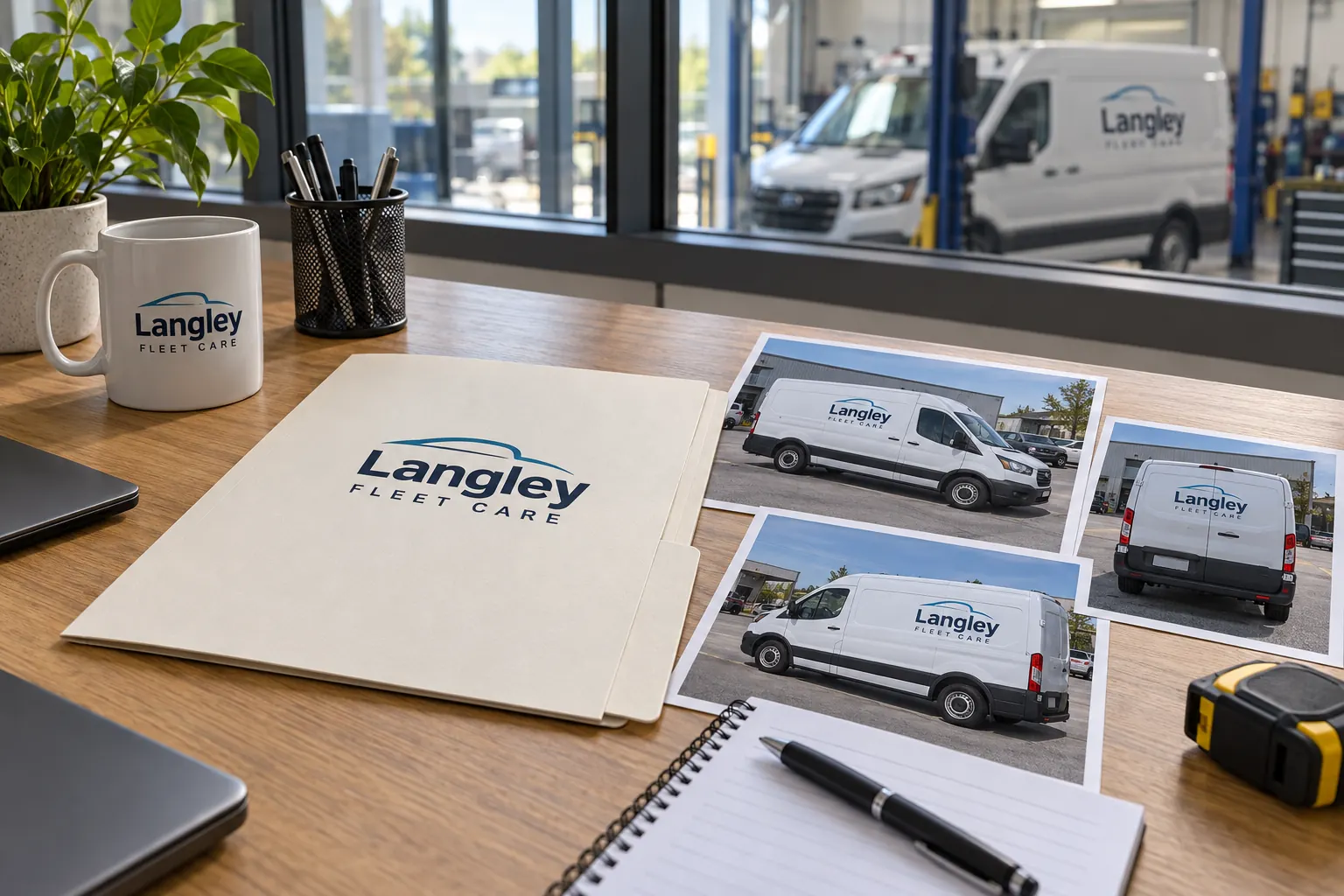
Original fictional commercial planning concept; not a completed customer installation.
Identify the approved identity before checking file custody
Record the exact company name and the logo arrangement the business currently authorizes for the project. Name the decision owner and link the actual approval reference. If several candidates remain in dispute, resolve that selection through the business before treating one as the master. This checklist begins with custody of a selected identity; the conflicting-logo walkthrough addresses choosing among inconsistent candidates.
Use a descriptive reference such as “Langley horizontal identity, current business approval dated October18” rather than a folder full of files named final. The example is a tracking pattern, not a prescribed date or legal approval. The record should allow another buyer to identify the actual source without assuming that the newest filename or most convenient attachment is authoritative.
Record who holds the actual source files
List the location and custodian of the approved source, supporting artwork and relevant finished versions. Distinguish a file the company can retrieve now from one someone believes an earlier designer still holds. Give each missing item an owner and next action. A low-resolution preview in a presentation can help identify a design without proving that the source package has been delivered.
For fictional Langley Fleet Care, the business may hold a current proof while the editable source remains with its original designer. Those are different custody states. The concept image illustrates a handoff discussion, not a real ownership transfer. Your checklist should state what is actually available and how the responsible contact will obtain or clarify the remaining files.
Separate custody, editing authority and rights questions
A person can possess an attachment without being the business’s identity approver or the person who can clarify its use conditions. Create separate entries for those roles. Record actual supplied instructions and their source. If a contract or rights question is unclear, route it to the responsible parties through the company’s appropriate process instead of asking the graphics provider to infer an answer from file possession.
Do not mark a legal question settled merely because the administrative record is complete. A useful status can be “source requested” or “delivery instruction awaiting confirmation.” The checklist’s job is to preserve evidence and assign action. It should not turn a convenient shared folder into a claim that every included asset may be edited or distributed without further review.
Build a small file inventory with clear roles
For each actual file, record its name, purpose, version and custodian. A source file, a viewing proof and a previously produced vehicle layout have different roles. An illustrative filename such as “LFC-identity-horizontal-approved-r3” can support control when the record identifies its actual format and purpose. The name alone does not establish that it is suitable for the next production task.
Ask the provider to assess the supplied assets for the intended project. Keep a preview useful as context while seeking the actual source where needed. Avoid renaming several unrelated attachments into one apparently clean master package without understanding them. The next buyer should know which file establishes appearance, which supports editing and which is only historical evidence.
Record delivery instructions for collaborators
Identify what the business is actually authorizing the supplier to receive and use for this defined request. Keep any third-party asset or font instruction linked to its own source rather than assuming the logo file settles every component. If a collaborator needs additional access, identify the item and responsible contact instead of copying whatever happens to be stored beside the proof.
Keep the handoff proportional to the task. A provider assessing a vehicle layout needs relevant approved identity and project information, not unrelated account credentials or a complete archive of customer records. State open questions clearly. Where the available package is incomplete, ask what can be assessed now and what additional source or decision is needed before dependent work is released.
Make a future change possible without losing the source
Name the business role responsible for retaining the active identity and notifying collaborators when it changes. Record the current source location and approval reference in the shared project process. Keep retired versions as labeled history where needed. Do not let the only findable master remain in an individual email account that becomes unavailable when staff or suppliers change.
When a new logo version is selected, identify what it supersedes and which fleet files are affected. Keep the source record distinguishable from the vehicle adaptation record. A business can change its identity without establishing every new body layout, and a body-specific placement revision need not replace the core approved logo. Preserving that distinction keeps later reorders coherent.
Use the checklist as a handoff record
The working record below collects identity approval, actual file custody, file roles, supplied delivery instructions, open rights questions and future ownership of the archive. Save the text and retain the underlying sources through your normal process. Completing it does not assign legal rights or confirm production suitability; it makes the actual evidence and responsible contacts easier to find.
For Pelican Wraps, send the approved identity package, current vehicle photographs, requested coverage and the relevant file index. Identify missing sources and the contact who can resolve them. Use the artwork and fleet brand handoff resources for the next stage. A precise custody record lets the project discussion focus on the actual assets instead of asking the provider to choose a master or reconstruct who holds it.
Draft and Download Your Working Record
Draft your entry, then download a copy before leaving. Send any project decision through the communication process agreed with your supplier.
Frequently Asked Questions
Take the Next Step with a Clear Project Brief
Continue with the resource that matches your next decision:
Send the actual vehicle or surface photographs, quantities, approved brand files, requested coverage and timing constraints. Identify open questions so the project review can address your equipment and business needs.
