
Fleet Graphics Spot Color Approval Record
A fleet graphics spot color approval record connects a named artwork swatch to the actual source, project reference and decision. It should distinguish a color label in a design file from the provider’s proposed output process and from any identified review sample. Record those links before the approved name becomes another ambiguous instruction to use the company blue. This page provides a working record rather than a universal color-matching promise.
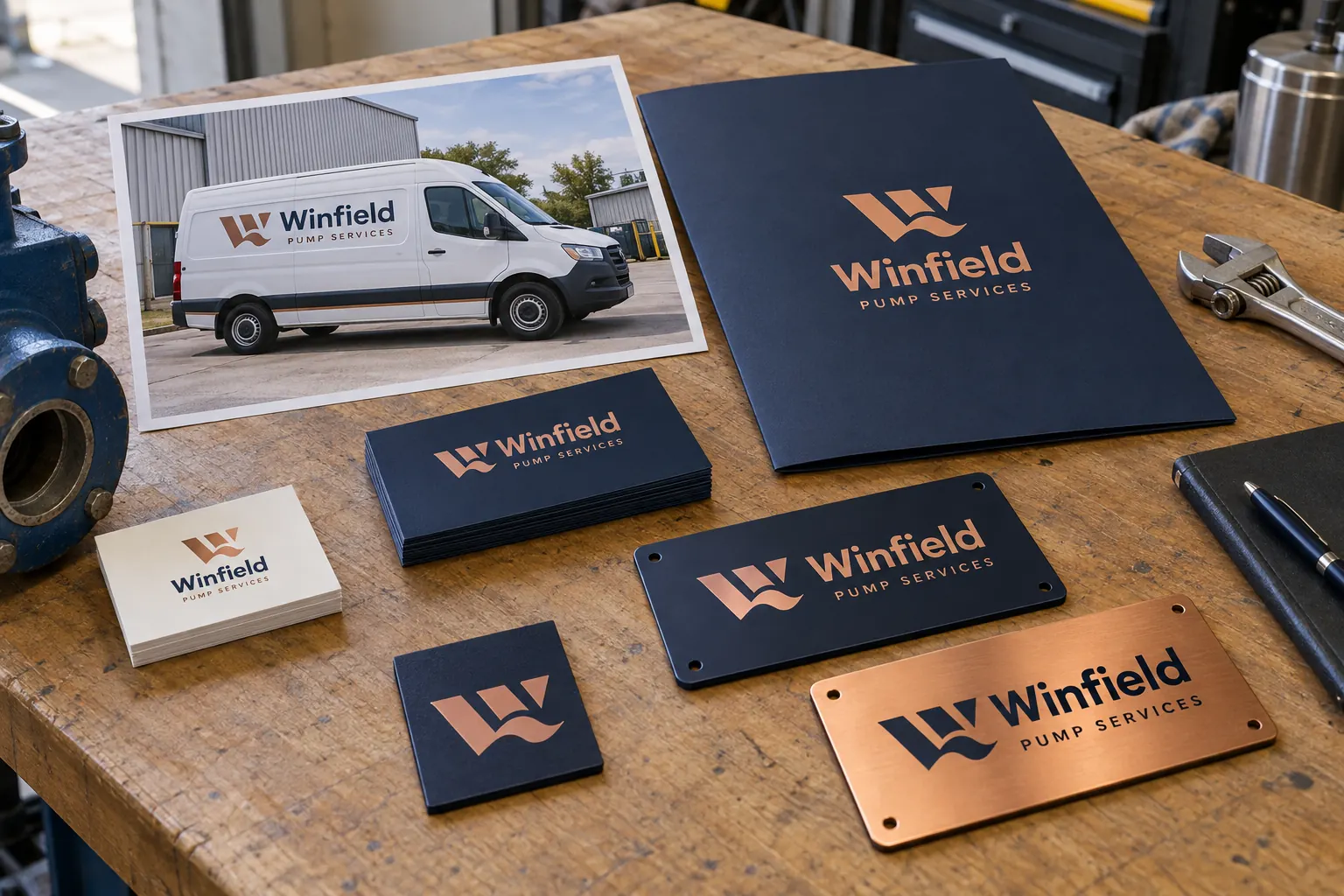
Original fictional commercial planning concept; not a completed customer installation.
Name the actual swatch and file being reviewed
Record the artwork filename, version and exact swatch label supplied by the designer. Identify where the color is used in the relevant identity or layout. Avoid a description such as dark blue without a findable source. The reviewer should be able to locate the actual candidate and distinguish it from an older similarly named swatch.
For fictional Winfield Pump Services, the record might identify “Winfield navy, source r3” and link it to a current artwork reference. That is a tracking example, not a measured specification or a claim about a particular ink. The concept image illustrates a sample discussion without establishing calibrated accuracy or a completed customer project.
Record the artwork setting instead of guessing from the label
Ask the artwork owner to identify the actual color type and supplied reference information in the project file. A name containing spot does not by itself document the setting or the intended output arrangement. Adobe Illustrator’s current instructions include selecting Spot Color in the Color Type setting when creating a spot-color swatch. Record the actual project information rather than infer it from appearance alone.
Keep file preparation and the provider’s proposed process connected through explicit questions. Ask how the supplied reference will be addressed for the actual project. Do not assume a named swatch means every output process or material uses that named ink or guarantees an identical result. The record should identify the relevant decision and what remains to be assessed.
Primary reference: Adobe Illustrator spot-color swatch instructions.
Separate brand source, candidate and review sample
Identify the current business color source, the artwork candidate under discussion and any actual sample provided for review. Give each a stable reference. A brand guide entry and a project sample can have different roles in the decision. Do not rename them into one apparently final item before the responsible business owner has identified what was selected.
If several candidates are present, record their differences and status without choosing solely from an unannotated photograph. Keep the actual items or controlled files findable. The color-decision walkthrough explains how to run and preserve the review; this working record captures the named swatch and source relationships needed to make that decision usable in a particular artwork handoff.
Resolve duplicate swatch names as a controlled question
If the package contains labels such as BrandBlue, BrandBlue2 and BlueFinal, ask the artwork owner to identify their actual roles. Do not merge, rename or replace them merely to make the file list look tidy. Keep a review copy and record the intended current source through the project process before treating a cleanup as an approved design change.
Identify which relevant artwork version and message areas use the selected reference. If a candidate is revised, issue a new identifiable version rather than silently changing the item an earlier approval described. This makes later additions and replacement requests easier to discuss because the next reviewer can locate the actual decision instead of guessing which similar color name was meant.
Record the decision and its actual scope
Identify who reviewed the reference, what they reviewed and the decision date. State selected, revision requested or pending with the relevant file or sample reference. Keep the actual asset group and proposed treatment visible. A general email saying the blue is fine should not silently become a complete fleet-wide production release.
List remaining layout, wording, technical or scope questions separately. If the review concerns only a defined sample or vehicle group, record that limit. Do not invent measurement values or acceptance tolerances. Where technical criteria are required, retain the actual supplied specification and responsible participants rather than adding numbers solely to make the record appear more precise.
Keep the approved reference findable for the next order
Record where the controlled file or retained sample is held and who maintains it. Link it to the relevant proof and unit group. Separate retired candidates from the current source while retaining necessary history. The next buyer should be able to locate the selected reference without reopening the debate among several plausible folders and email attachments.
When body, material proposal, artwork or brand information changes, identify which decisions need review for the new project. A useful record preserves continuity without claiming that every future output is covered by the original selection. For a later concern, provide the actual source and factual evidence through the appropriate review process rather than using a swatch name alone to assign cause or responsibility.
Use a swatch-specific approval handoff
The working record below collects the exact swatch, artwork setting, brand and sample references, decision owner, applicable scope and remaining actions. Save the text and retain the actual files and samples through your normal process. It does not create a measured specification or establish the provider’s output method without the corresponding project assessment.
For Pelican Wraps, send current approved brand information, identified artwork references, any actual review samples and the requested vehicle or surface scope. State what decision is needed and who can make it. Use the fleet color and artwork resources for the broader program. A specific record turns the company-color instruction into a traceable conversation about the real project rather than an unsupported universal match claim.
Draft and Download Your Working Record
Draft your entry, then download a copy before leaving. Send any project decision through the communication process agreed with your supplier.
Frequently Asked Questions
Take the Next Step with a Clear Project Brief
Continue with the resource that matches your next decision:
- Fleet Color Consistency Guide
- Fleet Graphics Proof Approval Record
- Fleet Wrap Design Standards
- Artwork Guidelines
- Request a Quote
Send the actual vehicle or surface photographs, quantities, approved brand files, requested coverage and timing constraints. Identify open questions so the project review can address your equipment and business needs.
