
Fleet Graphics Proof Approval Record
A fleet graphics proof approval record connects one decision to one exact artwork version. Use it when the wording, layout and applicable vehicles have been reviewed and you need a clear record of what was approved, what still needs correction and who can release the work. This page provides the fields, a worked example and a downloadable working record. It covers the individual proof decision; the wider graphics management process controls who reviews the program and how later changes are handled.
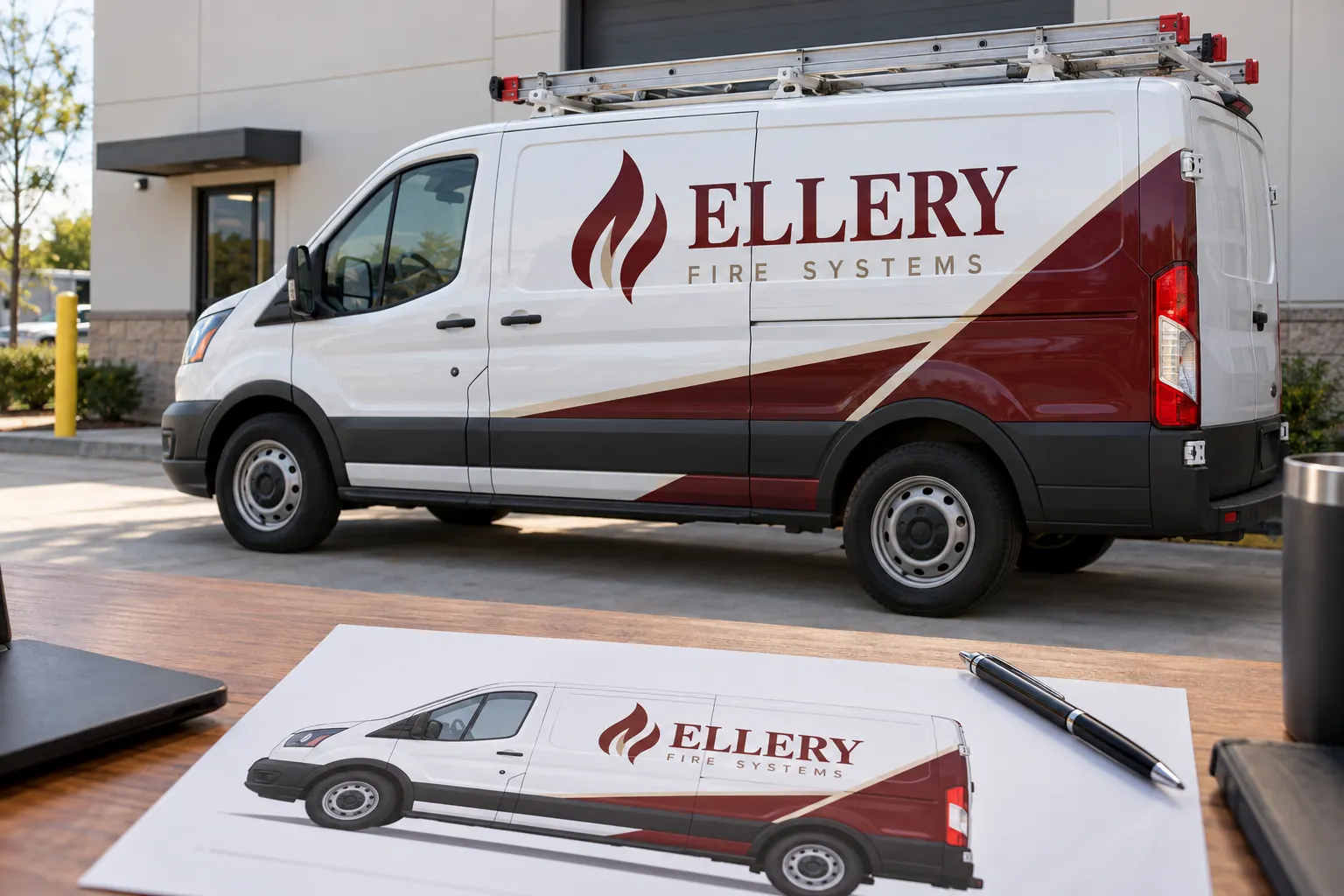
Original fictional commercial planning concept; not a completed customer installation.
Identify the proof before recording a decision
Write the project reference, supplier, proof reference and revision date at the top of the record. Include the applicable vehicle body or body family and the unit references the proof is intended to cover. A release attached only to “the van design” is ambiguous when the program includes two roof heights, several rear-door arrangements or more than one contact number.
Use the actual supplier reference when one exists. If your internal file name differs, record both references and preserve the connection. Keep the approved proof with the decision record. A standalone approval note cannot explain the decision later if the underlying artwork has been replaced by another attachment with the same name.
Check the information the buyer owns
Verify the exact business name, service wording, telephone number, web address and any supplied unit identification. Read numbers character by character against an approved source. Ask the responsible brand owner to confirm which logo and wording are current. Do not infer business information from an attractive concept illustration or an old vehicle photograph.
Keep the review tied to the intended equipment. Check that the body, doors, racks and major hardware shown in the proof correspond to the current project record. When a measurement or physical feature remains uncertain, record the uncertainty and ask for the relevant survey or clarification instead of treating the rendering as proof of the actual dimension.
Record a clear decision status
Use a status that tells the next person what can happen: approved version identified, changes requested, or information needed. Describe the exact scope of a limited approval. If the business wording is approved but the rear-door layout is still under review, say so explicitly rather than marking the complete vehicle artwork approved.
The downloadable record gives you a place to write the decision, but it does not automatically send a release to Pelican Wraps or another supplier. Follow the agreed project communication process and obtain acknowledgment where appropriate. Your internal record and the actual supplier instruction should refer to the same version and applicable units.
Make correction requests specific enough to verify
List corrections by view and item. “Passenger side: replace the old service phone number with the approved number in the contact sheet” is more useful than “fix the details.” Identify the authoritative source for each changed detail. Avoid asking the supplier to choose between conflicting numbers found in different company documents.
When a new proof arrives, review the requested corrections and the rest of the affected layout. Record the new reference and date. Keep the earlier proof as superseded history. Do not attach a final approval to a previous revision simply because the new one appears similar at a glance.
Use an example that separates approval from open conditions
In a fictional Ellery Fire Systems program, the project owner records proof EFS-VAN-R3 for units WEST-21 and WEST-22. The side and rear wording are approved, but the team asks for confirmation of a door-track clearance on WEST-22. The decision record therefore states that the artwork review is incomplete for that unit until the clearance question is resolved.
After the supplier supplies the relevant clarification and a revised proof, the owner records EFS-VAN-R4 and the final decision. The earlier note remains in the file. This example illustrates traceability only; it does not represent a customer project, an installation result or a claim that a particular clearance is suitable without reviewing the actual vehicle.
Separate artwork approval from other project releases
An artwork decision does not by itself confirm vehicle condition, purchasing approval, payment arrangements or an installation appointment. Keep those records connected to the project while stating their separate status. This prevents a supplier or driver from interpreting a narrow wording approval as confirmation that the vehicle can be delivered immediately.
If your organization uses a purchase order or a formal release process, identify the relevant reference without rewriting its terms in this worksheet. Ask the supplier how the artwork decision fits the agreed production workflow. Resolve any inconsistency before release rather than relying on an internal checklist to change the actual project agreement.
Archive the released version so reorders start correctly
Save the approved proof, decision record and applicable unit list together. Label earlier revisions as superseded. Identify whether the released artwork covers one body or several documented adaptations. When another vehicle enters the fleet, use this record as the starting point and verify the new equipment before reusing the layout.
Record who maintains the archive and who can authorize later changes. If the phone number or service wording changes, create a new decision record rather than silently replacing the original file. The history helps distinguish a deliberate brand update from a production error or a body-specific exception.
Prepare the next commercial step
Use the form below to draft your record, then download it before leaving the page. Supply the actual proof reference and decision owner rather than using the fictional example. Retain the underlying artwork through your normal project files and send the decision through the supplier’s agreed channel.
If you are starting a Pelican Wraps project, first send the actual vehicle photographs, quantities, desired coverage, available brand files and timing constraints through the quote process. If you already have a project underway, identify its reference when discussing a proof. A clear approval record supports the work after scope review; it is not a substitute for defining that scope.
Draft and Download Your Working Record
Draft your entry, then download a copy before leaving. Send any project decision through the communication process agreed with your supplier.
Frequently Asked Questions
Take the Next Step with a Clear Project Brief
Continue with the resource that matches your next decision:
- Fleet Graphics Management
- Fleet Wrap Design Standards
- Vehicle Wrap Artwork Preflight Checklist
- Request a Quote
Send the actual vehicle or surface photographs, quantities, approved brand files, requested coverage and timing constraints. Identify open questions so the project review can address your equipment and business needs.
