
Municipal and Public Works Fleet Graphics Planning
A municipal fleet can include maintenance trucks, vans, pickups, utility bodies and other equipment. Start with the agency's approved identity and specifications, then organize vehicle details, unit information, proof ownership and rollout arrangements around the actual fleet.
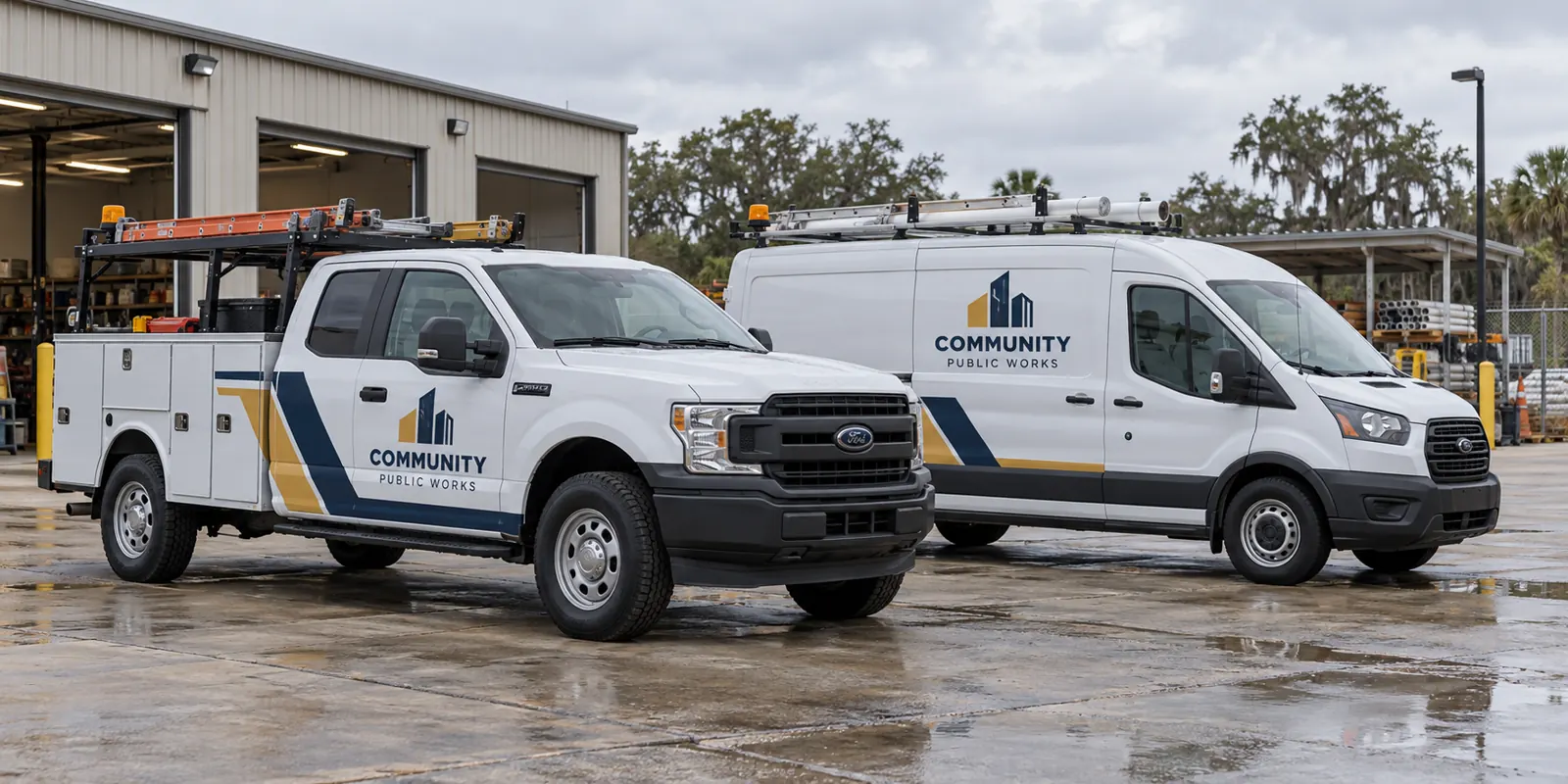
Fictional commercial wrap design concept; not a completed customer installation.
Begin with the agency's approved identity and purpose
Identify the agency, department and role of each vehicle group. Public works, facilities support and administrative vehicles may have different information priorities. Use the current authorized logo sources, naming conventions and colors rather than treating another agency’s equipment as the design standard. Keep the operator identity clear.
Define which department description, contact route and unit information belong on the vehicle. Have the responsible agency owner confirm the wording. The graphics brief should reflect the actual organization, not create an implied agency relationship or qualification from a generic concept image.
A useful equipment line names the unit, the body version, the proposed graphic areas and the specification reference that applies. Keep unusual vehicles separate rather than hiding them inside a fleet total. This makes scope questions visible to the agency reviewers and helps later additions follow the correct approved version instead of an uncertain generic standard.
Turn the request into a defined equipment and scope list
List each body configuration and quantity with current photographs. Pickups, service bodies, vans and larger trucks need different layouts. Include aftermarket equipment, door positions, access panels and existing information. A chassis model alone does not identify every graphic surface in a municipal equipment list.
Use the vehicle directory, service-body page and utility-truck route to organize body-specific references. Separate standard versions from unusual units so the proposal does not assume a uniform fleet where the actual equipment differs.
Supply current specifications and identify their reviewers
If the project includes prescribed markings, material requirements or other operational specifications, provide the current written documents. Identify the person responsible for reviewing them and explaining any conflicts between a general brand layout and the vehicle-specific requirement. Do not infer a specification from the appearance of a material or an unrelated photograph.
Record included surfaces, exclusions and existing information that must remain visible and usable. Equipment labels and functional access should be reviewed by the appropriate owner. A branding proof is a visual reference within that process; it is not automatically an approval against every requirement in a procurement or operational document.
Use a repeatable identity across different public fleet bodies
Preserve the authorized hierarchy and color treatment while allowing placement to adapt. A maintenance van, pickup and compartmented work truck can be recognizable as one organization without identical compositions. Review the side and rear views separately around handles, gaps, windows and loading hardware.
Keep department and unit identifiers linked to the correct vehicle version. Provide a verified source list and check it during proof review. The graphics management route connects later additions and repairs with a maintained artwork record rather than relying on a production file whose vehicle reference has become unclear.
Keep proof approval and purchasing responsibilities separate and clear
Identify who consolidates feedback, who approves agency identity and who owns technical or equipment details. Use a dated proof and return one coordinated response. A design can look finished while important specifications or identifiers still need confirmation, so record those open items before authorizing production.
Provide the actual request or purchasing instructions relevant to the project. Eligibility, contractual requirements and procurement decisions need their own verification through the agency’s process. This page offers a way to prepare the graphics brief; it does not establish a vendor registration, contract award or purchasing entitlement.
Plan condition review and staged vehicle availability
Disclose old vinyl, residue, corrosion, repairs and damaged finishes with close photos. Graphics should not be treated as a repair for an underlying surface concern. Removal and preparation should be explicit in the scope, with suitability addressed before the project depends on a vehicle being ready.
Identify priority units, release windows and the number available at once. Clarify delivery, access and collection responsibilities against the confirmed arrangement. The scheduling guide helps connect these details with phased planning. An entered preference or general duration is not a confirmed installation schedule.
Prepare the agency graphics brief for review
Send the equipment list, quantities, current photos, authorized artwork sources, essential wording and timing. Include current specifications, verified identifiers and the review chain. Identify coverage preferences and existing information to preserve. Make unknown details visible instead of assuming a generic fleet template resolves them.
Use the inventory worksheet and submit a municipal fleet graphics brief. The public-works image is a fictional identity concept created for this page. It is not a real agency, customer installation, contract record or demonstration of compliance with an operational specification.
Frequently Asked Questions
Turn Your Vehicle Details Into a Clear Project Brief
Send current photographs, vehicle quantities, logo files, coverage preferences and timing. Identify old graphics and paint concerns so the project review can address the actual equipment.
Explore planning resources or request your commercial wrap quote.
