
Fleet Graphics Photo Asset Licensing Checklist
A fleet graphics photo asset licensing checklist connects each proposed image to its actual source, use context and supplied permission record. It should keep previews, production files and edited versions traceable without deciding legal questions from a filename. Build the inventory before the image becomes part of an approved vehicle proof. This working record organizes evidence and responsible contacts; it does not grant rights or replace the terms governing a particular asset.
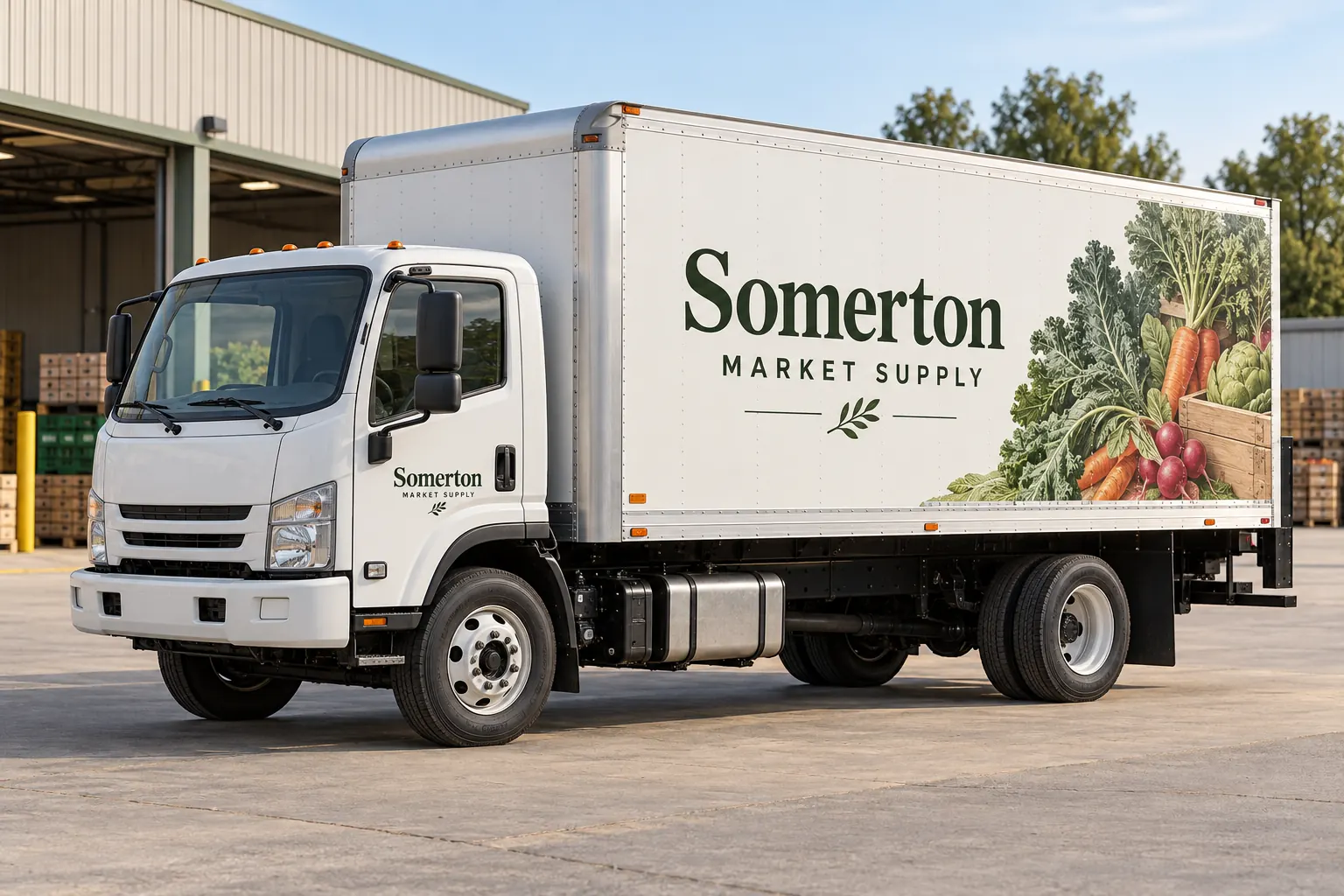
Original fictional commercial planning concept; not a completed customer installation.
Give each proposed image a stable asset reference
List the actual image, source location, available asset identifier and person who supplied it. Keep a preview distinguishable from the file intended for artwork preparation. If an image arrived through an email with no source information, record that gap rather than treating its presence in the package as confirmation that it can be used.
Use a short project label linked to the original record, such as “Somerton produce image A.” The label helps the buyer and designer discuss the same item without changing its underlying source history. The fictional Somerton Market Supply concept illustrates an image-led commercial direction, not a stock license or a real customer project. Your inventory needs the actual asset and evidence relevant to the proposed work.
Describe the intended use before reviewing the evidence
State how the image is proposed to appear: a vehicle side, a rear panel or another defined project area. Identify the business and project it will represent. Keep a conceptual inspiration reference separate from an asset requested for production. A photograph supplied only to discuss a mood should not silently become the final graphic because it was the easiest image to find.
Record whether the project anticipates cropping, combining with text or another actual artwork adaptation. Send use and delivery questions to the responsible source contact. The checklist should make the proposed context clear enough for the appropriate review, without assuming that one general permission statement or a previous project establishes every future use.
Retain the actual license or supplied permission source
Identify the relevant source record, date, asset ID and the person who can clarify it through the company’s process. Keep credentials and unnecessary account data outside the handoff. A useful reference lets the responsible party find the evidence without sharing an entire account or archive. Mark missing or unclear information as pending with a next action.
Adobe Stock provides a concrete example of why asset context matters: its usage guidance restricts editorial-only assets from commercial advertising use and describes licensing an asset separately for different client uses. Those are Adobe-specific source instructions, not a universal interpretation of every image agreement. Check the actual asset and applicable terms rather than assuming that buying or downloading an image establishes unrestricted use or ownership.
Primary reference: Adobe Stock usage and licensing questions. Review the actual source and terms for the asset being proposed.
Keep additional permission questions visible
If the business identifies people, third-party marks, customer property or another element that needs review for the intended use, record the specific question and responsible contact. Do not make the graphics provider infer a complete permission history from the image itself. Keep supplied evidence and unresolved questions connected to the asset reference.
The checklist is useful even when the appropriate answer has not yet been supplied. A status such as “source contact reviewing proposed vehicle advertising use” is clearer than an unsupported approved tick. Questions about legal rights or unclear terms belong with the responsible source or appropriate adviser. The administrative record should expose the issue and next owner rather than pretend that the form resolves it.
Trace edited artwork back to the approved source
Record the actual artwork version using the image and identify the relevant original asset reference. Keep a changed crop, combined composition or replacement image identifiable. A revised vehicle proof may look similar while containing a different source item. The reviewer should be able to confirm which asset was selected and whether the proposed use remains the one previously described.
Retain a viewing reference where useful, but do not let an unlabeled screenshot replace the original record. If the image changes, update the inventory and route the relevant source question again. Keep content selection, permission evidence and production-readiness review distinguishable so an approved visual direction is not mistaken for confirmation of every asset dependency.
Prepare only the relevant delivery package
Identify which approved files the provider needs for the actual artwork task and the supplied conditions for that delivery. Keep previews and retired candidates clearly labeled. If a production file is missing, assign the source request rather than quietly enlarging or substituting a convenient image to make the package appear finished.
Ask the provider to assess the available file for the intended layout and project. This readiness discussion is separate from the permission source record. An image can be the selected subject while still needing a better source file, and a technically usable file can still have an unresolved use question. Keeping those states separate makes the next action clear for both the buyer and designer.
Save an asset-specific handoff record
Use the working checklist below for the asset identity, intended use, actual source record, open permission questions, artwork version and delivery owner. Save the text and retain the underlying evidence through your normal project process. Completing the record does not transfer copyright, grant a license or establish that every proposed edit and output is permitted.
For Pelican Wraps, send the approved image package, current brand files, actual vehicle photographs and requested coverage. Identify source gaps and the contact who can resolve them. Use the artwork and fleet brand handoff resources for the broader package. A traceable inventory lets the project discussion address the actual image instead of assuming that every attractive file in a folder is approved for a commercial vehicle.
Draft and Download Your Working Record
Draft your entry, then download a copy before leaving. Send any project decision through the communication process agreed with your supplier.
Frequently Asked Questions
Take the Next Step with a Clear Project Brief
Continue with the resource that matches your next decision:
- Artwork Guidelines
- Fleet Brand File Handoff Checklist
- Vehicle Wrap Artwork Preflight Checklist
- Request a Quote
Send the actual vehicle or surface photographs, quantities, approved brand files, requested coverage and timing constraints. Identify open questions so the project review can address your equipment and business needs.
