
Fleet Graphics Material Submittal Review
A fleet graphics material submittal review connects the actual proposed graphics system with the documents, project areas and questions the buyer needs to understand. It is useful when a proposal includes material information or the business needs a traceable review package before the next project step. The output is a record of the supplied system references, applicable document versions, open questions and the actual business decision. It does not select a universal film or establish performance from an illustration. Use the current provider's information to identify what is proposed for the real project.
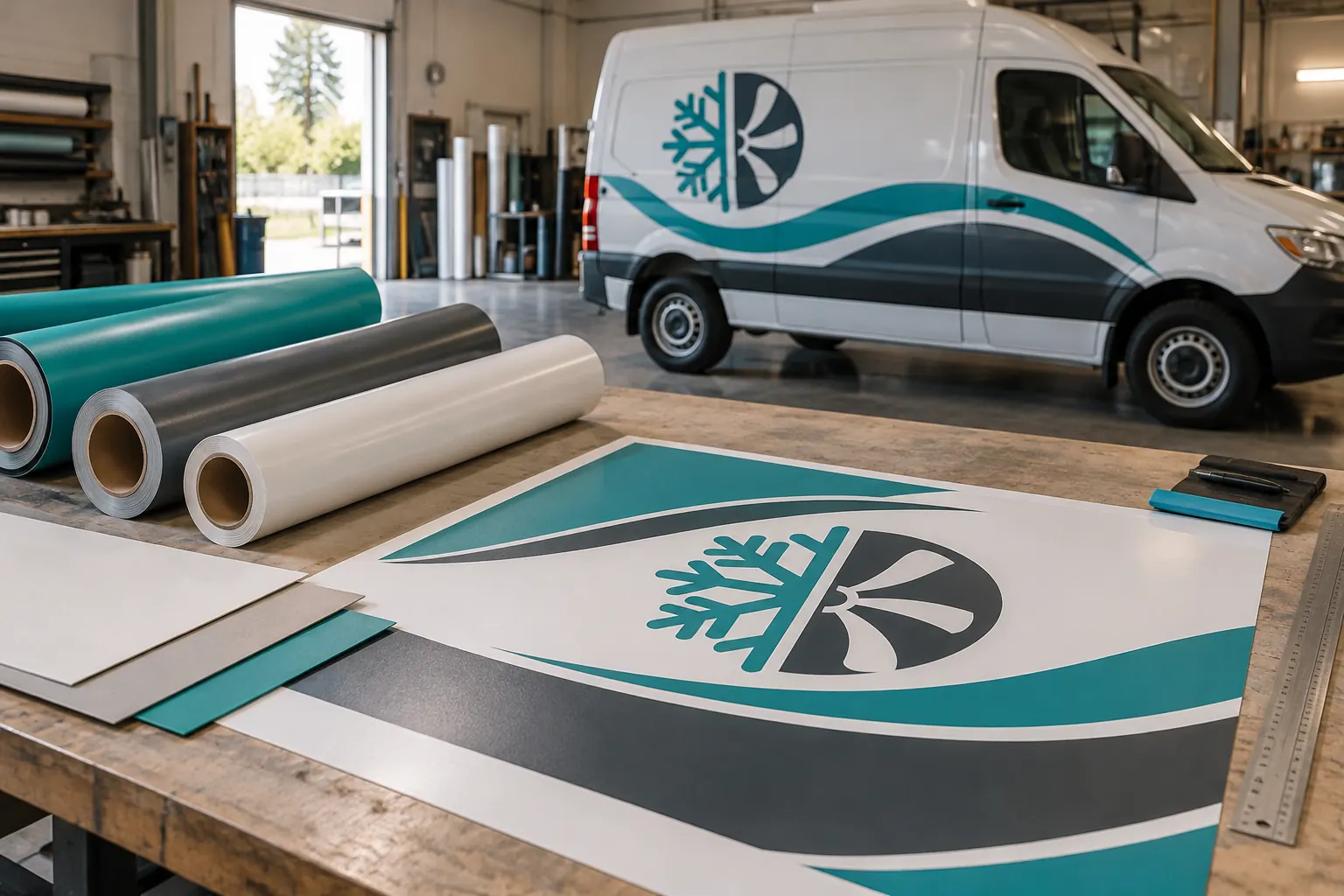
Original fictional commercial planning concept; not a completed customer installation.
Identify the actual proposed system and project areas
Record the proposal reference, current revision and the provider supplying the material information. Identify the actual vehicles or surfaces and graphic areas the proposed system concerns. Keep a missing product or finish reference as a question to the source. A generic description of vinyl should not be expanded into an assumed product combination.
Where the provider proposes more than one system or a unit-specific exception, keep those mappings separate. A useful record identifies which supplied system reference concerns each affected area. It should not imply that a product discussed for one vehicle automatically applies to a trailer, a different finish or a later replacement. Begin with the proposal actually being reviewed so the document search has a defined project context.
Collect the supplied documents with their versions
List the actual product or system documents supplied by the provider and record titles, revision references and the date received. Keep the source links or files retrievable. If a document appears to cover a different product or region, ask the provider to identify the relevant source rather than silently choose another PDF with a familiar filename.
Official document libraries can help locate source material: 3M commercial graphics technical information and Avery Dennison technical information. Use these as document locators with the actual provider’s system identification. A library link alone is not the project submittal and does not establish that every product listed there has been proposed for your units.
Define what the buyer is reviewing
Write the bounded review purpose before marking a status. The buyer may need to confirm that the supplied system references match the proposal, that the requested finish has been addressed or that a source question has been answered. Identify the actual decision maker and the technical questions that need the provider’s response.
Keep business review and technical assessment distinguishable. A coordinator can identify an absent document or a mismatch between two references without claiming to certify material suitability. If the proposed area or existing condition is uncertain, record the actual views and source question needed for assessment. A clear review purpose makes the final status meaningful because it shows what was examined and what remains outside that decision.
Map questions to the actual unit and source
For each question, identify the unit or surface, proposed system reference and document location that prompted it. Ask the provider a bounded question about the actual proposal. A question about an unidentified existing finish is different from a request to confirm which proposed product reference applies to a rear-door area.
Record the response source and whether a revised document or proposal is needed. Do not fill an unresolved field with a performance assumption or a specification remembered from another project. The useful output is a traceable answer for the affected area. Keep any remaining source gap visible to the decision maker before the next task relies on an apparently complete material package.
Connect physical samples without expanding their meaning
If physical samples are part of the actual project review, identify their references and the purpose the provider supplied them for. Use the sample approval record to capture the actual sample, comparison basis, observations and scoped decision. Link the relevant reference here rather than duplicate a separate sample decision in the submittal record.
A sample can help the business discuss a bounded appearance or finish question within the actual review process. It should not be treated as proof of every installation outcome, a universal product specification or a warranty statement. Keep the provider’s supplied information and actual project source connected with the sample. If the sample reference and submittal reference do not match, record that mismatch for clarification before the buyer relies on either as the current package.
Record the actual review outcome and conditions
Identify who reviewed the package, which current documents were considered and the precise scope of the decision. Use the business’s actual status terms and process. If a question remains open, state the affected source or area and response owner. Avoid a broad approved label that hides a limited business review or an unanswered provider question.
If the provider revises the proposed system or a relevant document, identify which part of the review needs to be revisited. Retain the earlier package as history and notify the affected participants through the normal process. This record supports a clear review trail; it does not create technical certification, establish warranty eligibility or interpret the legal effect of project approval wording.
Carry the current package into the next project step
Download the working record with the proposed system mapping, document register, review purpose, unit-specific questions, sample reference and decision status. Name the custodian of the current package. Keep source files findable so a later coordinator can identify what was reviewed instead of reconstructing the system from unlabelled samples or old attachments.
For a Pelican Wraps inquiry, supply the real vehicles or surfaces, current condition views, requested coverage and finish, available brand files and the bounded material question. Identify the actual proposal or supplied source if one exists. A useful lead connects a real project requirement with the information needed for the next assessment. Continue to scope and proof review using the current source-supported package rather than a generic product assumption.
Draft and Download Your Working Record
Draft your entry, then download a copy before leaving. Send any project decision through the communication process agreed with your supplier.
Frequently Asked Questions
Take the Next Step with a Clear Project Brief
Continue with the resource that matches your next decision:
- Fleet Graphics Procurement & RFQ Checklist
- Materials & Installation Guidance
- Fleet Graphics Management
- Fleet Graphics Sample Approval Record
- Request a Quote
Send the actual vehicle or surface photographs, quantities, approved brand files, requested coverage and timing constraints. Identify open questions so the project review can address your equipment and business needs.
