
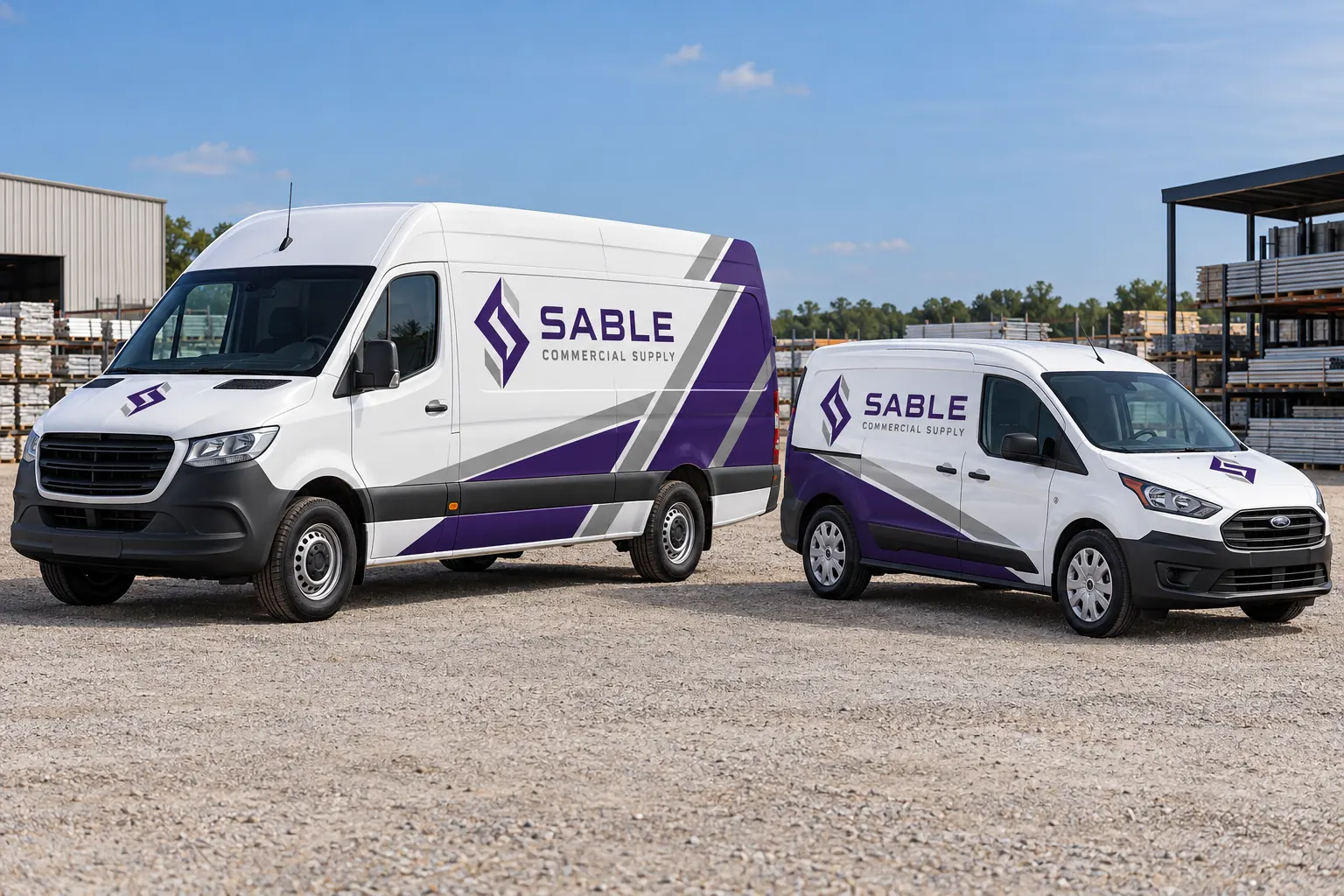
Fictional commercial wrap design concept; not a completed customer installation.
Confirm which version of the identity is current
Begin with the accepted master files, wording and color/output references rather than a photograph of whichever existing vehicle is closest. Check whether the business changed a domain, service message or logo since the last installation. A new addition is an opportunity to follow the current standard, not reproduce an obsolete version because it remains visible on older equipment.
Use the design standards guide to identify the controlling source and approval owner. Keep the history of older units without allowing it to create uncertainty about the next order. State clearly whether the new vehicle repeats the current identity or is the first unit in a deliberate update.
Survey the actual new model and working body
Record year, make, model, wheelbase, roof height and relevant body dimensions or aftermarket configuration. Photograph both sides, front and rear and identify accessories, compartments, windows and doors within the intended coverage. A model badge alone does not describe the equipment that receives the graphic.
Use the survey guide to connect views and dimensions, with estimates marked and final verification responsibilities agreed. Compare the new record with existing configuration sheets. The task may be an exact repeat, a limited adaptation or a genuinely new layout class; that decision should follow the actual geometry rather than a broad vehicle-category name.
Preserve the hierarchy while adapting the composition
Keep the approved operator identity, service context and contact route recognizable. Let their arrangement change where the new body offers different usable areas. A compact van may need a simpler composition than a high-roof model, while a box body or service compartment requires another fitted review.
Do not stretch every element proportionally until the old design fills the new panel. Review the relative hierarchy, body color and hardware. The design review guide helps identify crowding and interruption issues. Consistency comes from deliberate rules and accepted references, not from pretending different bodies have identical proportions.
Review the coverage and material scope again
Identify which faces and areas are included on the new model and which remain uncovered. Different contours or construction can affect the application review even when the fleet palette remains unchanged. Ask the proposal to identify the actual material system and preparation assumptions for this equipment.
Use material-selection planning and partial coverage planning where relevant. A retained design does not establish surface readiness, suitable coverage or a universal price for every addition. Record whether the new vehicle has existing graphics, repaired coatings or another condition that distinguishes it from the earlier units.
Classify the addition before ordering
| Question | Record to compare |
|---|---|
| Same body and coverage? | Accepted configuration sheet |
| Same business message? | Current master identity and wording |
| Same visible body color? | Approved composition or variation |
| Changed hardware or condition? | New photographs and readiness review |
Confirm identifiers and operational clear areas
Add the unit to the current asset register and verify the data that will appear on the graphic. Keep department, location and contact information consistent with the business policy rather than infer them from another truck. Review required labels, lights, reflectors, controls and original equipment information through the responsible operational contact.
Use unit-marking planning to distinguish shared identity, variable data and required markings. A new body can have a different available identifier location. Record an accepted exception instead of forcing the old placement across a compartment or other working feature that needs to remain clear.
Approve the new configuration as a reusable record
Review one identified proof version against the actual survey and accepted data. Record the artwork approver, configuration details, coverage and applicable unit list. If the new layout becomes a class used for later additions, give it a clear reference within the maintained fleet standard.
Keep creative adaptation distinct from per-unit production and installation in the quote. The design scope guide helps describe those deliverables. A new fitted layout should not be mistaken for an unlimited promise that every future vehicle is included, and a repeated logo file should not conceal configuration-specific design work that the proposal needs to address.
Install, document and keep future repeats accurate
Confirm the actual release and installation arrangement and record the finished vehicle with photographs. Retain the accepted artwork, product references and unit data. Update the configuration sheet if the final reviewed arrangement differs from an earlier draft so the next order starts from the installed standard.
Use fleet graphics management for continuing additions. To begin, send a new-model brief with the existing accepted standard, new vehicle survey, coverage preferences and timing. Identify missing records honestly. The process should preserve the commercial identity while giving the real new equipment its own accurate and repeatable layout.
Frequently Asked Questions
Turn Your Vehicle Details Into a Clear Project Brief
Send current photographs, vehicle quantities, logo files, coverage preferences and timing. Identify old graphics and paint concerns so the project review can address the actual equipment.
Explore planning resources or request your commercial wrap quote.
