
Wrap Coverage Comparison Tool: Compare the Scope Behind Each Option
Describe three coverage options and enter your own quoted amounts. The worksheet keeps the included faces, main message and exclusions beside the arithmetic, so a lower subtotal does not quietly become a recommendation for a different project.
Compare Three Coverage Scopes
Your entries stay in this page and are not saved or sent. Download your record before leaving. Use the quote form separately when you are ready to share information.
Enter your own comparable scopes and quoted amounts in USD. Blank costs remain unknown; enter zero only when a line is confirmed as zero or included. Unit amount × quantity + one-time amount is an entered-scope subtotal, before any unentered tax, access, transport or other items.
This worksheet does not estimate surface area, fit a design, select a film or recommend the cheapest option. Compare coverage, wording, preparation, exclusions and approval needs alongside the entered amounts.
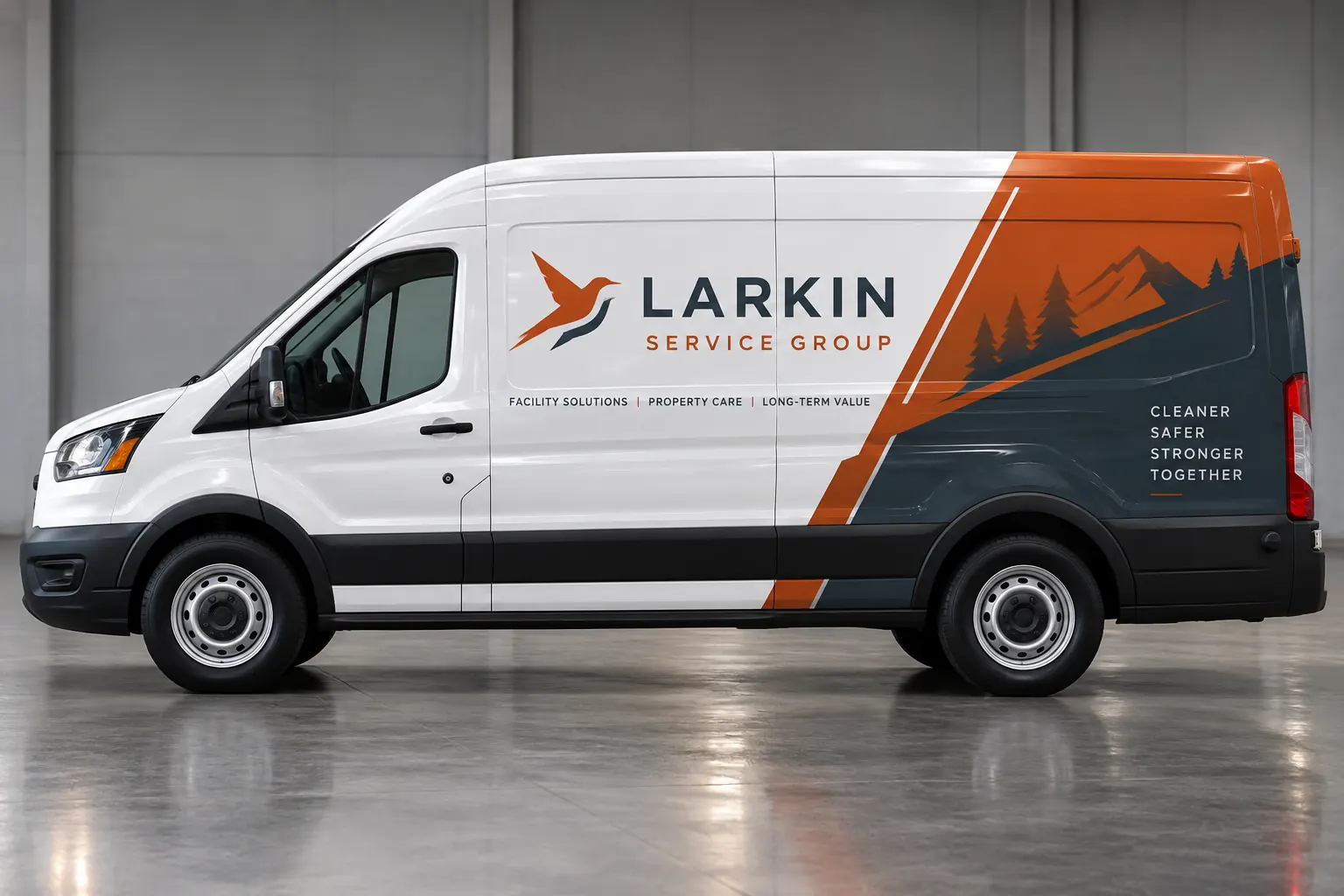
Fictional commercial wrap design concept; not a completed customer installation.
Choose one real vehicle group for a fair comparison
Start with a single configuration or a genuinely repeated group and use the same quantity for all three options. Provide the actual vehicle photographs and relevant body details. A coverage comparison becomes harder to interpret when one option describes a van and another silently assumes a larger box truck with different usable areas.
If the fleet contains several configurations, make a separate exported record for each meaningful group. Use the inventory worksheet to identify those groups first. The comparison should answer a specific buyer question about coverage and scope on the same equipment, rather than mix enough unrelated quantities and assumptions that the resulting total no longer explains a practical choice.
Describe full, partial and lettering options in concrete terms
Use the option labels that match your actual enquiry. For full coverage, describe the intended faces and boundaries rather than assume the term includes every surface. For partial coverage, identify the panels and areas that carry the identity and how the exposed vehicle finish participates in the design.
For lettering and decals, record the main messages and placement areas. The tool accepts your descriptions because those category names alone cannot establish exact area, material, preparation or installation scope. A useful comparison makes the actual alternatives readable, including decisions that are still provisional and need the supplier review.
Record the business message beside the coverage boundary
State the company identity, short service context and contact action that each option must support. More covered area gives a different design canvas, but does not independently prove that the message will be clearer or that the project will produce more enquiries. Evaluate the hierarchy on the actual vehicle faces and relevant viewing conditions.
Use the scope field to explain what changes between alternatives: the main side identity, rear-door message, graphic background or other planned element. Keep required markings, lights and working equipment visible through the responsible review. The fictional Larkin Service Group image illustrates a partial-coverage idea; it is not a measured production layout or evidence that the same composition fits another configuration.
Enter only the amounts you actually have
Use USD and enter the amount per vehicle plus the one-time amount for each option. The worksheet multiplies the entered unit amount by the shared vehicle quantity and adds the entered one-time amount. It does not supply market rates, infer missing costs or estimate covered area from a vehicle model or photograph.
A blank amount remains unknown. Enter zero only when the line is confirmed as zero or already included in the other amount, and say where it is included in the notes. Do not enter a low guess merely to make every subtotal appear complete. The arithmetic is useful when the underlying figures are understood; an apparently precise total built from uncertain inputs can hide the very scope differences the comparison is meant to reveal.
Keep exclusions and assumptions visible for every option
Use the notes field to identify old-graphic removal, preparation, design, access, installation location, transport, taxes and other relevant items that the entered amounts do or do not include. If a response needs a vehicle inspection or final measurement, keep that dependency beside the figure. Ask the supplier to clarify unresolved items before comparing a subtotal as a complete purchasing amount.
Use the RFQ checklist to review the source facts. A low subtotal can describe a smaller scope, different readiness assumption or omitted task. The worksheet deliberately leaves those explanations visible rather than select a winning option from price alone or invent a normalized cost that the supplier has not actually provided.
Review the range as arithmetic, then make the buyer decision
When at least two options have both amounts entered, the tool displays the range of their entered-scope subtotals. It does not calculate a coverage percentage, validate technical fit or predict return. Compare that range with the stated message, coverage, condition assumptions and future maintenance needs before choosing what to investigate further.
The same quantity supports a consistent initial comparison, but it does not prove every unit is a production repeat. Have the actual configurations and products reviewed before release. If the preferred option changes after survey or design, update the record and request confirmation of the affected amount and timing. Keep the accepted scope separate from an early planning calculation that has since become obsolete.
Export the record and turn the choice into a defined enquiry
Download the CSV before leaving the page. It contains the project reference, quantity, option descriptions, entered amounts, available subtotals and exclusions. Entries are not stored or sent. Keep the export with the source quotes and photographs so the comparison can be understood by another approver without recreating the entire conversation.
For a project review, send the selected scope and vehicle details along with the alternatives you still want discussed. State the quantities, known condition and target timing and identify the final decision contact. The tool should lead to a clearer brief and better questions, followed by an actual agreed scope rather than a browser calculation treated as a confirmed price or installation booking.
Frequently Asked Questions
Turn Your Vehicle Details Into a Clear Project Brief
Send current photographs, vehicle quantities, logo files, coverage preferences and timing. Identify old graphics and paint concerns so the project review can address the actual equipment.
Explore planning resources or request your commercial wrap quote.
