
Fleet Wrap Installation Scheduling Without Guesswork
A rollout schedule should show what must be ready before each vehicle leaves service. The artwork, actual body, preparation needs and available production all influence that sequence. Pelican Wraps uses the project brief to discuss the work and the operator's release windows; this guide helps a fleet manager organize those inputs before treating a target date as a confirmed appointment.
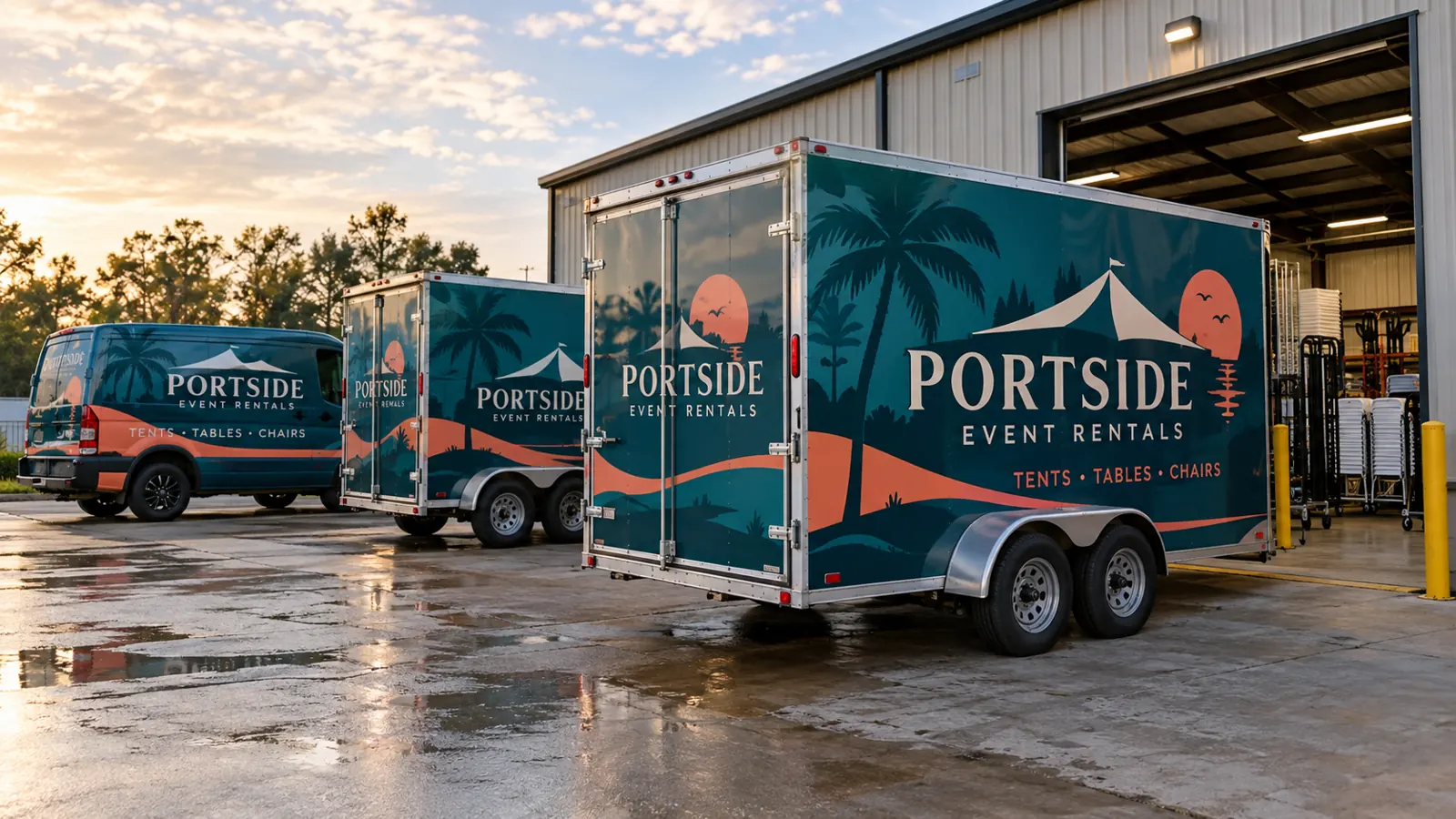
Fictional commercial wrap design concept; not a completed customer installation.
Distinguish the desired deadline from the release sequence
Tell the provider why the date matters. A brand launch, vehicle delivery, booked event or contract start may create different constraints. Identify the latest acceptable handover and what would happen if a unit needed additional review. This context is more useful than requesting the fastest possible turnaround without defining the work.
Work backward through the decisions that remain open: business wording, proof approval, body verification, material selection, production and preparation. The target should stay visible, but it should not be treated as an unconditional installation promise while those inputs are unresolved. Confirm which milestones must be completed before each appointment is firm.
Build the schedule from individual units
Record the unit number, body version, current location and operating contact. State when the vehicle can actually be released and whether another unit can cover its work. A total fleet quantity does not explain whether the operator can spare one vehicle at a time or deliver a group together.
Separate matching equipment from exceptions. Old graphics, previous paint repairs, lift equipment and changed body panels may affect preparation or file adaptation. Put those concerns against the unit record so they are reviewed before arrival rather than discovered when the vehicle is already unavailable to its normal crew.
Create one approval path before booking equipment
Name the contact who can approve the final design and the person who can authorize an additional preparation decision. If several departments review the graphics, gather their corrections into one controlled proof cycle. The production team should know which version has been released.
Check exact contact details, branch wording, unit identification and included surfaces before approval. If measurements or permissions remain unresolved, identify them separately. A screen proof can be visually approved while the physical scope is still incomplete; the schedule should account for that distinction instead of allowing each team to assume the other has finished.
Allow for removal and surface review
Provide current photographs of existing graphics, peeling coatings, rust and repaired areas. State the approximate graphic age when known. Removal and adhesive cleanup should be part of the scope discussion, not an assumed quick task performed before a new installation starts.
Where the condition cannot be established remotely, ask how inspection will fit into the sequence. A vehicle may need a repair or revised coverage decision before film is appropriate. Graphics do not stabilize failing paint, and a schedule should not depend on covering a questionable surface without the necessary review.
Use a pilot and phases for mixed programs
A representative pilot can help confirm the artwork on real equipment before the next group is released. Decide what the team will review and who accepts any adjustment. Update the master record so later production follows the agreed version rather than a file saved before the pilot.
Choose phases around the actual operating pattern and equipment similarities. One phase might contain matching vans, while a different trailer body requires its own proof. Staggering vehicles is useful only when the design, preparation and production needed for each group are also organized. A phase label should not hide unresolved exceptions.
Agree on delivery, handover and return to work
Confirm where the equipment will be delivered, the responsible contact and the access arrangement for larger combinations. Pelican Wraps is based in Harvey. For vehicles at another yard or region, discuss the actual transport and installation plan during the project review rather than assuming a local branch exists.
At handover, retain the unit record and product-specific care instructions. Ask when normal use and cleaning can resume for the installed system. Record any outstanding condition notes or exclusions. The operator should know what has been completed and what requires follow-up before simply returning the vehicle to its next route.
Keep the schedule useful when circumstances change
Tell the provider promptly if a vehicle is damaged, reassigned, replaced or unavailable. Identify which part of the plan changes and whether the substitute body matches the approved files. A different vehicle arriving under the same appointment does not automatically represent the same preparation and installation scope.
Use the fleet planning guide to organize approvals and the inventory worksheet for unit details. Bring the brief to the fleet wrap project review. A clear sequence supports realistic coordination; it does not establish a universal number of hours or days for every fleet.
Frequently Asked Questions
Turn Your Vehicle Details Into a Clear Project Brief
Send current photographs, vehicle quantities, logo files, coverage preferences and timing. Identify old graphics and paint concerns so the project review can address the actual equipment.
Explore planning resources or request your commercial wrap quote.
Build the Unit Release Plan
The scheduling guide explains the decisions and responsibilities. Use the separate fleet rollout planner to enter proposed vehicle or batch windows, identify incomplete dates and flag overlaps for review. Download the plan for coordination; entering dates does not reserve supplier capacity or confirm installation.
Explore Related Project Guides
- Fleet Graphics After Hours Handoff Planning
- Fleet Graphics Completion Photo Review
- Fleet Graphics Installation Reschedule Checklist
- Fleet Graphics Out of Service Contingency Plan
- Fleet Graphics Weather Delay Communication Plan
- Fleet Graphics Work Order Release Checklist
- Fleet Installation Driver Assignment Sheet
- Fleet Installation Parking and Access Brief
- Fleet Vehicle Contents Removal Checklist
- Fleet Vehicle Key Handoff Checklist
