
Fleet Graphics Photo Record Naming System
A fleet graphics photo record naming system makes a filename useful outside the folder where it was first uploaded. Define a short unit key, capture date and view term, then keep the convention consistent across survey, completion and condition records. This page focuses on filename rules, collision handling and the cross-reference to your inventory. The shared-folder walkthrough explains how to organize and collect the whole photo package before a quote.
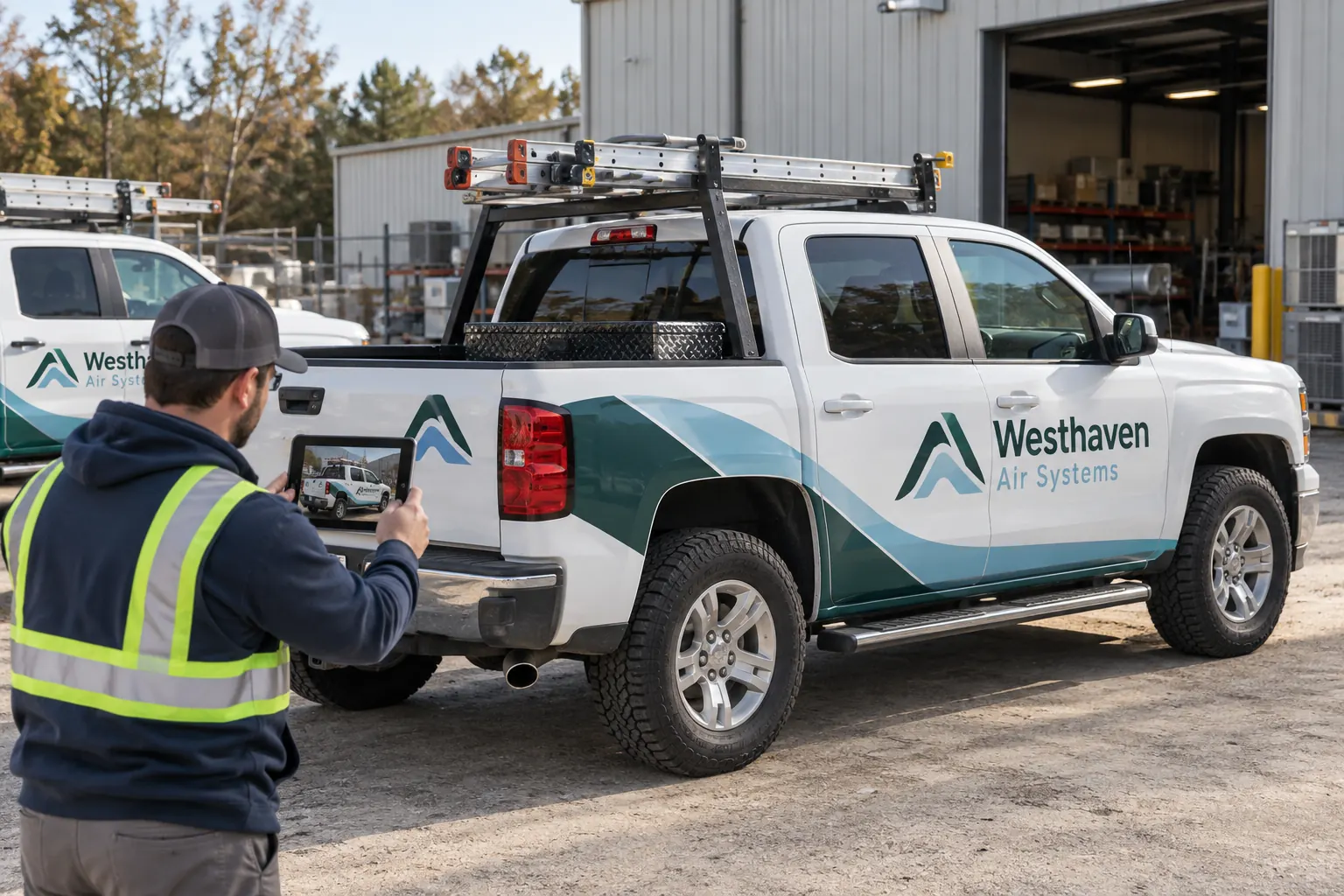
Original fictional commercial planning concept; not a completed customer installation.
Build the filename from three useful parts
Use a stable unit key, a date and a view description. A practical pattern is “WEST-214_2026-10-18_driver-side.jpg.” The example shows the intended structure; adapt the delimiters and date standard to your organization’s existing approved file process. Keep the system simple enough that a colleague can apply it without a long manual.
Put the same unit key in the vehicle inventory. If the key is ambiguous across branches, resolve that ambiguity before the photo collection expands. A filename that identifies only “white van” may work for one person today but becomes unreliable when several similar units enter the same quote or replacement request.
Define a small controlled view vocabulary
Choose consistent terms for the views your project needs, such as driver-side, passenger-side, front, rear and detail. Add the relevant panel or hardware term to detail photographs so several close views do not all become “detail.” Keep the terminology understandable to the people taking and reviewing the photographs.
If your company prefers left and right, define the viewing convention clearly and use it consistently. Avoid mixing several naming approaches within the same survey. The objective is a reliable connection between the actual image and the intended vehicle view, not a technical naming contest.
Use dates to distinguish real condition changes
Record the capture date rather than relying only on the date a file was copied into a folder. A current upload can contain an old image. If the vehicle was repaired, fitted with new equipment or moved into a different graphics state, create a dated record that exposes the changed condition.
Keep the earlier images in a labeled archive when they need to be retained. Do not overwrite a previous survey image with a new view of a modified vehicle while leaving the same name and approval context. The photo history can help explain why an earlier proof no longer fits the current body.
Handle repeated views and naming collisions
When several images show the same view on the same date, add a simple sequence or a meaningful detail term. For example, a rear-wide image and a rear-hinge-detail image have different roles. A sequence can distinguish repeated wide views without changing the unit key or capture date.
Check for duplicates before renaming a large group. Preserve original files when your company needs them and work from copies for the project share. Do not let a bulk rename silently replace one unit’s image with another file that happens to have the same generated name. Keep uncertain images in a review area until their identity is resolved.
Separate survey, completion and condition records
Add a record-stage term or keep clearly defined stage folders when the same naming system covers the whole project. A pre-work survey, a completion photograph and a later damage image can all show the same rear door while describing different moments. The recipient should be able to identify which stage the image represents.
In a fictional Westhaven Air Systems example, unit WEST-214 has a current survey set and a later completion set. A dated rear-hinge concern is added as a condition record. The names preserve the connection to the unit without pretending that the three files show the same condition or establish the cause of the concern.
Keep a cross-reference for the naming rules
Write the unit-key source, date convention, approved view terms and collision rule in a short project note. Identify who can resolve an unknown unit or an inconsistent view. The downloadable record below gives you a place to define those rules before asking several drivers or branches to contribute.
Use neutral unit and view information rather than unnecessary personal data. A driver’s name, private address or unrelated company document is generally not needed to identify a vehicle graphics photograph. Keep the externally shared photo package focused on the actual project material.
Review filenames as part of the quote handoff
Ask a colleague to select a few files without using your memory of the photo session. Confirm that the filenames reconcile to the inventory and that the images show the stated views. Review missing dates, repeated keys and files that still use vague camera-roll names where the project convention is required.
Send Pelican Wraps the relevant photo package with vehicle quantities, coverage preferences, available brand files and timing constraints. Explain the naming convention briefly and identify any representative or uncertain images. The naming system improves communication while the actual vehicle, surface and scope questions still receive their appropriate project review.
Draft and Download Your Working Record
Draft your entry, then download a copy before leaving. Send any project decision through the communication process agreed with your supplier.
Frequently Asked Questions
Take the Next Step with a Clear Project Brief
Continue with the resource that matches your next decision:
- Commercial Vehicle Photo & Measurement Guide
- Fleet Vehicle Inventory Worksheet
- Vehicle Wrap Photo Upload Checklist
- Request a Quote
- Fleet Graphics Management
Send the actual vehicle or surface photographs, quantities, approved brand files, requested coverage and timing constraints. Identify open questions so the project review can address your equipment and business needs.
