
Delivery Fleet Driver Handoff Graphics Checklist
A delivery fleet driver handoff graphics checklist records what a driver needs to recognize and report when taking responsibility for a vehicle. It is an operational observation record, separate from supplier installation acceptance or artwork approval. Use the actual unit, current public information and factual photographs to identify concerns. Keep decisions about repairs, customer contact changes and project authorization with their assigned owners.
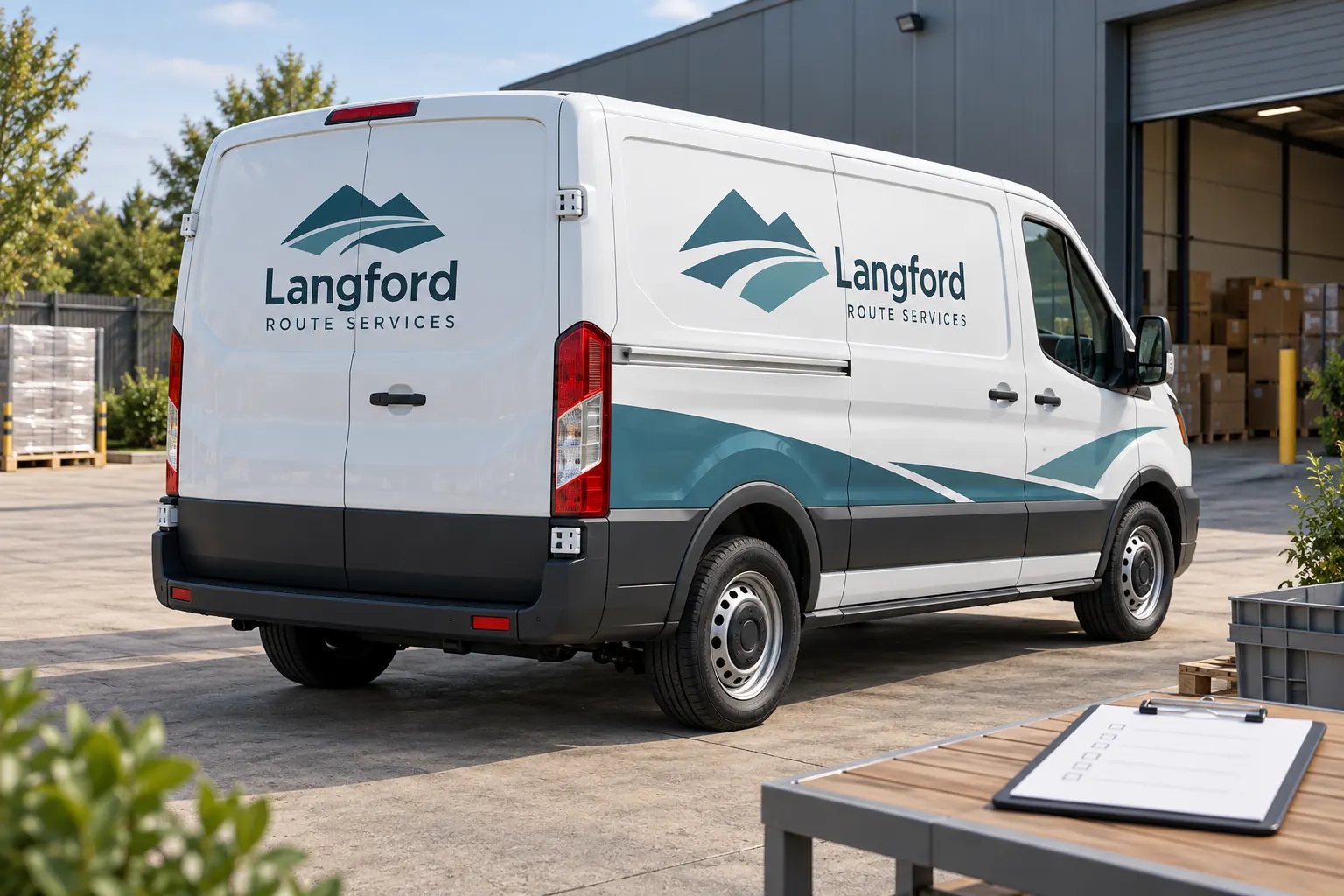
Original fictional commercial planning concept; not a completed customer installation.
Start with the actual unit being handed over
Record the stable vehicle reference, body configuration, handoff date and the responsible depot or supervisor. Use the company’s normal assignment process to confirm the asset. A driver receiving a similar van should not assume it carries the same public contact line or graphics version as the previous unit. Identify the actual vehicle before reviewing its message.
Keep the checklist focused on graphics observations relevant to the handoff. It does not replace the company’s vehicle safety inspection, equipment checks or route authorization. Those processes retain their own requirements and owners. A useful record can connect to them through the unit reference without pretending that a graphics checklist establishes overall vehicle readiness.
Check public wording against the active source
Provide the driver or supervisor with the current approved business contact source or the appropriate version reference. Check the visible company name, service descriptor and contact information on the actual vehicle. Record a mismatch factually and identify the area. Do not ask the driver to decide whether a new phone number should replace the company’s approved route.
For fictional Langford Route Services, the handoff might identify one van whose rear wording differs from the current depot instruction. The useful observation is the exact difference and unit, not an assumption about who caused it. The concept image illustrates the handoff setting; it does not document an actual error or a customer installation.
Photograph concerns in a way another person can find
Take an overall view that identifies the relevant side or rear, followed by a close view of the concern where useful. Use a file name linked to the unit and capture date. Describe the location in ordinary terms, such as the rear right door near the handle. Avoid sending an isolated close-up with no indication of which vehicle or panel it shows.
Keep customer information, route instructions and other unnecessary details out of the images. Use safe access through the company’s normal process. The purpose is to document visible graphics condition and wording, not to inspect concealed surfaces, operate unfamiliar equipment or establish the cause of a concern from a photograph alone.
Use observations rather than repair instructions
Describe what is visible: a changed contact line, a lifted edge, a damaged area or an obscured name. Record the date and relevant context without assigning cause or promising a fix. A driver can provide valuable evidence while the responsible project contact routes the issue for appropriate assessment. Avoid turning the handoff checklist into authority for unreviewed removal or repair work.
If the driver has noticed a recurring obstruction during ordinary use, describe the equipment and view involved. A rack or stored item may obscure the message without representing a new graphics defect. Keep layout questions, condition concerns and business wording changes distinguishable so the next person can send each issue to the right owner.
Route each item to a named decision owner
Identify who receives the checklist and who controls the next action. A contact-information mismatch goes to the business information owner; a physical graphics concern goes through the relevant project or supplier review process; an operational equipment concern follows the company’s normal channel. The driver should not need to guess which email address can authorize every kind of response.
Record the status as observed, sent for review, information requested or another factual stage. Do not mark a concern resolved merely because it was forwarded. Retain the response and actual next decision when it arrives. This creates continuity between the handoff record and later work without treating an observation as an accepted warranty, scope or responsibility conclusion.
Keep the handoff distinct from installation acceptance
Supplier installation acceptance concerns a defined project handoff and its agreed review process. A driver assignment can occur much later, after ordinary use, vehicle repairs or branch changes. Keep those records linked where useful but separate in purpose. A newly assigned driver should not be asked to retroactively approve a job they did not receive or assess.
Likewise, a clean graphics observation does not establish that every project requirement has been met. Use the actual acceptance record and approved scope for those questions. The driver checklist supplies current operational evidence. Its value comes from accurate unit identification and clear routing, not from giving it authority over decisions controlled by another process.
Save a useful record and prepare any resulting inquiry
Use the working checklist below for the unit, approved source, observations, photograph references, routing owner and next action. Save the text and retain the images through your normal file process. If no concern is observed in the reviewed areas, record that limited observation rather than making a broad statement about the entire vehicle or future performance.
If a Pelican Wraps review is needed, provide the actual unit, current photographs, project or artwork reference and factual description. Identify the business contact authorized to discuss the work. Use the broader logistics and fleet management resources for the surrounding process. The handoff should make the next conversation specific without asking the driver to diagnose a technical cause or authorize a repair.
Draft and Download Your Working Record
Draft your entry, then download a copy before leaving. Send any project decision through the communication process agreed with your supplier.
Frequently Asked Questions
Take the Next Step with a Clear Project Brief
Continue with the resource that matches your next decision:
- Logistics & Delivery
- Fleet Graphics Management
- Fleet Graphics Installation Acceptance Checklist
- Fleet Graphics Unit ID Register
- Request a Quote
Send the actual vehicle or surface photographs, quantities, approved brand files, requested coverage and timing constraints. Identify open questions so the project review can address your equipment and business needs.
