
Fleet Graphics Installation Acceptance Checklist
A fleet graphics installation acceptance checklist helps the buyer compare completed work with the agreed project record and identify items that need review. Use it for an organized handoff, not as a substitute for the supplier’s installation process or your company’s purchasing requirements. Record the vehicle, approved version, visible observations, supporting photographs and the response to each open item. Keep factual observations separate from assumptions about causes, warranty coverage or technical remedies.
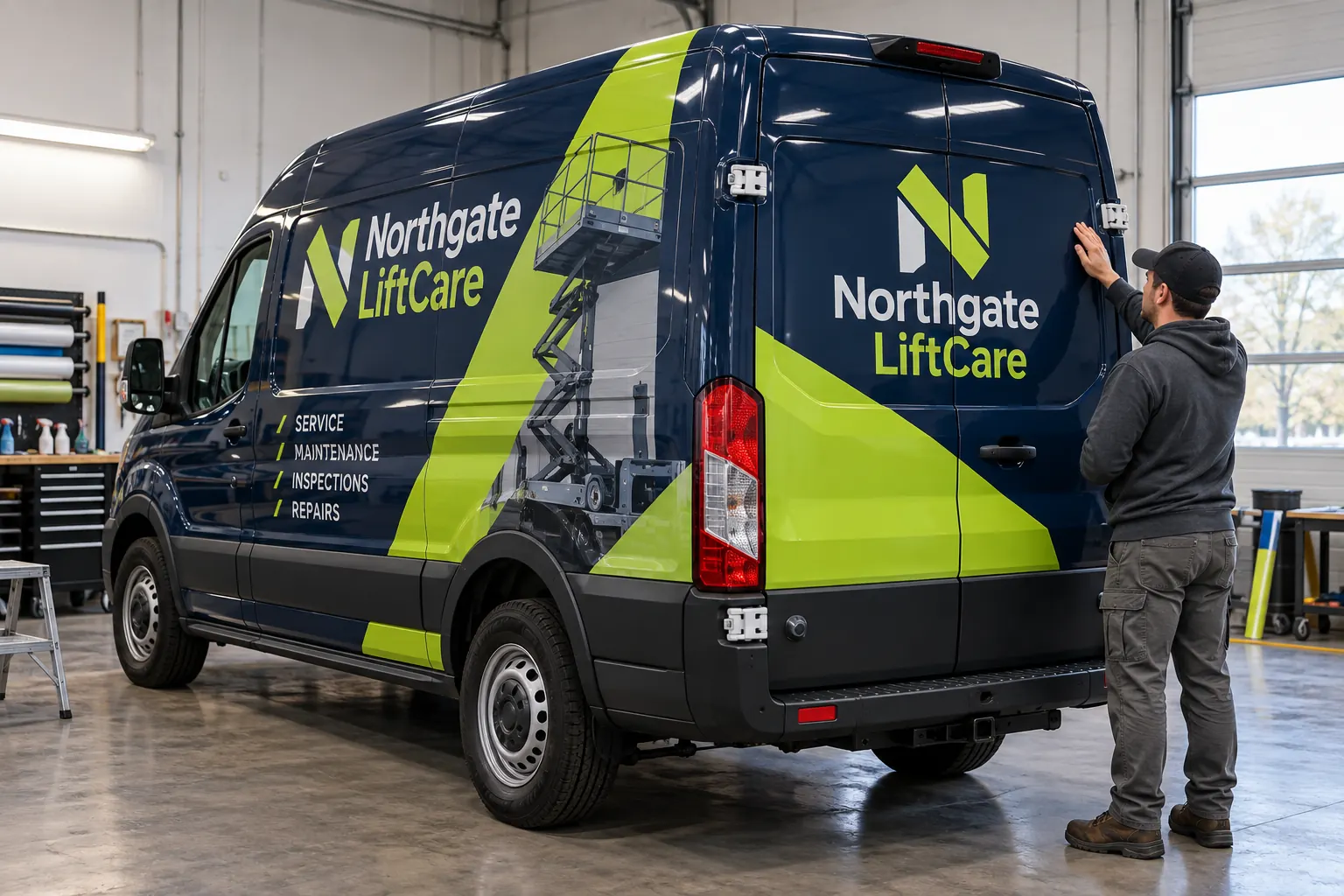
Original fictional commercial planning concept; not a completed customer installation.
Prepare the handoff record before collecting the vehicle
Locate the accepted scope, current approved proof, unit list and any agreed changes. Identify who is collecting the vehicle and who can record the buyer’s project decision. If the collector is a driver without approval authority, make that role clear so a key handoff is not mistaken for final acceptance of every commercial detail.
Use the actual unit reference and body description at the start of the checklist. Confirm you are reviewing the vehicle included in the work order. Keep unrelated fleet issues in their own records. The checklist should allow another project contact to reconstruct what was reviewed without needing to have attended the handoff.
Compare the installed information with the approved version
Read the business wording, contact details and unit identification against the current approved source. Check the relevant sides and rear views, including body-specific adaptations. Record a specific discrepancy by unit and view if the visible information differs from the approved project record.
Do not rely on memory of an earlier concept. A project may have changed during proof review, and the approved version may intentionally differ from the first attractive rendering. Use the documented release and change history to distinguish a deliberate revision from an item that needs clarification.
Review working access and visible conditions appropriately
Observe the areas addressed by the scope, including doors, handles and other relevant hardware. Follow the shop’s handoff process and the vehicle’s normal operating rules. Ask the supplier about any concern rather than pulling at edges, applying a cleaner or attempting an improvised repair during collection.
Write what you can actually see. “Small lifted area observed beside the rear-door hinge” is a factual note; “wrong adhesive used” is a technical conclusion you may not be able to establish. The supplier should assess the concern and identify the appropriate response under the actual project and product conditions.
Photograph open items so they can be assessed
Capture a wide view that identifies the relevant panel and a closer view showing the concern. Link both images to the unit reference and date. Avoid a close photograph with no context that leaves the supplier unable to tell which vehicle or door is involved. Keep any original files through your normal project record process.
If the concern is unclear in a photograph, record that limitation and ask how the supplier wants it reviewed. Photographs support communication but do not establish every surface condition or cause. The acceptance record should not promise that a remote image review resolves a technical or warranty question.
Use a punch list with an owner and next action
Give each open item a short reference, description, supporting file location, responsible contact and agreed next action. Separate a possible discrepancy from an additional improvement request. A desire to add another service line after installation may be new scope rather than a correction to the approved artwork.
Record the supplier response and decision status. If further review or a return arrangement is proposed, document the actual agreed next step. Do not invent a repair date or coverage outcome in the worksheet. An open item should remain open until the relevant response or completion evidence is recorded.
Work through a practical fictional handoff
In a fictional Northgate LiftCare example, the buyer collects unit 22 and checks the rear contact line against proof NLC-R4. The wording matches. A question about a small area beside a hinge is photographed and assigned to the project contact for supplier review. The record states that the graphics wording check is complete while that condition question remains open.
The buyer does not label the whole fleet defective or conclude that a particular material failed from one observation. When the supplier responds, the actual assessment and next step are added to the same item. The example illustrates an organized record; it is not a completed customer installation or a warranty determination.
Collect care and closeout information
Ask for the care guidance applicable to the installed graphics and any project-specific handoff instructions. Record where that information is stored and who will communicate it to drivers or the wash provider. Product-specific instructions and the actual supplier guidance should govern maintenance decisions.
Keep the completion photographs, approved file references and any reorder information supplied with the project. Identify who can request a later replacement panel. A useful closeout folder reduces the chance that a future staff member sends an outdated proof or assumes every similar vehicle uses the same production file.
Record the decision and preserve open responsibilities
Write the review date, reviewer role and decision status according to your organization’s actual purchasing and acceptance process. Identify open items without implying they have been waived or resolved. This working checklist does not alter an accepted contract or establish legal acceptance rules.
If you are planning work with Pelican Wraps, discuss your handoff and completion-record needs during the quote review. Send the actual inventory, coverage request and approval contact. If a current project has an installation concern, provide the project and unit references with factual photographs so the relevant review can be organized.
Draft and Download Your Working Record
Draft your entry, then download a copy before leaving. Send any project decision through the communication process agreed with your supplier.
Frequently Asked Questions
Take the Next Step with a Clear Project Brief
Continue with the resource that matches your next decision:
- Fleet Damage & Panel Replacement
- Wrap Care & Maintenance
- Commercial Vehicle Wrap Warranty Guide
- Request a Quote
- Fleet Graphics Management
Send the actual vehicle or surface photographs, quantities, approved brand files, requested coverage and timing constraints. Identify open questions so the project review can address your equipment and business needs.
