
Fleet Graphics Retired Artwork Archive
Retired artwork can explain an older vehicle without being the right instruction for a new order. Build an archive that preserves that history while making current status unmistakable. This record identifies the retired source, why it was superseded, which units may still be associated with it and where the active reference lives. It is an archive-control task, separate from proof revision tracking, standard-release decisions and replacement-file retrieval.
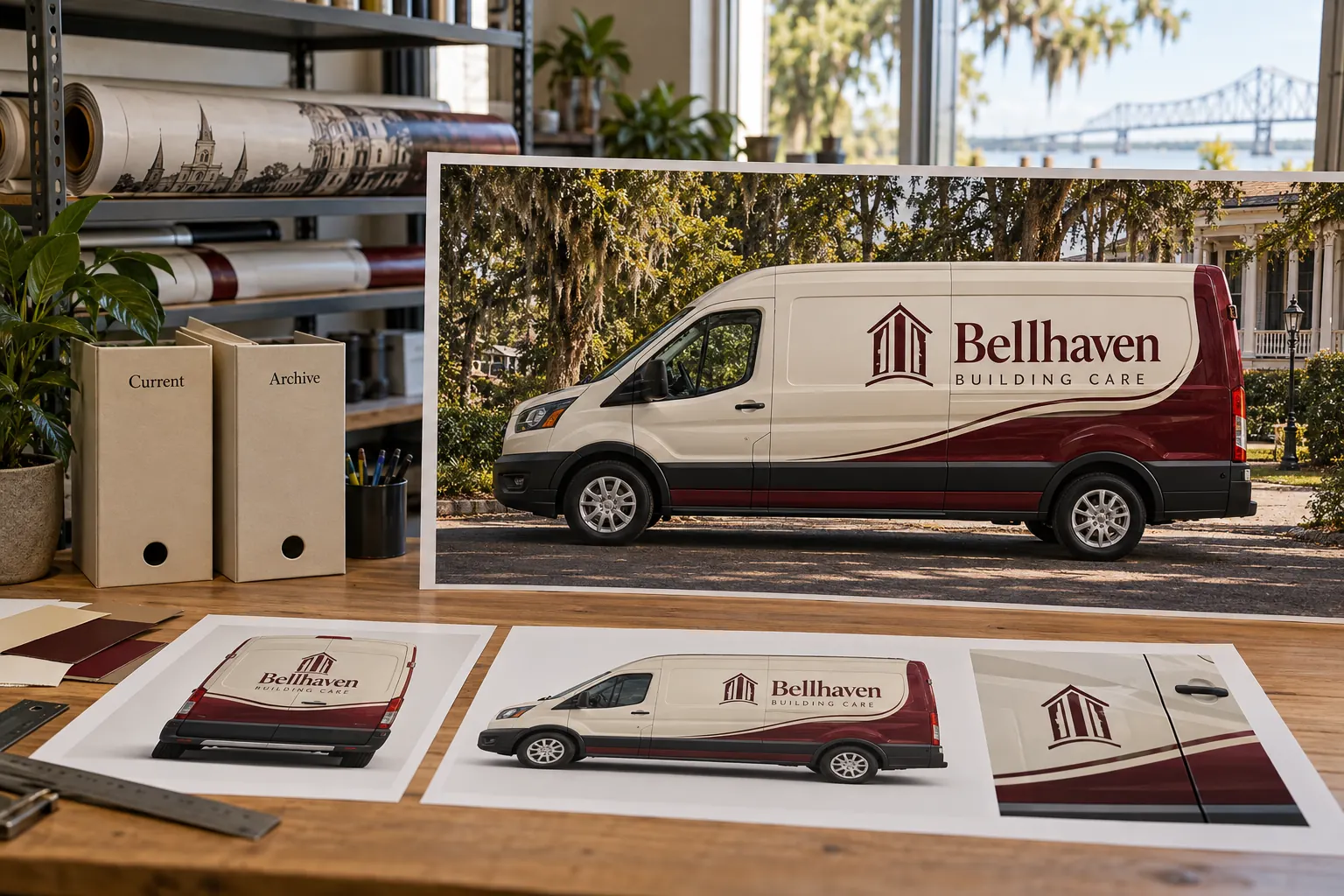
Original fictional commercial planning concept; not a completed customer installation.
Identify what is being retired and why
List the actual artwork, standard or asset reference being moved out of active use. Record its source and version, plus the business decision or project event that changed its status. Use a precise reason such as superseded identity source or replaced layout reference rather than an unexplained old label.
Keep retirement of a file distinct from physical changes on vehicles. An old layout may still be visible on units that have not entered a transition program. Record that fact instead of labeling every associated vehicle obsolete or complete. The archive should help a buyer understand history and ask the right next question without implying that a file-status change documents work on the fleet.
Create an unmistakable current-reference pointer
For each retired item, identify the active source or record that explains the next decision. If no successor has been selected, say so and name the owner of that open action. Do not point every retired file to a generic folder containing several possible replacements. The pointer should help someone find one understandable current instruction or a clearly pending state.
Use the business’s normal source-control and access route. Preserve original identifiers where they matter, and place status information in an index or accompanying record rather than casually changing linked production filenames. Ask the custodian how files must remain related. A clear archive should reduce accidental reuse without breaking the relationships needed to understand an older job.
Separate historical reference from active work areas
Keep retired items in an identifiable history area and remove their apparent current status from active handoff lists. Record where authorized staff can find them for a legitimate historical question. The goal is controlled clarity, not concealment of the past. Older proofs and photographs may explain why a particular vehicle differs from the current standard.
The Bellhaven Building Care illustration uses separate Current and Archive folders as a fictional planning example. It does not depict a real file system or customer history. Your archive should use the actual business process and clear status labels. Avoid relying only on a colored folder icon or a date that can change when files are copied; provide an explanatory record people can read.
Map known units and historical decisions
Link the retired source to known unit groups, previous proof decisions and project references where those relationships are established. Keep unknowns explicit. Do not infer that every vehicle from the same year used one artwork version. Current photographs and actual records may show differences that the archive index must preserve.
Use the unit register to describe what is currently visible. The archive can point to that record without becoming a second competing fleet inventory. If a replacement inquiry concerns a unit linked to retired artwork, provide its current evidence and ask the responsible business owner which message is intended now. Retrieval of the old source answers what existed, not automatically what should be produced next.
Define how historical files may enter a new inquiry
Write a simple instruction for staff: label the retired source as historical reference and include the current message decision or its pending owner. Tell the provider why the old file is relevant. It might explain the existing layout or help identify a view, while the requested work follows a newer source.
Do not restore retired artwork to active status merely because it is easy to find or opens successfully. If the business decides to reuse it for a defined request, record that new decision and scope through the normal process. This preserves the difference between useful history and an active instruction, especially when a familiar filename tempts a buyer to skip the current branding or contact-source check.
Assign the custodian and actual retention process
Name the person or role maintaining the archive index and current pointers. Follow the business’s existing retention and access requirements rather than inventing a universal period. Keep agreement, ownership and source restrictions with their responsible records. The graphics archive should identify relevant conditions without deciding their legal effect.
Review the index after an actual standard release, identity transition, contact change or file-custodian transfer. Check that current pointers still work and historical status remains visible. Do not delete files simply to make the folder look tidy when the responsible retention decision is unknown. Record the open question and owner, and use the appropriate business process to settle it.
Test an archive lookup before relying on it
Ask a colleague to locate a named historical source, explain why it is retired and find the current reference using the index alone. Record confusing names, broken routes and missing successor decisions. Keep the exercise internal and clearly separate from a real production request. Fix the actual retrieval gap rather than adding more unstructured copies of the same file.
For Pelican Wraps, supply historical artwork only with its status, actual unit photographs, current identity or wording instruction and requested scope. Identify unresolved source decisions. The local worksheet below captures retirement reason, successor pointer, known unit links, custodian and inquiry-use rules. A useful archive makes history accessible while giving the next buyer a clear route to a current, assessable graphics request.
Draft and Download Your Working Record
Draft your entry, then download a copy before leaving. Send any project decision through the communication process agreed with your supplier.
Frequently Asked Questions
Take the Next Step with a Clear Project Brief
Continue with the resource that matches your next decision:
- Fleet Graphics Proof Version Control
- Fleet Graphics Brand Standards Change Log
- Fleet Brand File Handoff Checklist
- Fleet Graphics Management
- Request a Quote
Send the actual vehicle or surface photographs, quantities, approved brand files, requested coverage and timing constraints. Identify open questions so the project review can address your equipment and business needs.
