
Semi-Truck and Trailer Graphics: Build Consistency with Separate Asset Records
A tractor and trailer can share a recognizable identity while requiring separate layouts, data and release records. Build fleet consistency through the actual asset schedule and approval process, so a changing combination does not become an unclear production instruction.
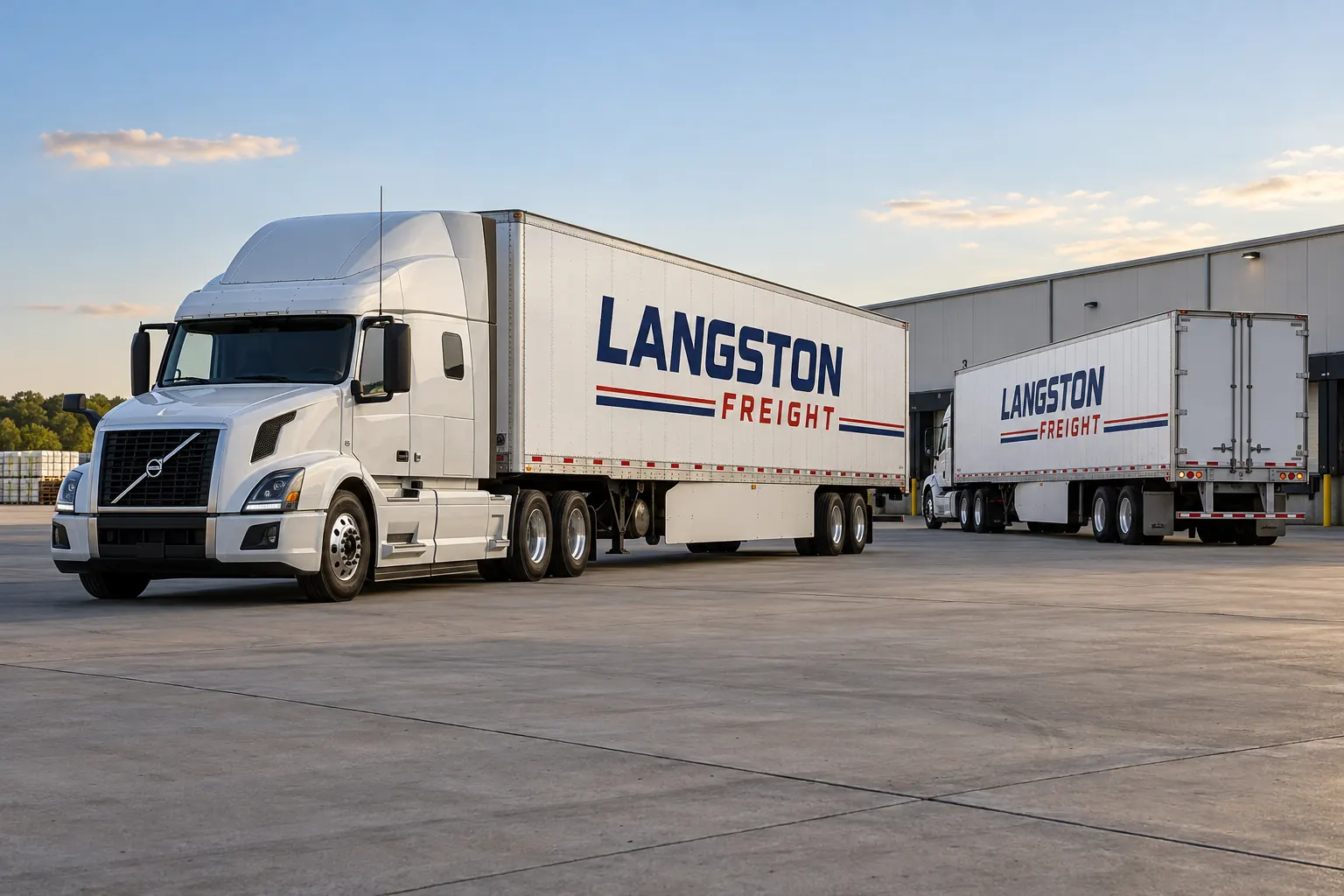
Fictional commercial design concept; not a completed customer installation.
Keep the company identity separate from the photographed combination
A useful freight graphics standard identifies the actual assets receiving work. A tractor and trailer may appear together in a project photograph without both belong to the same scope or remain paired. Record each unit independently and describe which faces are included before accepting a combined visual as the project definition.
The fictional Langston Freight illustration shows a coordinated identity, not a customer fleet or proof of ownership and operating authority. Use the real business name and approved source information in an actual brief. The goal is a recognizable system with traceable unit decisions, rather than one convincing picture that leaves the buyer and supplier uncertain which tractor, trailer and data the instruction covers.
Create configuration groups that explain production differences
For tractors, record relevant cab configuration and equipment affecting the intended areas. For trailers, identify body type, dimensions, construction and rear doors. Add refrigeration units, rails or other equipment where they change fit. Photograph actual faces and label estimated measurements separately from those verified for production.
Use the inventory worksheet to link unit references with genuine repeat groups. A nominal length or exterior color does not establish identical surfaces, hardware or current condition. The configuration map should explain why a production sheet applies to a particular asset and which exceptions need review, so the next unit can be added without guess which earlier file is closest.
Define the identity hierarchy before adapting it to different assets
Choose the approved company name, service context and contact action and retain the master logo proportions. A tractor cab and broad trailer side offer different canvases. Adapt spacing, scale and supporting graphics to the actual face while preserving the intended order of information. Consistency does not require identical panel boundaries across unrelated body shapes.
Review fleet design standards and color planning for the source and production-control decisions. Record the actual source artwork and relevant production references. A screen preview can explain composition but is not a measured guarantee of color appearance or proof that the proposed construction fits every surface in the fleet.
Control carrier information and internal unit references independently
Have the responsible operator supply and approve any applicable carrier information for the actual operation. Keep issued identifiers distinct from the buyer internal asset codes and optional marketing copy. Label the fields and connect acceptance to the relevant unit and layout rather than infer the correct data from a neighboring vehicle.
Use the carrier and unit-marking guide for the data distinction and official-reference route. This article does not determine which requirements apply to every tractor, trailer or operating arrangement. The commercial identity can remain shared while the actual required wording and markings need their own operational review. A plausible-looking number is not an acceptable substitute for current authorized source information.
Review side and rear faces against actual construction
Photograph trailer rivets, seams, rails and rear hardware as well as the overall body. Identify lights, reflectors, warnings and other required or protected areas through the responsible operator process. Treat rear text as its own reading task instead of reduce a broad side layout over door bars and latches.
Read the trailer planning scenario for a worked face-by-face handoff. Ask the actual proposal to name the selected material system and application assumptions. Optional graphics and regulated conspicuity are different scopes; a reflective business name or fictional illustration does not independently establish an approved marking arrangement or technical suitability.
Keep current condition and release responsibility tied to each unit
Record old graphics, known finish concerns, repairs and uncertain history for the actual asset. Ask how removal, preparation and separate vehicle work are treated. A correct identity file does not establish that a particular tractor or trailer is present, ready or accessible in the proposed window.
Use the release planner to connect unit, configuration, proposed dates, owner and dependencies. Confirm movement and supplier availability through the actual project process. If a different asset is substituted, review whether the accepted file, condition assumptions and variable data apply. A shared dispatch role does not make every trailer or cab an interchangeable production repeat.
Retain a standard that supports additions, transfers and repairs
At handover, connect each asset to its accepted layout, approved data, relevant product references and installed photographs. Keep tractor and trailer files separately identified within the identity package. Update the record when equipment, operator information or commercial wording changes instead of letting an old branch file become the accidental master.
For a project enquiry, send the tractor-and-trailer brief with inventory, current photographs, coverage and availability. Explore commercial trailer graphics for the related service. An organized record makes future discussions clearer without promising identical aging, invisible replacement matches, a fixed installation duration or measured marketing returns.
Frequently Asked Questions
Turn Your Vehicle Details Into a Clear Project Brief
Send current photographs, vehicle quantities, logo files, coverage preferences and timing. Identify old graphics and paint concerns so the project review can address the actual equipment.
Explore planning resources or request your commercial wrap quote.
