
Municipal Public Works Fleet: A Planning Example for Clear Asset Identification
This fictional public-works scenario coordinates department identity across a pickup and service-body truck. It follows asset records, protected operational information and buyer-controlled procurement and approval steps without implying a real municipal contract or agency relationship.
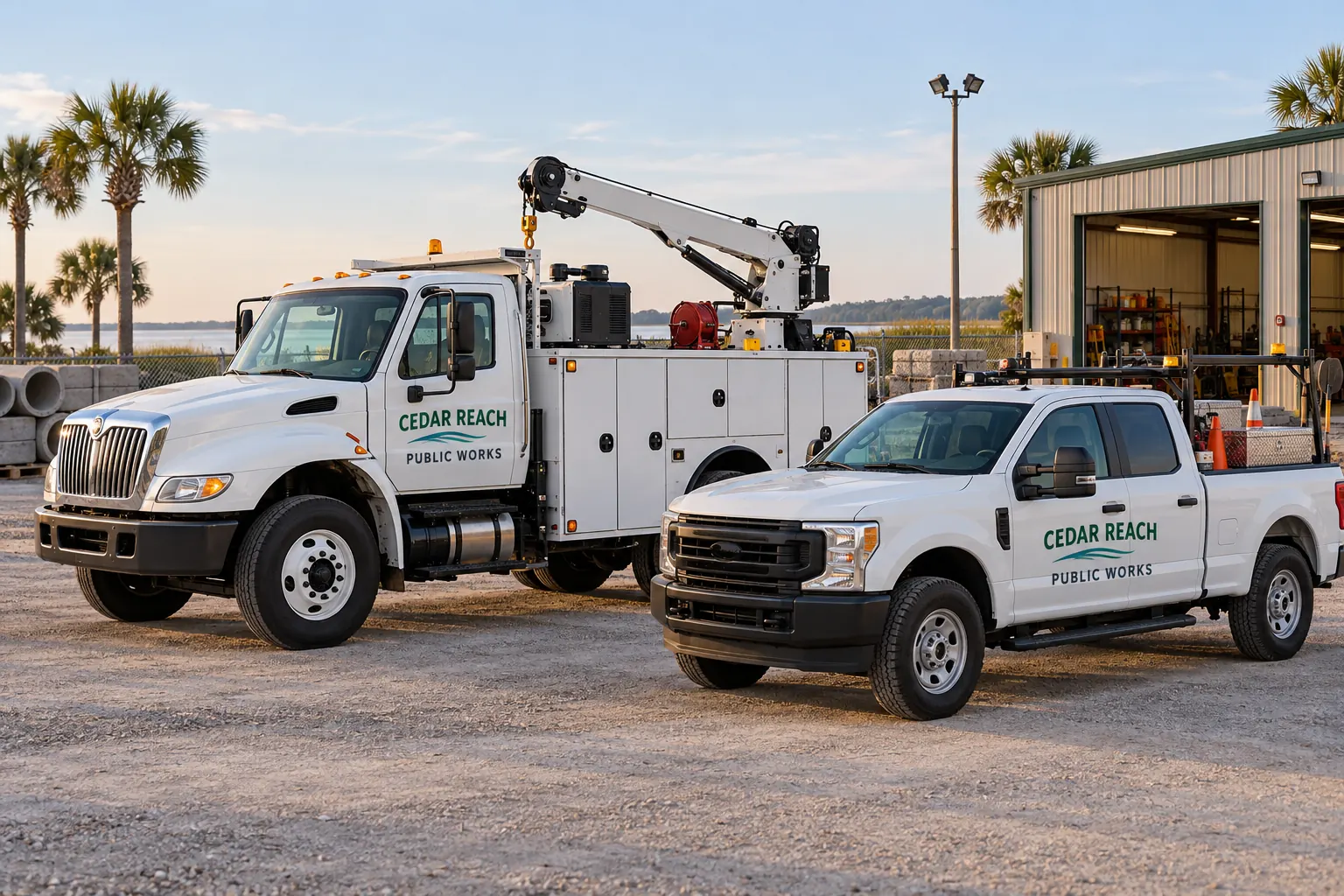
Fictional project-planning illustration; not a completed customer installation or measured project result.
Scenario: department recognition across different working assets
Consider a public-works buyer organizing a shared department identity on pickups and service-body trucks. The fictional Cedar Reach concept illustrates simple wording and coordinated colors. Cedar Reach is an invented planning identity, not a real contracting agency, customer reference or claim of awarded government work.
The buyer objective is to connect the optional department identity with actual asset records while preserving operational equipment and required information. Start with the real agency-approved name and permitted identity assets. Do not borrow another municipality seal or infer permission from an illustration. The final scope must follow the actual buyer requirements, authority and approvals rather than treat a general commercial design as a complete public-fleet specification.
| Decision | Record to retain | Purpose |
|---|---|---|
| Agency identity | Authorized wording, assets and approval contact | The fictional concept establishes no real permission. |
| Asset schedule | Units, configurations, ownership and actual faces | Connect each layout to the appropriate equipment. |
| Protected information | Buyer-supplied requirements and operational clear areas | Keep optional identity distinct from required markings. |
| Buyer process | Actual request, documentation and clarification route | The example is not a solicitation or contract vehicle. |
| Acceptance record | Approved data, layout, release and installed photographs | Support traceable handover and later asset changes. |
Build an asset schedule that includes configuration and ownership
Record the actual unit references, quantities, body configurations and intended faces. Separate pickups, service bodies and other assets that need different layouts. Identify which department controls the equipment and who can provide photographs, dimensions and current condition information. Label estimates and unresolved ownership or permission questions.
Use the inventory worksheet as a planning structure, adapting it to the actual buyer records. A public fleet can share one department name while having different protected areas, accessories and variable information. The asset schedule should show which proposed layout applies to each unit instead of group every white truck under one unverified production file.
Separate optional identity from required and protected information
Have the responsible agency contact identify applicable markings, equipment, warnings and other areas that must remain clear. Keep the optional department name and visual identity distinct from those requirements. Internal unit references should come from the buyer asset system; any regulated information needs its own authorized source and review.
Use the unit and carrier-information guide for the data distinction. The fictional image does not determine which carrier rules apply to an actual government asset. A readable department name alone is not evidence of compliance, and a designer should not invent identifiers or official affiliations to make a public-fleet concept appear complete.
Fit each layout to its actual working configuration
Survey cab doors, service-body compartments, rear faces and relevant equipment. Keep critical wording within useful clear areas and review each side where details differ. Preserve the approved identity proportions while adapting the composition to the actual faces. A pickup and a compartmented body do not require identical coverage to appear related.
Use body-detail planning to organize construction photographs and questions. Ask the proposal to identify the actual system and application assumptions. The concept cannot establish material suitability, required clearances or final dimensions. Retain the relevant technical and operational decisions with the accepted configuration sheets before work is released.
Describe the procurement scope through the actual buyer process
Ask the authorized buyer to identify the requested response, applicable specifications, required documentation and how questions and clarifications should be handled. Describe quantities, faces, design work, removal, preparation, production, installation and relevant access responsibilities. Keep options and unresolved condition visible so respondents can explain what their amounts include.
Use government procurement information as the service route and the RFQ readiness record for preparation. This scenario does not issue a solicitation, establish procurement authority or claim participation in a cooperative purchasing arrangement. The actual agency process determines the required commercial and administrative response for a real project.
Name the approvers for wording, fit and vehicle release
Identify who approves the department identity, who checks unit and other operational data, who verifies measurements and who can release assets. One person may hold multiple roles, but the accepted record should show the decisions clearly. A general request from a department contact should not silently become authority to change every asset or official identity element.
Record proposed availability and access arrangements and ask the supplier to confirm the actual scope and schedule. Public service needs may affect release, but the scenario does not prescribe a staffing or capacity plan. Keep changes tied to the current unit schedule and approved files so the work instruction remains understandable to buyer, fleet and supplier contacts.
Retain an acceptance and replacement record by asset
Connect each completed unit with the accepted layout, approved wording and variable data, relevant product references and installed photographs. Retain care guidance and the actual buyer acceptance record. When an asset changes department or equipment, review the current identity and fit instead of reorder an older file solely from the unit name.
For a real enquiry, send the public-fleet scope through the authorized buyer route with specifications, inventory and current photographs. Explore other planning examples for different operating needs. The intended output is a traceable agreed scope; this fictional example does not claim a government award, certification, contract vehicle, compliant marking system or measured public-service outcome.
Frequently Asked Questions
Plan a Similar Project with Your Actual Equipment
Send current photographs, vehicle quantities, logo files, coverage preferences and timing. Identify old graphics and paint concerns so the project review can address the actual equipment.
Explore planning resources or request your commercial wrap quote.
