
Fleet Graphics Change Order Checklist
A fleet graphics change order checklist records a proposed change against the original project scope before the team treats it as agreed work. Use it when coverage, quantities, wording, removal, vehicle condition or timing changes after a quote or artwork release. The useful output is a clear description of the change, its affected units, the supplier’s response and the actual approval status. This page helps organize that discussion; your accepted proposal and normal purchasing documents remain the project agreement.
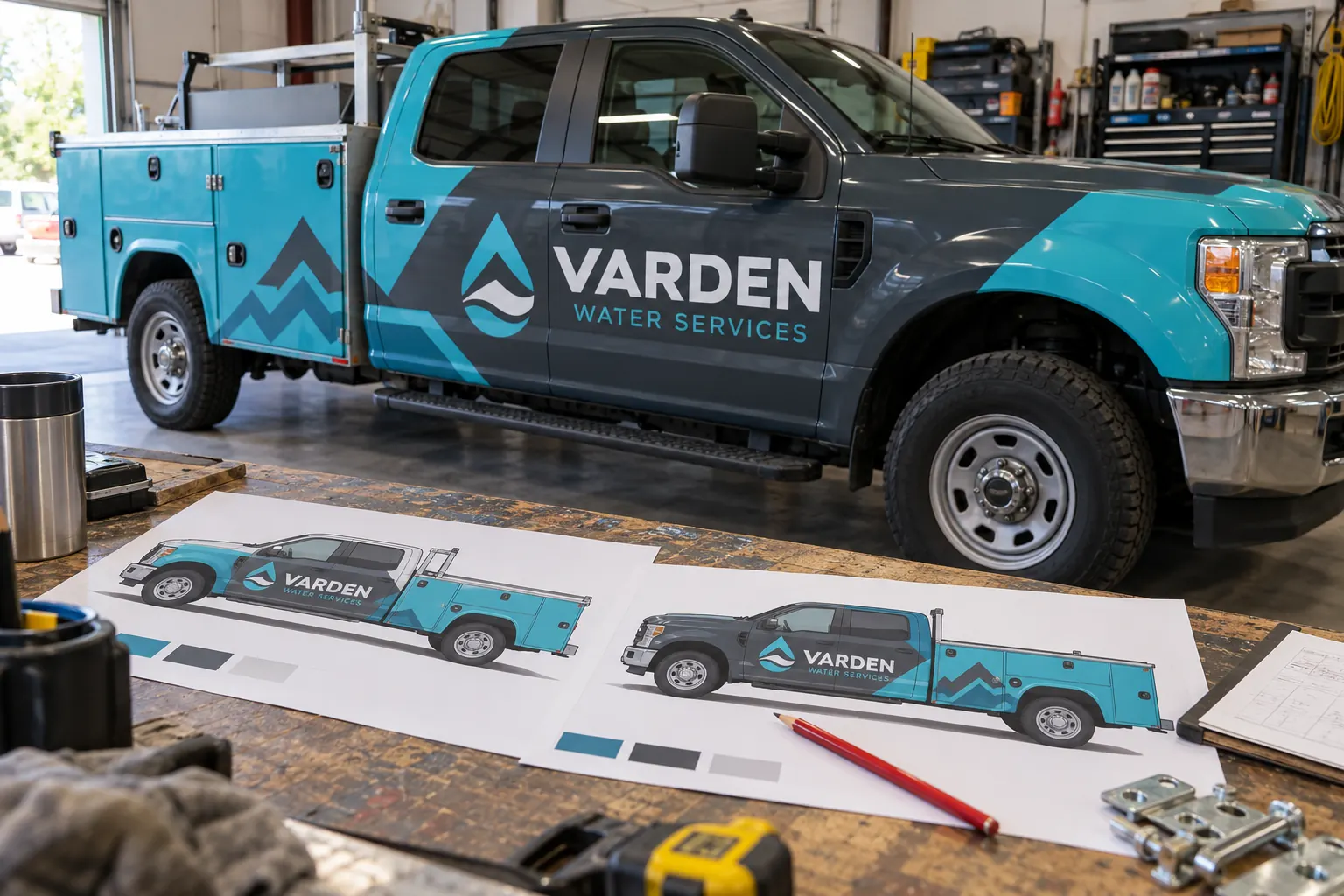
Original fictional commercial planning concept; not a completed customer installation.
Anchor the change to the current project record
Start with the project reference, accepted proposal or work order reference, and the artwork version if one is involved. Write the date the change was requested and identify the person requesting it. Without that baseline, a team may compare the request with an old estimate while the supplier is working from a newer agreed scope.
Describe the original included work in a short factual sentence. For example, “side and rear graphics on units 31 through 36 using approved proof R2.” Then state the proposed change separately. Keep the original record intact; the purpose is to understand the difference rather than rewriting history to make the new request appear included from the start.
Name the trigger and the affected units
Identify whether the request came from a brand update, a new vehicle, a body difference, a contact-information correction, changed coverage or an observed condition. List every affected unit and surface. A phone-number change on all rear doors is different from replacing one damaged panel on one vehicle.
Attach current photographs or the relevant proof when they clarify the issue. If the trigger is a condition concern, record what was observed and let the supplier assess the appropriate next step. Do not describe an uninspected surface as ready for a changed graphics plan merely because the marketing request has already been approved internally.
Write the requested work in checkable terms
Separate additions, deletions and substitutions. State the original item, the requested replacement and the source of the new information. For a fictional Varden Water Services fleet, the request might be to replace the rear-door service wording on two named units while retaining the approved side layout.
Avoid a broad instruction such as “make it match the new brand” without supplying the approved files and wording. Identify whether the change applies to artwork not yet produced, materials already prepared or graphics already installed. The supplier needs that status to explain the practical implications accurately.
Ask the supplier to identify scope and timing implications
Record the supplier’s response on additional work, removed work, unresolved inspection needs and any proposed commercial adjustment. Keep confirmed information separate from an allowance or an item still awaiting review. A checklist cannot create a reliable cost or delivery date without the actual project response.
Ask how the request affects the current release, planned vehicle availability and any work already completed. If part of the job should pause while the change is reviewed, confirm the specific arrangement through the agreed project channel. Do not assume an internal request automatically stops or replaces instructions already released to production.
Keep approval authority and approval status explicit
Name who can approve the business wording, who can accept the changed commercial scope and who can release the vehicle. These may be the same owner in a small company or different people in a larger fleet. Record the actual required decisions instead of collecting informal agreement from people who do not control the affected work.
Use a status such as requested, awaiting supplier review, awaiting buyer decision or agreed change reference recorded. Include the date and the exact document or message that establishes the decision through your normal purchasing process. A drafted worksheet is not an accepted change simply because all its fields have been typed.
Work through a small realistic example
Suppose a fictional fleet has approved a service-body layout, then discovers that one replacement truck has a larger toolbox. The buyer records the affected unit, photographs the actual body and requests a revised side layout. The supplier reviews the adaptation and states the scope and release implications. The buyer records the decision before the revised version is released.
The next vehicle is not automatically changed because it belongs to the same fleet. Its actual body and approved version must be checked. This example shows how a change record avoids accidental spread of a one-unit exception; it does not establish a real customer, a particular price or a guaranteed installation turnaround.
Update the connected records after agreement
When the change is agreed through the normal project process, update the applicable proof reference, unit list, work order notes and release plan. Label the earlier artwork as superseded where appropriate. Tell the people who need the new instruction, including the project owner responsible for delivering the correct vehicles.
Keep the reason for the change and the supporting response in the archive. If the change is declined or postponed, record that outcome as well. An unresolved request left beside approved files can be mistaken for an instruction months later when someone needs a replacement panel or another matching vehicle.
Use the checklist to improve the next quote
Review which changes resulted from missing information in the original brief. If body photographs, contact details or approval ownership were unclear, add those checks to the next project intake. The goal is to reduce avoidable ambiguity while leaving room for real changes in the business or equipment.
For a Pelican Wraps project, identify the current project reference and the exact requested difference. Supply current vehicle information and the approved source for new wording or brand assets. If you are still at the initial inquiry stage, include the alternatives you want compared so they can be discussed as defined options rather than unexplained changes later.
Draft and Download Your Working Record
Draft your entry, then download a copy before leaving. Send any project decision through the communication process agreed with your supplier.
Frequently Asked Questions
Take the Next Step with a Clear Project Brief
Continue with the resource that matches your next decision:
- Fleet Graphics Management
- Fleet Damage & Panel Replacement
- Fleet Graphics Procurement & RFQ Checklist
- Request a Quote
Send the actual vehicle or surface photographs, quantities, approved brand files, requested coverage and timing constraints. Identify open questions so the project review can address your equipment and business needs.
