
Fleet Graphics Print Panel Identification Plan
A fleet graphics print panel identification plan connects the supplier’s actual panel references with the vehicle, side, artwork version and project record. Agree the meaning of those references before files are archived or replacement questions arise. The buyer’s role is to keep the cross-reference understandable and current. Physical production, panel construction and installation decisions remain part of the actual supplier process and defined project scope.
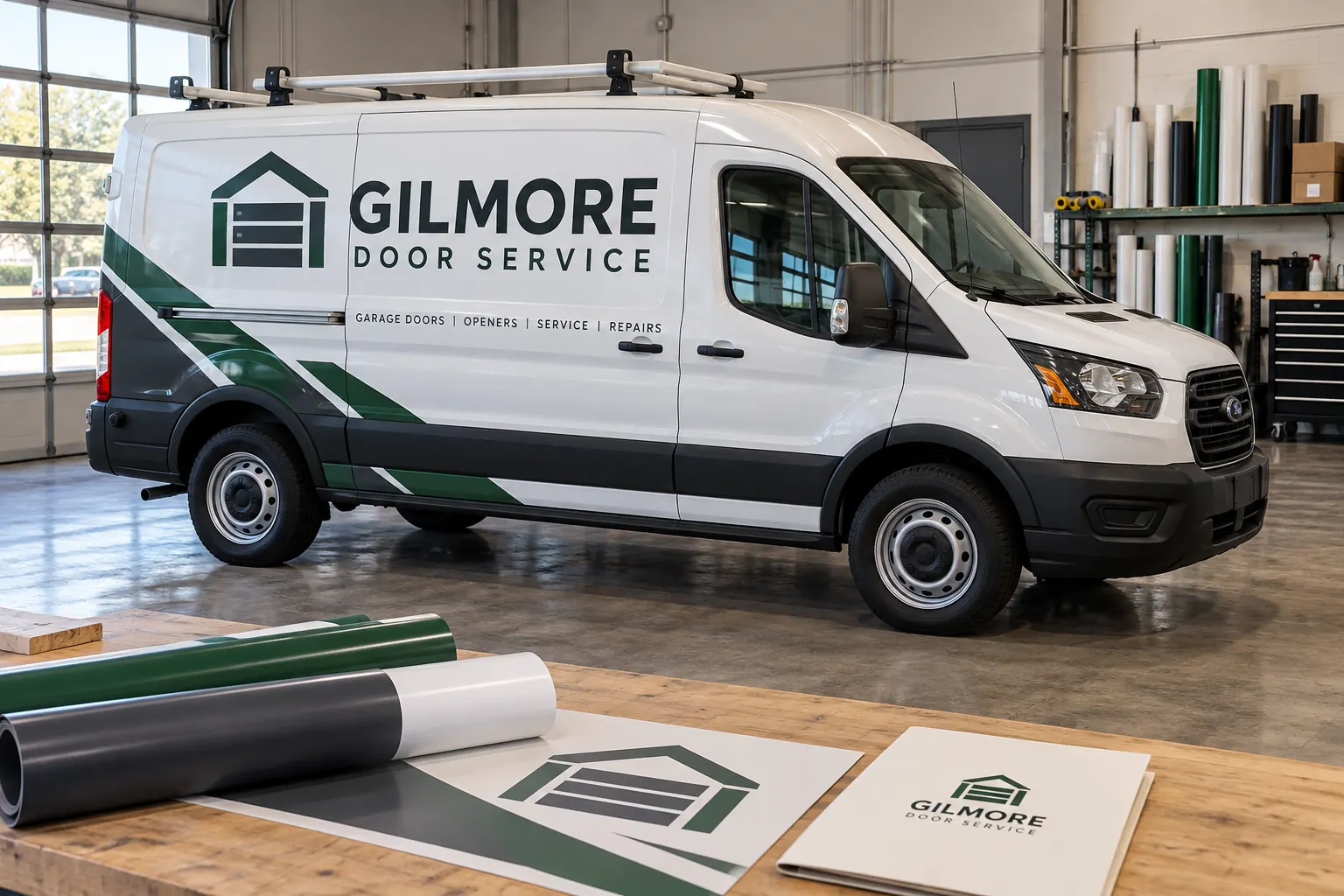
Original fictional commercial planning concept; not a completed customer installation.
Start with the supplier’s actual identification system
Ask the project contact how the relevant print files or panel sets are identified. Record the actual terminology and reference structure in the buyer’s handoff. A clear plan follows the process used for the job rather than inventing a second incompatible set of labels after work has begun. Identify the person who maintains the official production reference.
Keep the project, vehicle group and artwork version connected to that source. The buyer may use a short internal unit key while the supplier has a separate job reference; the plan should show the relationship. This makes a later inquiry more precise because both parties can locate the same item without assuming that a casual description such as the back piece is enough.
Define the vehicle view convention
Record how the project names the relevant views and body areas. Driver side, passenger side, rear and other plain terms can be useful when consistently defined for the actual vehicle. If the supplier uses another convention, retain its explanation and cross-reference it clearly. The next buyer should understand the label without guessing the perspective from which someone called an area left or right.
For fictional Gilmore Door Service, an internal reference might identify a unit and a rear-door area while the supplier links it to the actual job and file. The concept image illustrates a workshop file discussion, not a measured panel map. Your plan needs the real convention and source so the label remains meaningful beyond the person who first named it.
Connect each relevant reference to the actual proof
Record the approved artwork version and relevant vehicle configuration associated with the supplier’s item reference. Keep a viewing proof or other supplied project reference findable. A filename can identify a production item while the proof helps a buyer recognize which visual area it concerns. The cross-reference should preserve the roles of both.
Keep body changes, hardware and approved wording variations visible. A panel reference tied to one service-body version should not quietly become the master for another configuration. When a new version is issued, identify what supersedes the earlier reference and retain the relevant history. This is file and project identification work, not a buyer-created cutting or installation specification.
Use a simple cross-reference entry
A useful entry identifies the internal unit or group, supplier job/item reference, vehicle view or area, artwork version and source contact. Add a current photograph reference where it helps identify the actual body. Keep the entry concise enough to use during a real replacement discussion. Extra detail belongs in the linked project evidence rather than several competing copies of the same instruction.
For a hypothetical unitG-214, the buyer could record the actual supplier reference beside a description of the passenger-side rear area. The exact supplier label comes from the job, not from this example. The entry’s purpose is to bridge the two records so a colleague can locate the right source instead of selecting a similar-looking file from an unrelated vehicle.
Keep release and delivery status traceable
Identify which supplied references are current, issued for review, retired or otherwise staged in the actual project process. Record the relevant decision or delivery source. A list of file names alone does not explain whether each is a current instruction, an older candidate or a historical output. The buyer needs that context when deciding what to send with a new inquiry.
Keep any production authorization tied to the actual project process and owner. The identification plan supports the handoff by locating the correct references; it does not turn a saved item label into a new order. When additional or replacement work is requested, provide the actual vehicle and condition information so the appropriate scope can be assessed.
Prepare the archive for a future replacement question
Retain the cross-reference with the approved proof, relevant unit list and current body photographs. Identify who can retrieve the supplier’s actual files or clarify an item label. Keep retired versions clearly separated from the current source. The replacement-file walkthrough can organize the broader folder package around this identification plan.
When a concern is reported, record the affected unit, exact area, current photographs and relevant project reference. The supplier can then assess the actual request with a useful source trail. Preserve factual observations and any changed configuration. A clear label helps locate an item; it does not by itself determine cause, condition or the extent of work appropriate for a later project.
Save a panel-identification handoff
Use the working record below to collect the supplier convention, unit and body groups, view terms, actual references, proof version and archive owner. Save the text and retain the actual files through the normal project process. Ask a colleague to find one area from the record and explain which source they would send with a review request.
For Pelican Wraps, provide the actual project or artwork references you hold, current vehicle photographs and the area or outcome you want reviewed. Identify any missing cross-reference and the contact who can clarify it. Use the artwork and reorder resources for the broader discussion. The useful result is a shared identification trail that supports accurate questions while the provider controls the real production references and project assessment.
Draft and Download Your Working Record
Draft your entry, then download a copy before leaving. Send any project decision through the communication process agreed with your supplier.
Frequently Asked Questions
Take the Next Step with a Clear Project Brief
Continue with the resource that matches your next decision:
- Artwork Guidelines
- Fleet Graphics Reorder Specification Sheet
- Fleet Graphics Unit ID Register
- Fleet Damage & Panel Replacement
- Request a Quote
Send the actual vehicle or surface photographs, quantities, approved brand files, requested coverage and timing constraints. Identify open questions so the project review can address your equipment and business needs.
