
Equipment Decal Replacement Photo Record
A useful equipment decal replacement photo record connects the visible graphic with the correct actual unit, location and current artwork source. Photographs can document condition and context, but they should not silently become the source for guessing missing copy, color specifications or ownership instructions. This guide produces an evidence index for one defined replacement request. It helps a provider assess what exists and ask the right follow-up questions before the business decides what should replace it.
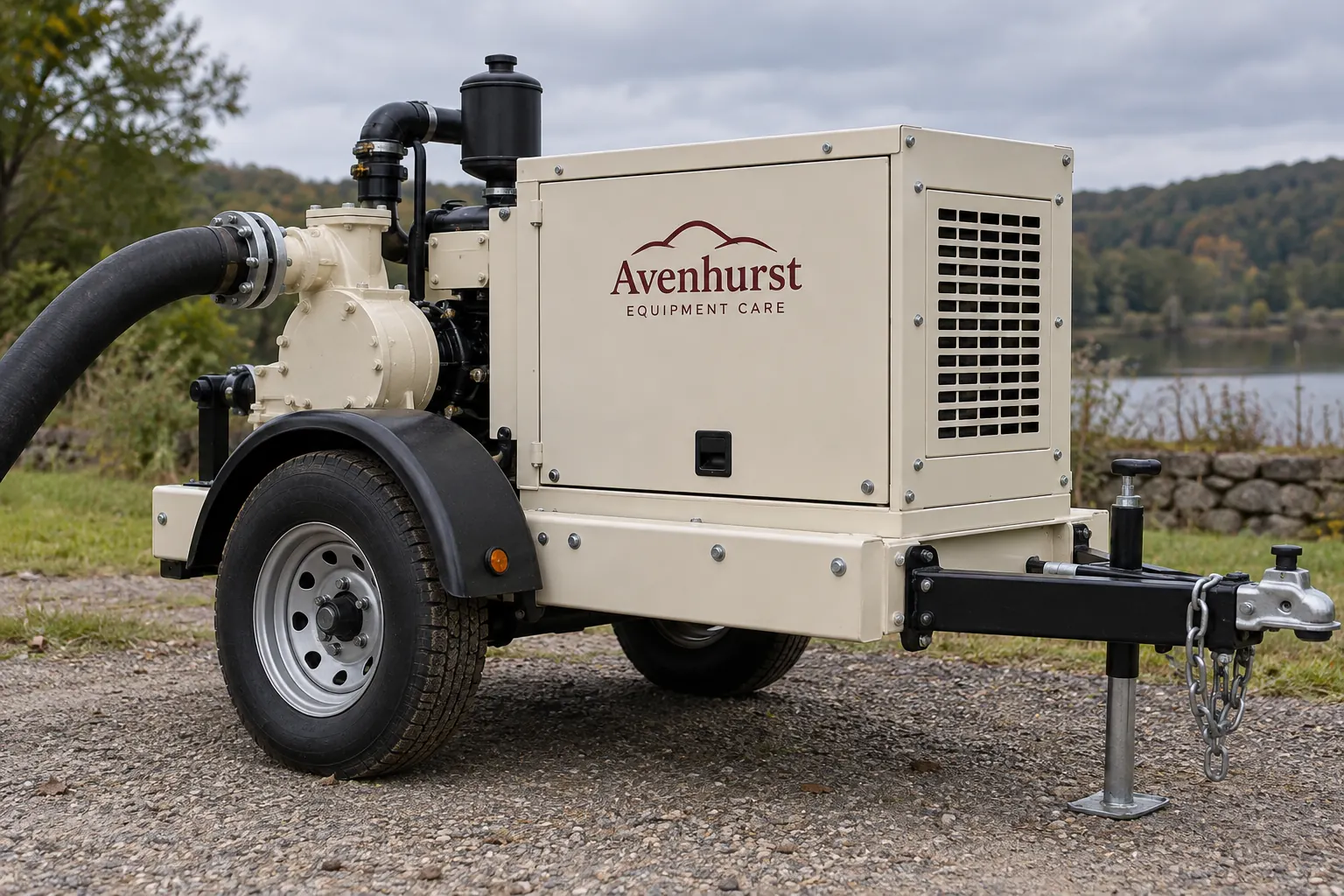
Original fictional commercial planning concept; not a completed customer installation.
Confirm which unit the photographs concern
Start with the business identifier and equipment description from the current owner record. Link the photo set to that actual unit and identify the person confirming the match. Similar equipment in the same yard can have different graphics histories. A folder named pump photos does not establish which replacement request the files support.
Record the date and source of the evidence supplied through the owner’s normal process. Keep an older view identifiable as historical if it is included for reference. An illustrative photo index might say unit 27, overall left view, supplied by depot coordinator, current request. Your actual index should use the business’s real values and leave uncertain assignments pending until the unit custodian confirms them.
Collect overall context before isolated decal details
Provide an overall view that shows the equipment and identifies the side or area concerned. Connect each close photograph to that context with a simple reference. Include relevant neighboring hardware, panel boundaries and other visible information so the provider can understand where the current decal sits.
Do not assume a close-up of a familiar logo establishes the available replacement area. The wider view may reveal that the graphic is on a different panel or beside features omitted from the crop. Ask the provider what further evidence or survey is needed for the actual work. Collecting a useful index is a coordination task; it should not require the buyer to invent dimensions or technical conclusions from an image alone.
Record condition as observed evidence
Describe what the current photographs actually show and identify anything the coordinator cannot establish. Keep the condition note separate from a diagnosis of its cause or a prediction about removal. A partial graphic, discolored area or missing character can be recorded without asserting why it occurred or what a new treatment will conceal.
Retain earlier work references and known history supplied by the business, marking unknowns honestly. Do not retouch an evidence photograph to make a damaged decal easier to read. If a helpful annotated copy is created through the normal project process, keep the original evidence and explain the annotation. The provider needs a clear account of the existing situation rather than a polished reconstruction that hides the uncertainty.
Separate the old visible message from the new instruction
Transcribe visible copy only where it can be established, then compare it with the business’s current approved source. Identify missing or ambiguous characters as questions. The replacement request should say whether the business wants a confirmed repeat or a revised current identity, contact or unit value.
For example, an old decal might show a former service contact while the active business source supplies a different destination. The correct output is a documented copy decision, not an automatic tracing of the photograph. Keep that decision and its owner with the replacement record. A good photograph of yesterday’s message is still evidence of yesterday’s message until the business confirms what should be produced now.
Locate the artwork and exact instance history
Ask for the relevant original artwork, prior proof or project reference and identify its status. Connect the file to the actual unit and decal instance being replaced. Do not assume an old print file is the current approved master merely because its name resembles the equipment description.
List each requested replacement instance and the available evidence for it. If the business wants only one side changed, state that scope and identify any unresolved relationship to the remaining graphics. Ask the provider to define assessment and proposed work, including any existing treatment questions. Photographs and files support that discussion; they do not themselves establish product suitability, removal results or a finished matching outcome.
Review a replacement proposal against the same evidence
Give the provider the indexed current views, confirmed copy, requested instances and known history together. Ask what is included in assessment and the actual proposed treatment. Keep questions about condition, old material and the scope of replacement visible rather than allowing them to disappear behind a request for the same decal again.
Review the proof using the approved current copy and the correct unit-area mapping. Consolidate comments by version. If new evidence changes the request, identify the affected instance and decision. Retain the previous record as history. The objective is a clear comparison between the existing evidence, the business’s selected replacement message and the work the provider is actually being asked to assess.
Retain the record for the next replacement
Use the working record below to collect unit confirmation, the overall-to-detail photo index, observed condition, current copy source, artwork history and requested instances. Keep actual files through your normal process. After work, add the project reference and current evidence of the treatment actually completed; do not mark a replacement as installed merely because an inquiry or proof exists.
Send Pelican Wraps the indexed actual photographs, approved current copy, prior artwork references, known history and clear scope. Identify the coordinating contact and remaining questions. Use equipment graphics for the buying discussion and the plate preservation guide where original information is near the proposed area. A useful record lets the next buyer understand both what the evidence showed and which current decision governed the replacement.
Draft and Download Your Working Record
Draft your entry, then download a copy before leaving. Send any project decision through the communication process agreed with your supplier.
Frequently Asked Questions
Take the Next Step with a Clear Project Brief
Continue with the resource that matches your next decision:
- Equipment & Machinery Graphics
- Equipment Brand Plate Preservation Guide
- Rental Equipment Unit Number Decals
- Request a Quote
Send the actual vehicle or surface photographs, quantities, approved brand files, requested coverage and timing constraints. Identify open questions so the project review can address your equipment and business needs.
