
Fleet Graphics Purchase Order Scope Checklist
A fleet graphics purchase order scope checklist connects the buyer’s purchasing reference to the exact proposal, units and artwork process being ordered. Use it after the scope has been reviewed and before your team releases equipment or assumes the supplier has received every required instruction. The output is a concise scope cross-check and a list of unresolved items for the responsible purchasing contact. Follow the actual agreed commercial documents and your company’s normal approval process.
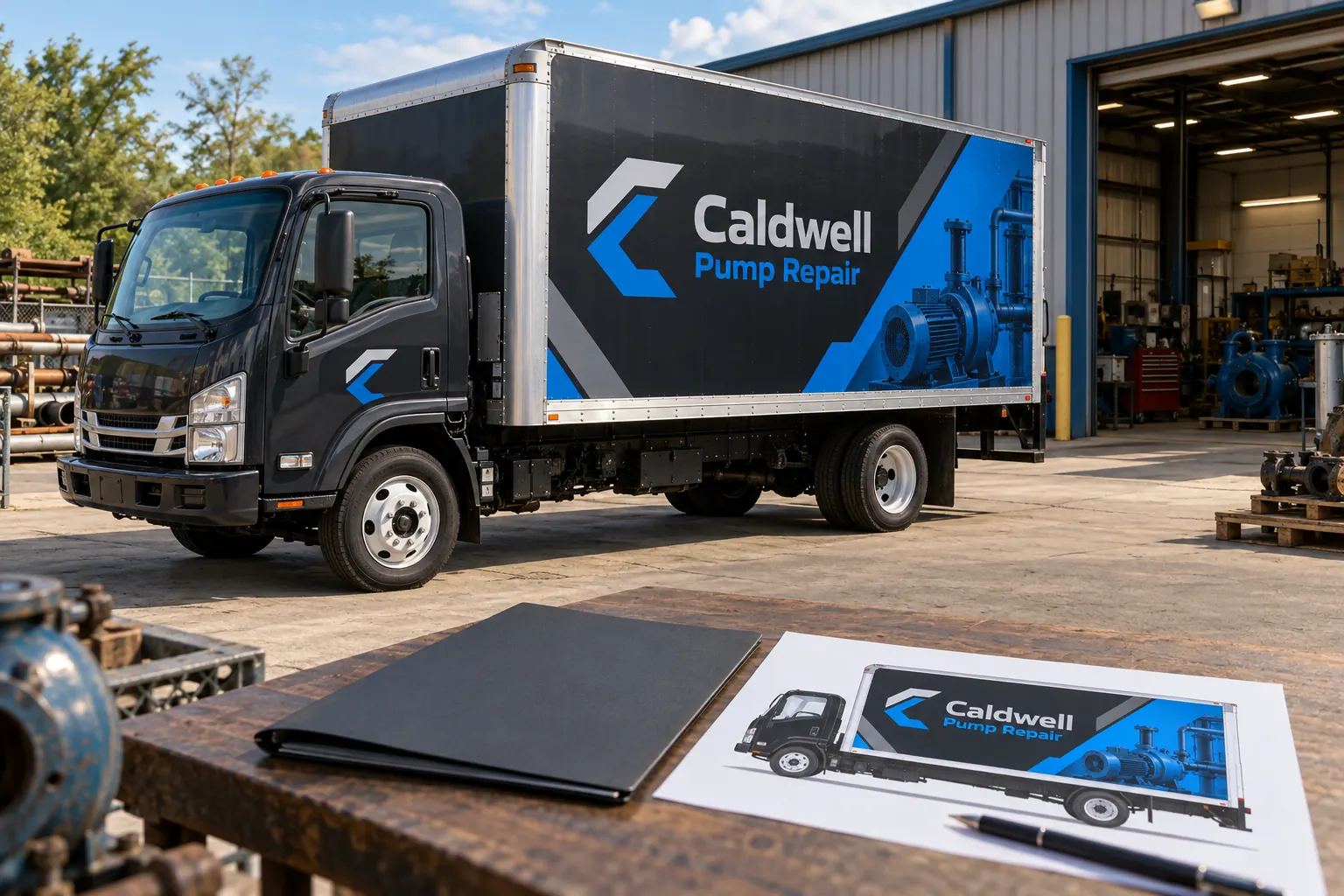
Original fictional commercial planning concept; not a completed customer installation.
Identify the proposal version being ordered
Record the supplier, project reference, proposal date and revision. Attach or link the actual accepted scope through your approved purchasing process. A purchase reference that points only to “fleet wraps” can leave quantities, coverage and exclusions unclear when several options were discussed during quoting.
Keep the selected option explicit. If the proposal contains lettering, partial coverage and a larger printed alternative, identify which option the order concerns. Do not combine the price from one version with the surfaces described in another. Ask the project and purchasing contacts to resolve any inconsistency before work is released.
Match units, quantities and covered surfaces
Reconcile the order with the current vehicle list. Identify body families, quantities and unit references or the controlled inventory attachment. Check the coverage description against the selected proposal. Include the relevant cab, side, rear or other surface distinctions that were actually agreed.
For a fictional Caldwell Pump Repair order, two service trucks and one box truck would be listed as different body groups rather than three interchangeable vehicles. The example shows why a quantity alone is insufficient; it does not establish a real project, a supplier price or a specific installation arrangement.
Keep artwork and physical work stages clear
Record what design or adaptation work is included and which approved assets the buyer supplies. Identify the artwork approval contact and the supplier’s proof process. If the final vehicle-specific proof is still pending, say so rather than making the purchase record appear to contain an artwork release that has not occurred.
Distinguish commercial authorization from the actual instruction to produce a particular version. Your company and supplier may use connected steps, but the record should identify the applicable process rather than relying on assumptions. The purchasing reference, approved proof and release communication should be traceable to the same project.
Check removal, preparation and unresolved conditions
List the removal and preparation scope as described in the proposal, including conditional items and further assessment requirements. Identify the units with old graphics or known condition concerns. Keep an allowance separate from confirmed work so the team knows what still needs review.
Ask how changed conditions will be handled and who can approve an agreed scope revision through your normal process. The checklist should expose that decision point rather than inventing a universal charge or assuming every surface can proceed without inspection. Retain the supplier’s relevant response with the order record.
Confirm delivery, installation and buyer responsibilities
Record the actual agreed work location and vehicle handoff arrangement. Identify who supplies current photographs, artwork information, vehicles, access and the applicable approvals. Use confirmed project information and keep preferred timing separate from an agreed arrangement.
If the buyer needs completion photographs, care information or specified closeout records, check whether they are included in the defined scope. Raise missing needs before the work is ordered where practical. Avoid introducing new deliverables informally after completion while assuming they were part of an earlier unspecified line item.
Resolve conflicting documents through the project owners
Compare the order description, accepted proposal and relevant attachments for contradictory quantities, wording or scope. Send a factual clarification request to the responsible contacts. Keep the answer and any updated document through the normal purchasing record process so the next person can identify the agreed version.
This worksheet helps find inconsistencies; it does not decide contract precedence or rewrite terms. Use the actual applicable agreement and obtain the relevant business review where needed. Keep unresolved differences visible rather than assuming a short internal summary automatically changes the supplier’s proposal.
Complete the cross-check before releasing equipment
Use the working record below to identify the proposal, inventory, selected scope, approvals and open questions. Download it and retain it with your purchasing files. Record who completed the check and which owner must resolve any remaining item before the planned project step.
For a Pelican Wraps inquiry, start with the actual vehicles, photographs, desired coverage, available brand files and timing. For an active order, use the project and proposal references when asking a scope question. A specific purchasing cross-check helps the team move from a defined quote to a clear work arrangement.
Draft and Download Your Working Record
Draft your entry, then download a copy before leaving. Send any project decision through the communication process agreed with your supplier.
Frequently Asked Questions
Take the Next Step with a Clear Project Brief
Continue with the resource that matches your next decision:
- Fleet Graphics Procurement & RFQ Checklist
- Vehicle Wrap Cost Estimator Worksheet
- Wrap Coverage Comparison Tool
- Request a Quote
- Fleet Graphics Management
Send the actual vehicle or surface photographs, quantities, approved brand files, requested coverage and timing constraints. Identify open questions so the project review can address your equipment and business needs.
