
Commercial Wall Mural Artwork Crop Planning
A wall mural crop should preserve the business elements and composition that matter within the actual wall geometry. Start with the current artwork and identified doors, windows or other interruptions, then ask for a traceable crop proof. This planning record organizes those decisions without treating a fictional room image as a measured layout. Use the wall survey record for physical evidence and this record for what the artwork should retain, change or leave open.
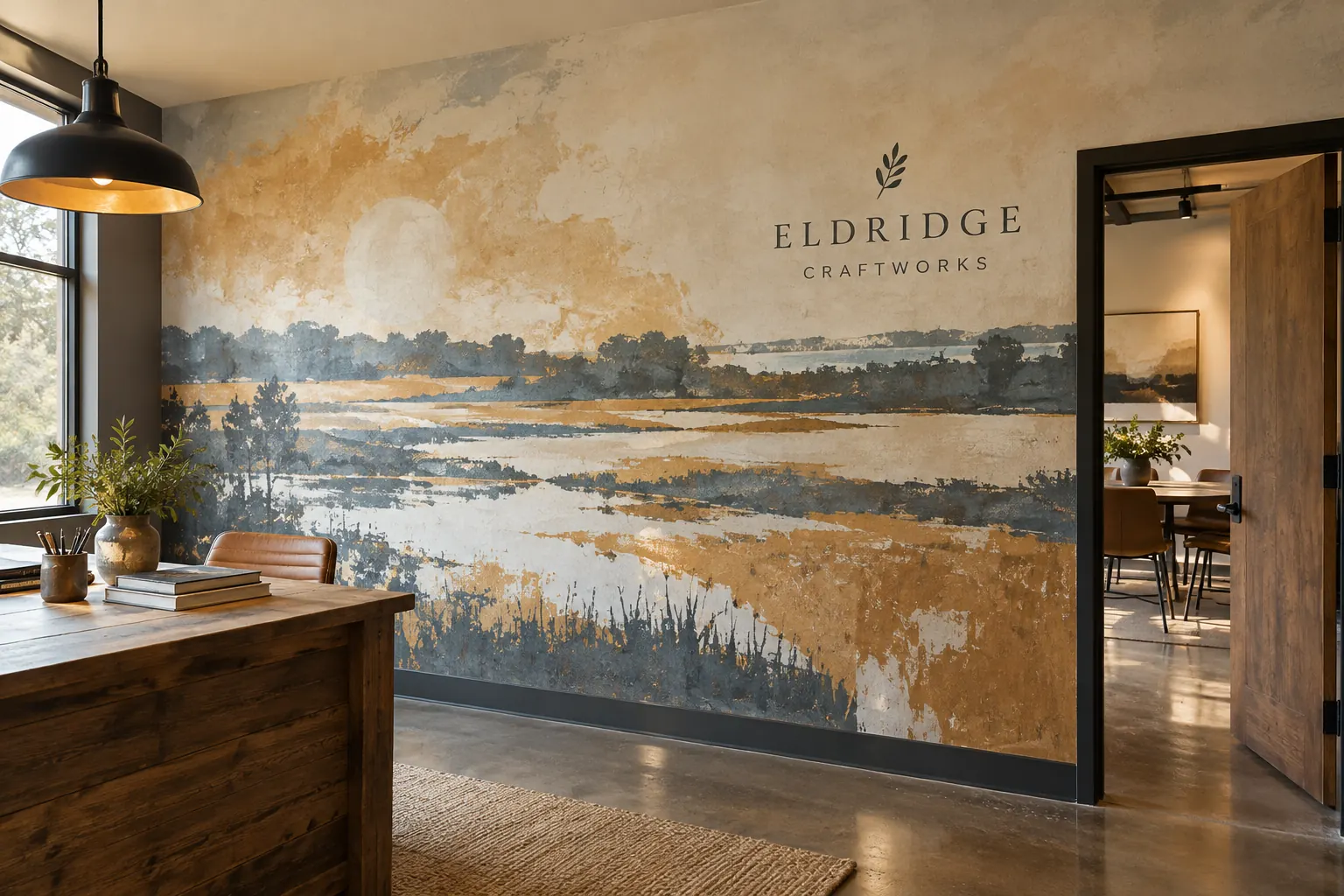
Original fictional commercial planning concept; not a completed customer installation.
Identify the actual artwork and its source
Record the current file, version and custodian, plus the business owner who chooses the image or design. Distinguish source artwork from a small reference picture or presentation preview. Keep available files accurately described so the provider can assess what additional artwork work is needed for the actual proposal.
Use the photo-asset record for questions about supplied rights and permitted use, with those decisions retained through the responsible business process. This crop record does not grant permission or interpret source terms. Its first job is to make the intended artwork findable, current and linked to the person who can decide its visual priorities before the designer begins adapting it to a particular wall.
Connect the crop with the actual wall references
Supply the identified wall view and current geometry sources, including relevant openings and features. Record where dimensions came from and their status. Ask the provider what further survey or information is needed. Keep provisional geometry visible rather than presenting an early room concept as the final production area.
Use the same wall reference in the artwork request and surface survey. A crop can fit a rectangle on screen while the real wall contains a doorway that changes the composition question. The provider should be able to locate the actual interruption and its source without reconstructing several unrelated photographs or guessing which wall in the building is intended.
Name the elements that need to remain in the composition
Ask the business owner to identify essential image elements, identity, wording or visual relationships. Explain why they matter. A primary subject, public message or selected horizon may need a specific review, while some background can be treated more flexibly through the actual design process. Keep those priorities separate from an assumption that every pixel must remain unchanged.
An illustrative instruction can identify artwork r2, retain the approved wordmark and primary subject, use North Wall geometry and review the doorway interruption in crop option A. These are example fields, not an approved design. The actual owner supplies the file and priorities. A clear protected-element list gives the designer a concrete question instead of a vague request to make the image fill the space.
Compare crop options against the same wall and priorities
Ask for identifiable options that use the same current source and actual wall references. State the decision each should answer, such as preserving a subject near an opening or changing the balance of background area. Record what each option removes, repositions or leaves unresolved instead of selecting solely from the most attractive isolated preview.
Keep the scope of artwork changes explicit. A crop discussion should not silently become a new design, a revised public message or permission to alter an asset beyond the supplied decision. If the business wants a broader change, identify it and ask for the relevant source and commercial review. The comparison should help a buyer understand what the proposed adaptation actually changes.
Review interruptions and viewpoint context
Show the proposed crop with the identified door, window and other relevant features in context. Compare the retained elements with those interruptions. Keep exact public wording under its controlled source. A composition that looks balanced in a full-image preview can raise a different question when a key element falls across a real opening.
Record the actual viewing context used for the review and any gaps. The Eldridge Craftworks illustration is an original fictional mural concept, not a measured crop proof. Use the real artwork and premises references for the project decision. Ask for the appropriate provider assessment rather than interpreting the concept’s apparent detail as evidence of production resolution, physical scale or suitability.
Keep file and output questions with their actual sources
Ask the provider to identify the artwork information needed for the proposed size and production process. Record supplied requirements and unresolved file questions. Do not impose a universal resolution number or assume a presentation preview contains the source detail needed for the actual job. The relevant review needs the real file and scope.
If the image, geometry or selected crop changes, issue an identifiable version and update the affected decision. Keep earlier alternatives as labeled history. A filename containing final should not conceal that the wall source was revised later. The current record should let the next buyer locate the actual artwork, crop and geometry that the responsible participants considered together.
Send a clear mural crop inquiry
Provide Pelican Wraps the actual source artwork, file and usage references, current wall views and geometry status, protected-element priorities and requested crop options. Identify the business decision owner and pending surface or output questions. Explain the project stage and ask for the artwork work and physical scope to be assessed against those sources.
The local worksheet below captures the image, wall, composition priorities, options, decisions and next owners. Use wall murals and interior graphics for the commercial discussion and the surface survey for actual wall assessment. A useful crop record preserves the relationship between the business’s chosen image and the real space, making revisions more understandable without turning a fictional scene, preview file or broad make-it-fit comment into a complete production instruction.
Draft and Download Your Working Record
Draft your entry, then download a copy before leaving. Send any project decision through the communication process agreed with your supplier.
Frequently Asked Questions
Take the Next Step with a Clear Project Brief
Continue with the resource that matches your next decision:
- Wall Murals & Interior Graphics
- Signs & Graphics
- Interior Wall Graphics Surface Survey
- Fleet Graphics Photo Asset Licensing Checklist
- Artwork Guidelines
- Request a Quote
Send the actual vehicle or surface photographs, quantities, approved brand files, requested coverage and timing constraints. Identify open questions so the project review can address your equipment and business needs.
