
Government Graphics RFQ: Build a Clear Asset and Deliverable Schedule
Use the editable scope draft below to organize the actual buyer reference, assets, identity information and response questions. Follow the authorized request and submission instructions; this preparation tool does not issue a solicitation, send an RFQ or book work.
Prepare a Government RFQ Scope Draft
Entries stay in this page and are not saved or sent. Download before leaving. Use the actual authorized buyer process and the quote form separately.
Replace the prompts and verify the actual records before issuing or sharing a document. The download does not establish credentials, send an RFQ or submit a formal response.
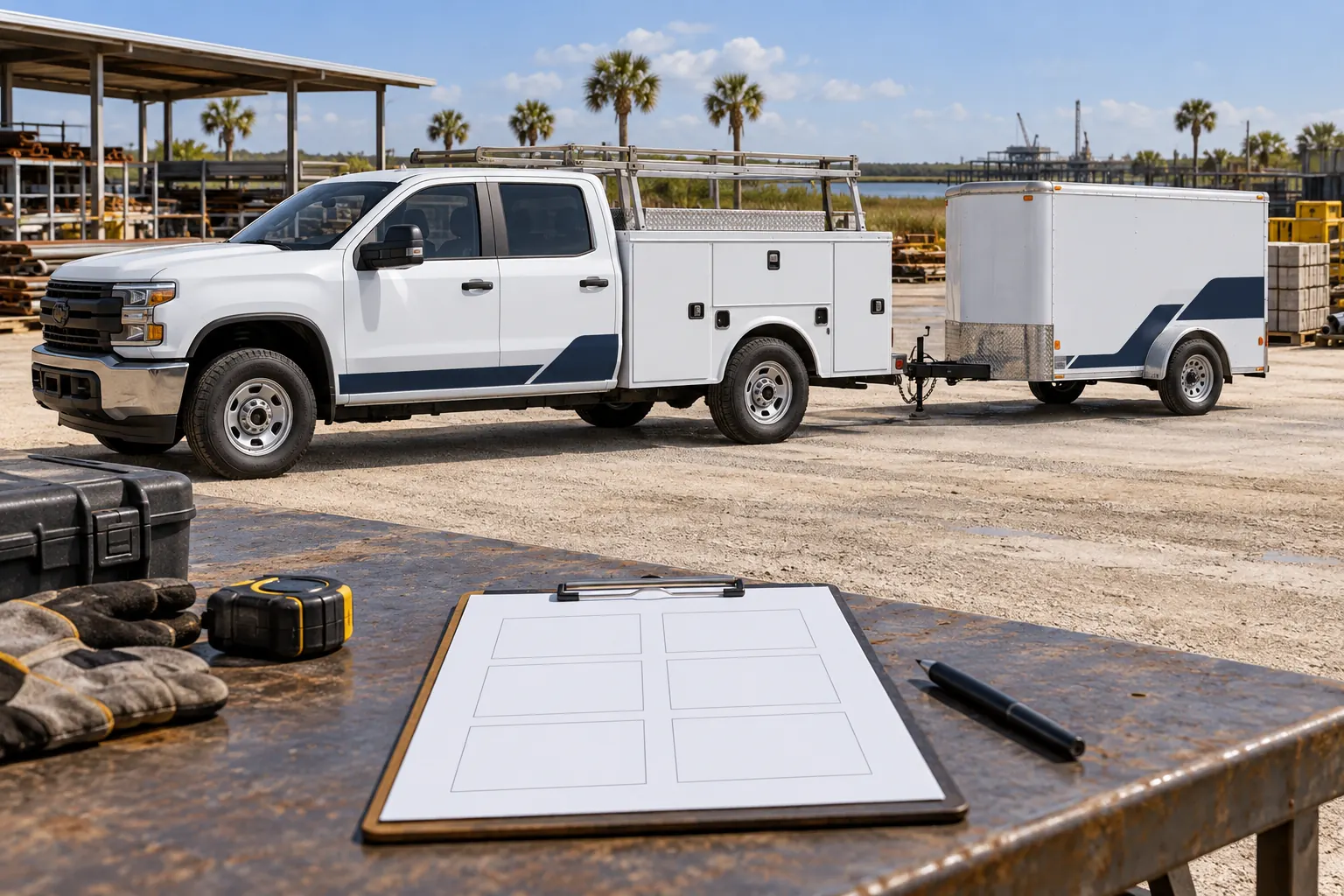
Illustrative planning concept; not an actual agency customer, completed installation, official document or contract award.
Identify the actual request and authorized clarification route
Record the requesting public body, reference, stage and responsible buyer contact. Retain the actual specifications, attachments and current response instructions. State the deadline and timezone from the official source and identify how questions and amendments are handled. A general desire for new graphics should not be mistaken for an issued request or purchasing authorization.
The editable draft organizes the scope information behind the enquiry. Adapt it to the real buyer process rather than use its layout as a substitute for required forms or formal submission instructions. Use opportunity monitoring if the notice research is still underway. A downloaded draft remains a preparation record until the actual authorized process gives it another role.
Attach an asset schedule that explains the real quantity
List unit or item references, quantities, configurations, locations and intended faces. Separate genuine repeats from equipment and body exceptions and provide labeled overall and close photographs. Include relevant dimensions and distinguish estimates from verified production information. A total fleet count cannot explain every door, service-body compartment, trailer rear or property surface.
Use the inventory worksheet for initial organization. Adapt the record to the buyer required attachment structure and identify the person supplying the facts. The schedule should let a respondent understand what each proposed item concerns, instead of inferring a clean standard asset from a distant group image or a generic department description.
Provide approved identity and controlled changing information
Supply actual permitted logos and wording and identify the main optional identity message. Keep internal unit references, department text and other changing data in separately labeled fields. Have the responsible operator identify applicable required markings, warnings and protected equipment or information. Do not invent issued identifiers or official symbols for a realistic proof.
Use the marking-data guide to separate internal asset references from regulated information. Name the people approving identity and operational data and connect acceptance to the actual version. A supplier can fit authorized information, but a design approval should not silently become verification of every registration, legal requirement or agency permission.
Describe starting condition and the work before new graphics
Record old film, known repairs, finish concerns and relevant treatments with current photographs. Mark uncertain history and identify access for further review. Decorative graphics do not replace separate body or surface repair, and a broad category of material does not establish readiness on every asset.
Use preparation planning to organize those questions. Ask the response to distinguish removal, preparation and separate vehicle work and explain how changed conditions would be addressed through the actual process. Keep those responsibilities visible so one response does not include essential earlier work while another reasonably excludes it from an apparently similar total.
Request defined deliverables and readable commercial boundaries
Describe the intended faces, coverage, design development, quantities and relevant installation work. Ask for the named proposed product and construction and application assumptions. Separate one-time and unit work where useful in the required buyer format and identify access, transport, taxes, options and provisional items where they apply.
Use the readiness checklist for the underlying facts and coverage comparison when alternatives are permitted. Compare equivalent work rather than select a response from an unexplained total. Keep clarification answers tied to the affected line or unit so the final accepted scope can be understood by the buyer and operational contacts.
Define approvals, release and acceptance before production
Name the contacts responsible for identity, variable data, final measurements, asset release and acceptance. Describe proposed windows, access and movement arrangements and the operator constraints. Ask the supplier to confirm actual availability and relevant dependencies. A response deadline is different from an installation window, and a proof comment is different from a production release.
Use release planning where useful and retain the actual accepted arrangements. Keep vendor documentation and purchasing-route questions with the authorized buyer process. This page does not confirm a registration, certification, contract award or procurement method. The record should show the real decisions and responsibilities rather than infer them from a completed template.
Download the draft, resolve open items and use the actual route
Edit the draft and save a text copy before leaving. Entries are not stored or sent. Replace prompts, attach the actual records and review the required format before sharing. Retain the current request, amendments, clarifications, accepted response and approved files as the work progresses.
For a project discussion, send the authorized graphics brief with the request reference, inventory, photographs and open questions. Follow the real submission instructions for any formal response. Explore capability and documentation planning if supplier facts are the next issue. The goal is a clear verifiable scope, without turning a local draft into a solicitation, purchasing approval or confirmed installation booking.
Frequently Asked Questions
Prepare the Actual Government Graphics Request
Send current photographs, vehicle quantities, logo files, coverage preferences and timing. Identify old graphics and paint concerns so the project review can address the actual equipment.
Explore planning resources or request your commercial wrap quote.
