
Fleet Graphics Management for Additions, Changes & Repairs
Fleet graphics need a reliable record after the first installation. New vehicles arrive, contact details change, panels are damaged and older units leave service. Pelican Wraps helps commercial operators define a repeatable graphics program around approved artwork, accurate vehicle information and controlled requests. The goal is a recognizable fleet that can keep changing without starting every job from incomplete files.
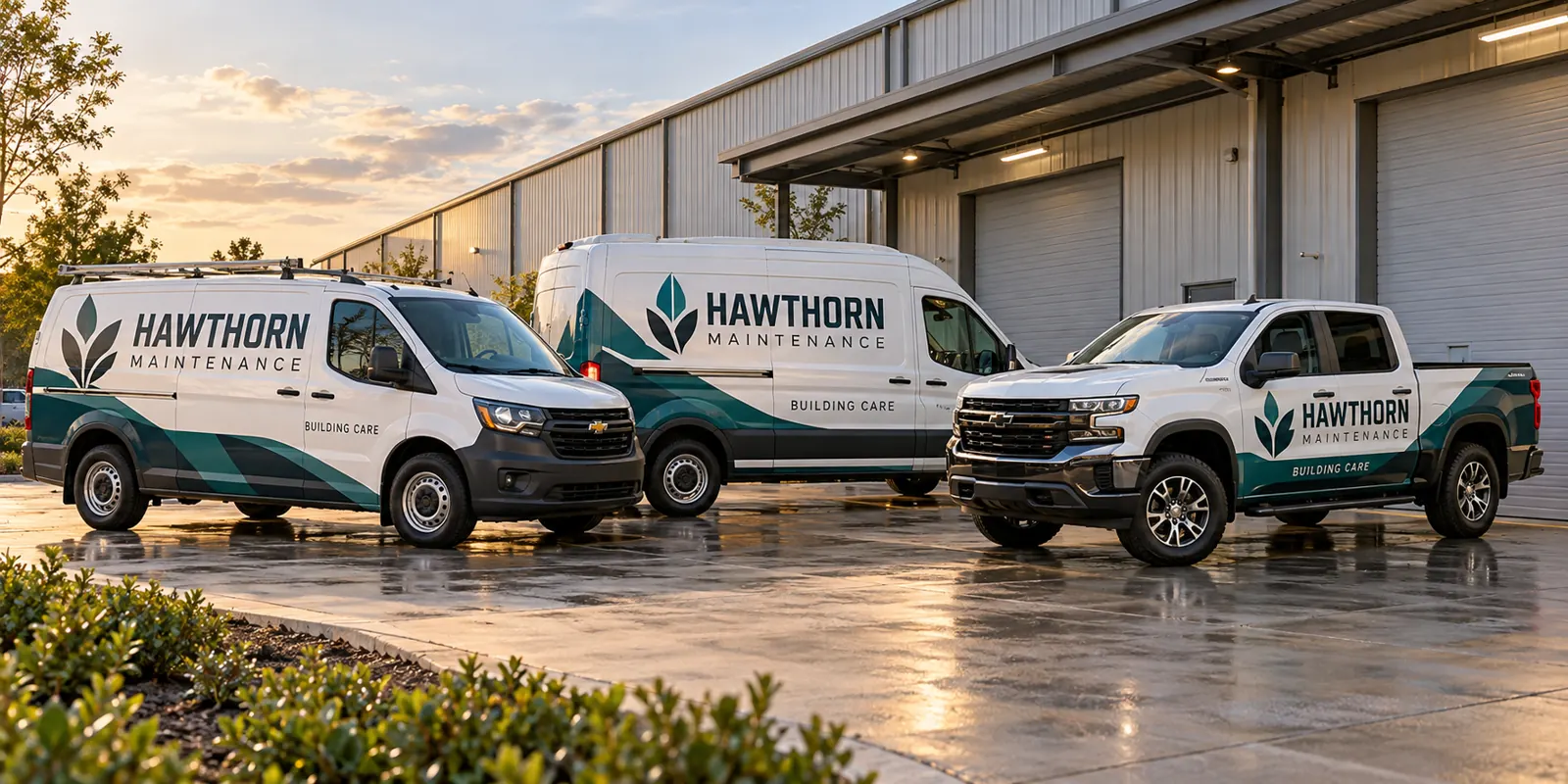
Fictional commercial wrap design concept; not a completed customer installation.
Use a unit record as the starting point
Give every vehicle a stable identifier in the graphics register. Record the year, make, model, body configuration, operating location and installed design revision. Include photographs and notes about racks, toolboxes, replacement bodies or other equipment that affects the layout. A fleet name and total vehicle count do not identify what should be produced for the next individual unit.
Keep the graphics register connected to the operational vehicle list. Mark sold equipment, reassigned vehicles and planned replacements. Otherwise a reprint request may use the wrong phone number or an obsolete body template. A small, current register is more useful than a large folder of proofs that nobody can confidently assign to a vehicle.
Separate approved brand assets from vehicle layouts
The brand asset set contains the approved logo, colors, service language and contact rules. The vehicle layout set shows how those assets fit particular bodies. Keep both. A logo alone does not establish print dimensions, seam positions or the message hierarchy on a van’s rear doors. A flattened photograph of an installed truck does not replace the underlying brand assets.
Label files by revision and approval status so draft concepts cannot be mistaken for production instructions. Agree who maintains the current set and who can authorize changes. If a marketing agency or franchise office controls the identity, identify that dependency early. The artwork guidelines can help organize the files for review.
Make repeat orders specific enough to reproduce
A repeat request should identify the unit, affected surfaces, installed revision and reason for the order. State whether the aim is a new vehicle, damage repair, information update or another change. Include current photographs even when the model sounds familiar. A replacement body or new ladder rack can make a previously approved layout unsuitable.
Ask the proposal to distinguish a straightforward reproduction from new design adaptation. Do not use “same as last time” as the only instruction when the last time involved multiple units and several proofs. A clear request protects the intended result and makes it easier to identify the information still missing before material is produced.
Review new models as additions to the system
When the business buys a different body, preserve the recognizable identity while checking the physical fit again. Logo proportions, brand colors and message priorities can remain consistent even when placement changes. Photograph the new equipment, document the actual doors and working hardware, and identify which existing vehicle provides the nearest visual reference.
Approve the adaptation as a new layout revision. Do not simply enlarge the previous design because the new vehicle is longer. Review the rear and passenger side, as well as any surfaces hidden by equipment during normal use. Compare the relevant vehicle wrap services when the fleet expands into a different equipment category.
Control branch details without fragmenting the identity
A business may need different phone numbers, service areas or operating names on certain units. Write those rules down and assign them to the correct vehicles. Decide which elements are fixed across the fleet and which can vary. A designer should not have to infer a branch number from an old photo or a driver’s memory.
Before production, check the final proof against the assignment register. Reassignment between branches may require an information update even when the wrap remains in good condition. If the organization is changing names or consolidating operations, review the work as a fleet rebrand rather than allowing a series of unconnected repeat orders to create competing identities.
Connect repairs and retirement to the same record
A damaged panel is easier to review when its artwork, film system and installation history can be identified. Record what was replaced and retain completion photographs. A new panel may still differ from surrounding aged film, so the record should support a condition and appearance review rather than imply that a file guarantees an exact visual match indefinitely.
When equipment leaves the fleet, identify graphics removal or information changes required by the owner’s instructions. Keep retirement status visible so the unit is not accidentally included in a future batch. For active vehicles with localized damage, use the replacement panel service to define the affected surfaces and repair status.
Define the program before promising a service level
Discuss the volume and kinds of requests the business expects: additions, replacement panels, branch changes or periodic rebrands. Agree the approval route, file-retention responsibilities and information needed to start a request. Confirm pricing and scheduling for the actual work. A graphics program does not automatically include a portal, subscription, guaranteed turnaround or installation in every operating location.
Send a fleet program brief with the current unit list, example proofs, photographs, operating bases and the recurring problem you want to solve. Pelican Wraps is based in Harvey; project-specific arrangements must be reviewed for equipment elsewhere. The useful outcome is a defined process that your team can actually follow.
Frequently Asked Questions
Turn Your Vehicle Details Into a Clear Project Brief
Send current photographs, vehicle quantities, logo files, coverage preferences and timing. Identify old graphics and paint concerns so the project review can address the actual equipment.
Explore planning resources or request your commercial wrap quote.
Explore Related Project Guides
- Fleet Acquisition Logo Transition Register
- Fleet Brand Exception Approval Rules
- Fleet Brand File Handoff Checklist
- Fleet Co-Branding Approval Checklist
- Fleet Distributor Brand Permission Checklist
- Fleet Franchise Territory Graphics Approval
- Fleet Graphics Brand Standards Change Log
- Fleet Graphics Change Order Checklist
- Fleet Graphics Exception Register
- Fleet Graphics Installation Acceptance Checklist
- Fleet Graphics Photo Record Naming System
- Fleet Graphics Proof Approval Record
- Fleet Graphics Purchase Order Scope Checklist
- Fleet Graphics Reorder Specification Sheet
- Fleet Graphics Retired Artwork Archive
- Fleet Graphics Supplier File Access Checklist
- Fleet Graphics Unit ID Register
- Fleet Local Phone Number Coverage Matrix
- Fleet Temporary Partnership Graphics Plan
- Fleet Vehicle Release Form for Graphics Work
